

Còi Tàu Hơi Nước Mini
 ByfifindrLikes500Downloads4K
Build another version of this model.
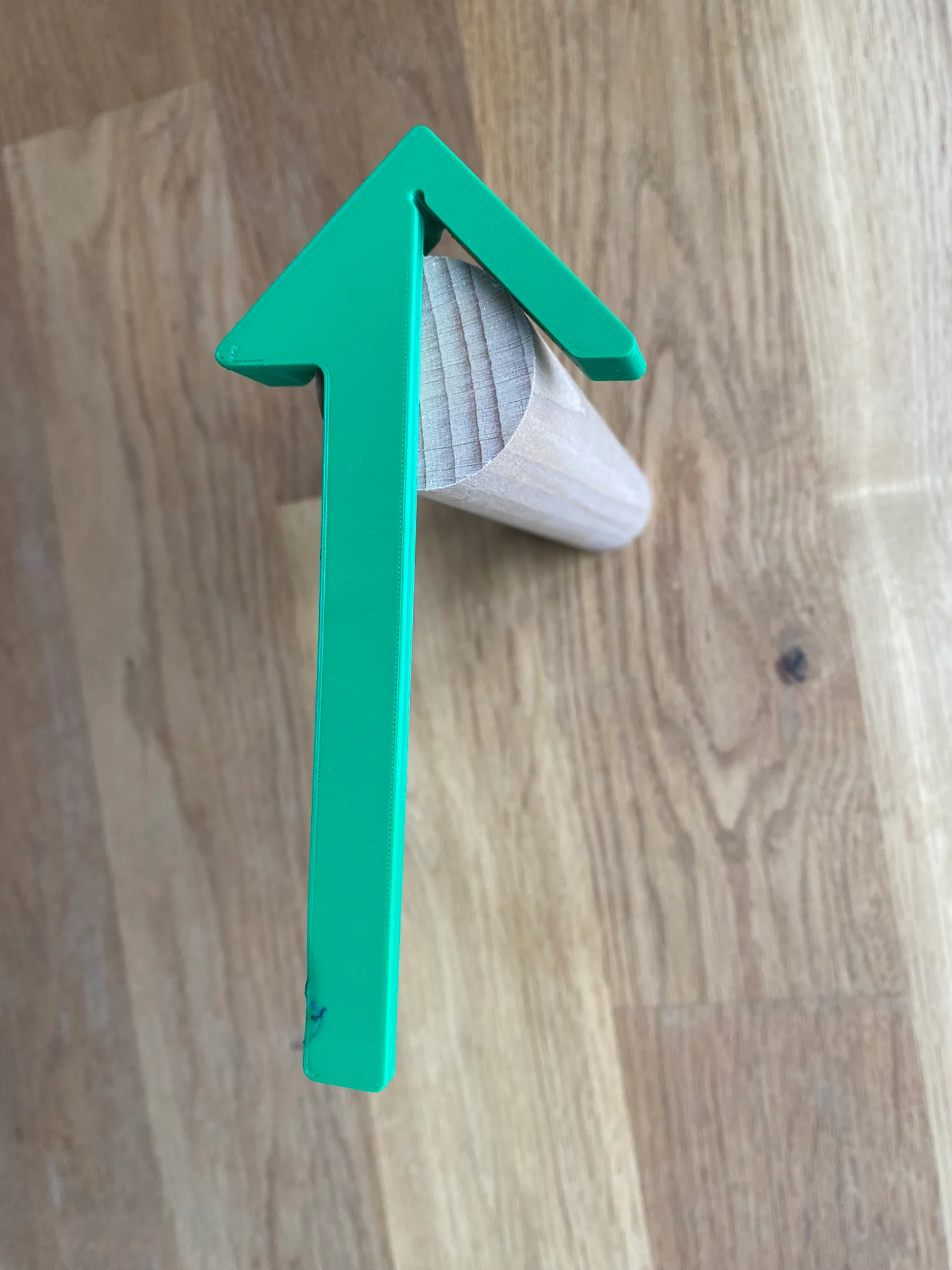
This center guide has a few features built in:
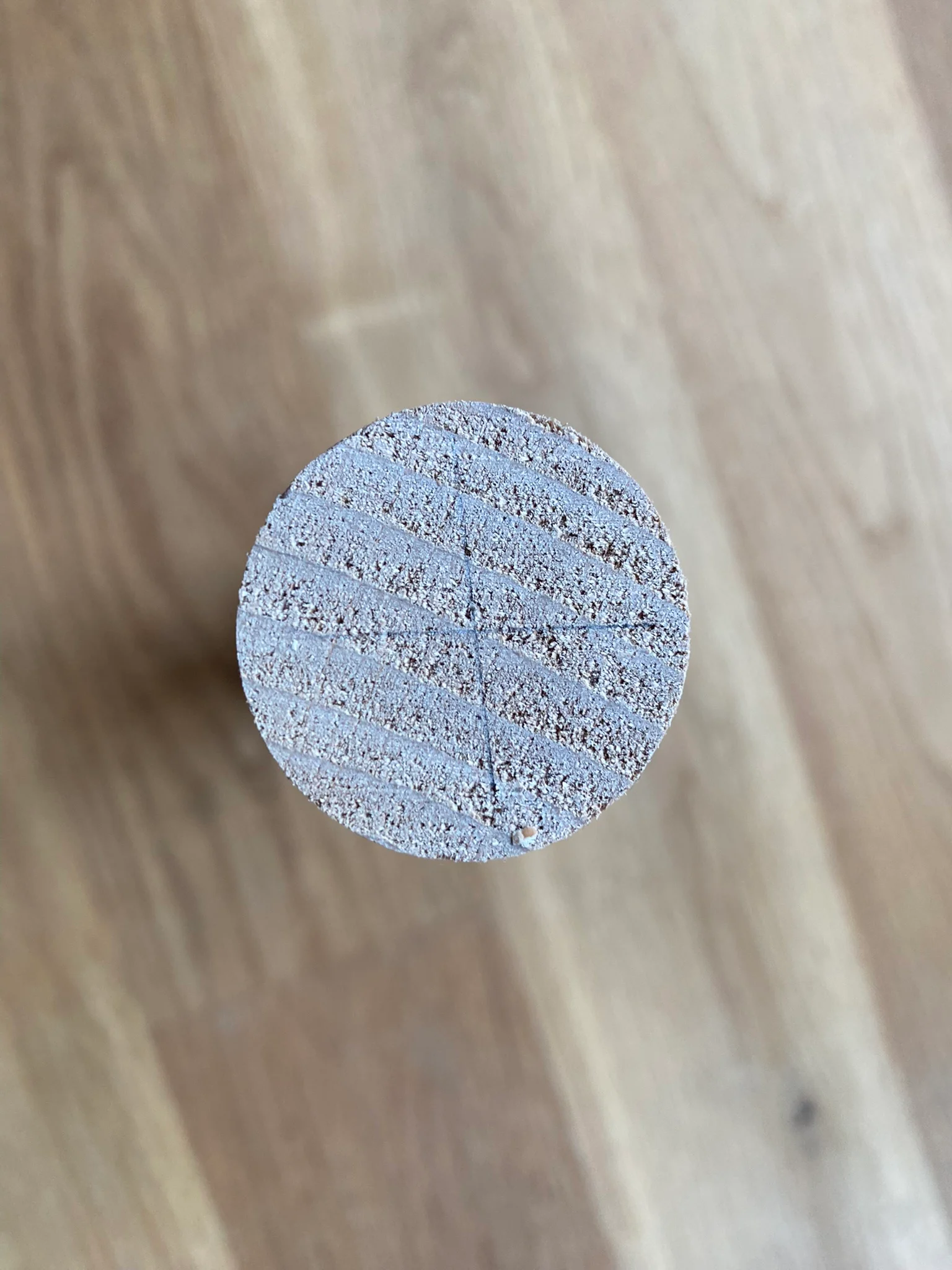
To mark the center of rods, you need to put in the rod flush and draw two times a line. The center is where the two lines cross.
The corner of the guide features a hole for avoiding collisions with sharp workpiece corners, when marking a 45° angle from the corner of your workpiece.
The extending leg is 14 mm wide, so that you can glue on an adhesive measure tape (usually 13 mm wide), if you want to use it for marking parallel lines to the edge of your workpiece.
You can find the Onshape model here:
https://cad.onshape.com/documents/b6bd878f553d1eeb4d368b40/w/ab34c397190a3cee1d7bb9ad/e/151853f44ff2a779d15aaaf4?renderMode=0&uiState=66cb5a353e8e314da9d8cf21
I have created the model myself from scratch, but got some inspiration from the following works:
ByfifindrLikes500Downloads4K

 Byvc-designLikes0Downloads535

 Bythorin-oakenshieldLikes0Downloads532

 Byquibeck_3353173Likes965Downloads1.9K

 ByleonicLikes0Downloads1.4K

 ByVC_DesignLikes679Downloads3.6K

 ByDan Schwartz SchwartzLikes744Downloads3.4K


 ByelitailLikes0Downloads132

 Bytorii-creative-studioLikes0Downloads450

 Bychubbs8697_2027893Likes585Downloads1.7K

 BywurthLikes0Downloads195