

Móc khóa Crow Brawl Stars (keychain / llavero)

Mẫu móc khóa Crow Brawl Stars 2 mặt: một mặt logo đổi màu ngay cùng một layer, mặt kia là silhouette Crow đổi màu ở layer khác. File STEP tách theo từng màu khi vào slicer, kèm hướng dẫn chỉnh start/end G-code để in nhiều màu.
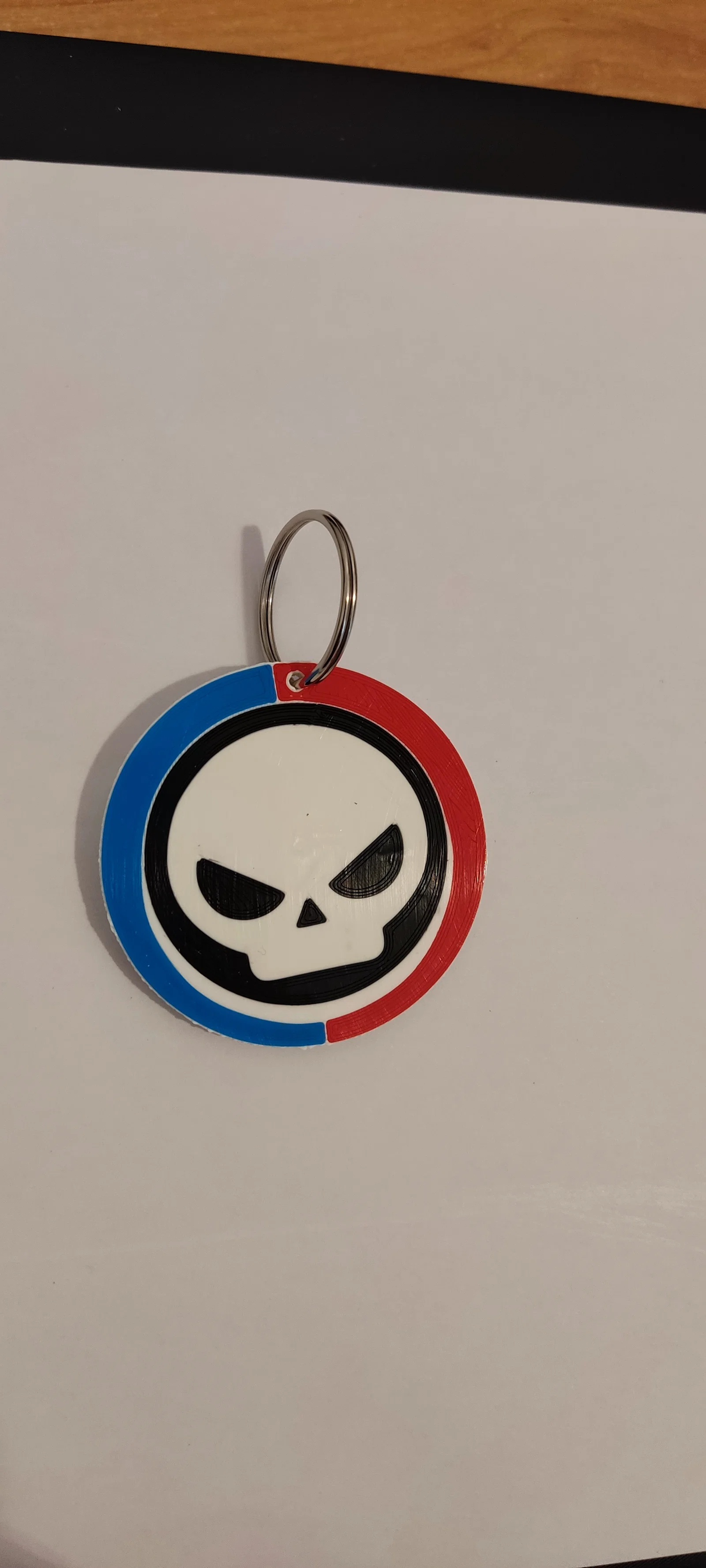
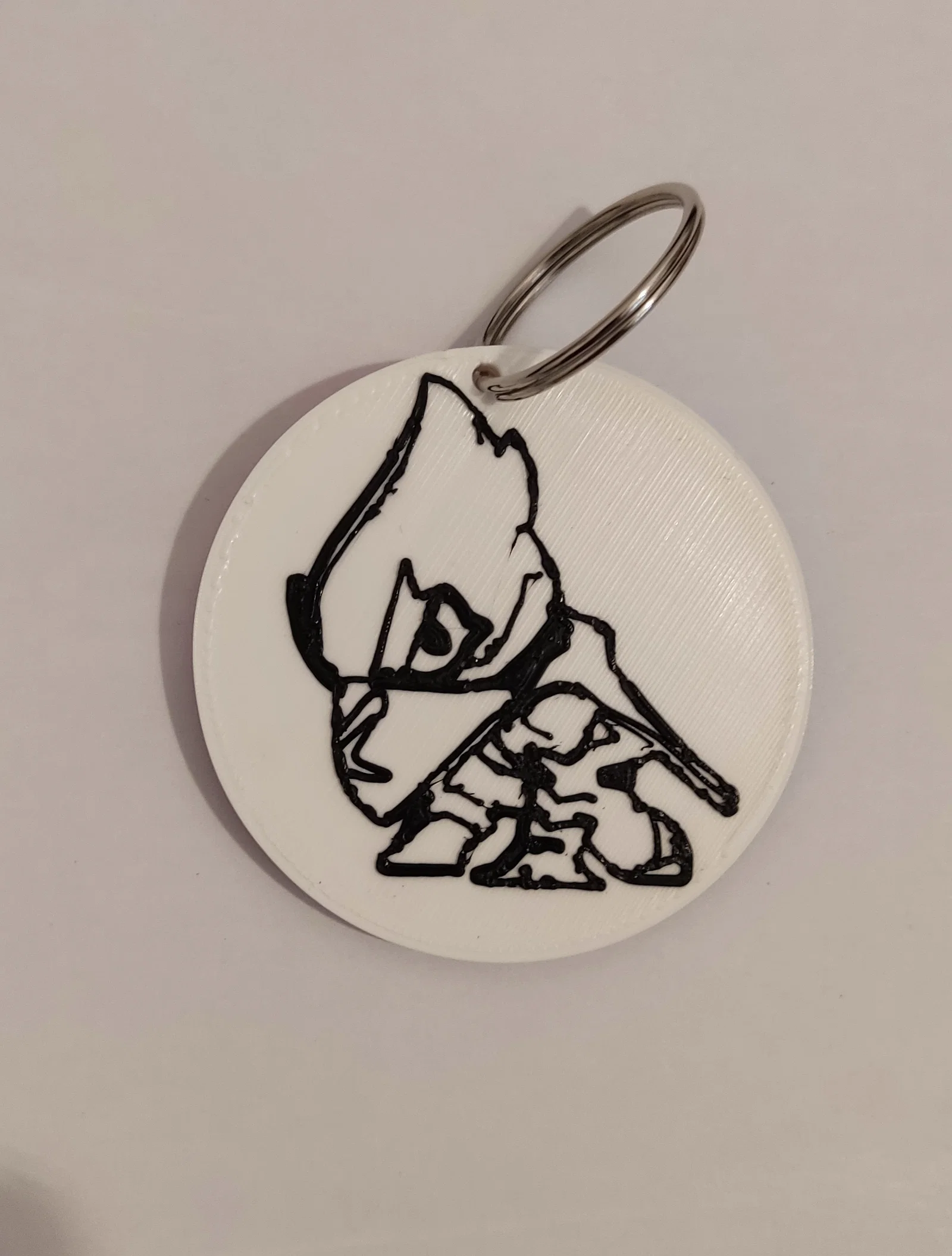

Mô tả
File STEP, chỉ có 1 file nhưng khi mở trong slicer sẽ hiện ra nhiều phần, mỗi màu tách riêng.
Để làm đổi màu ngay trong cùng một layer, bạn cần chỉnh start gcode để không chạy home, và chỉnh end gcode để giữ nhiệt độ, quạt và khóa motor.
Khuyến nghị tạo một profile máy in mới với gcode đã chỉnh sửa để dùng cho các job đổi màu cùng layer kiểu này.
altura de capa 0,24
Salto en z 0,6
relleno 10-15%
sin soportes
sin falda ni balsa
velocidad 40
STEP file, a single file but several appear in the laminator, each color separately.
To make the color change in the same layer, you must change the start gcode so that it does not make home and the end gcode so that it maintains temperatures, ventilation and blocks motors.
It is recommended to create a new printer profile with the modified gcode for these color change jobs on the same layer
layer height 0.24
filling 10-15%
Jump in z 0.6
without supports
speed 40
without skirt or raft
GCODE inicio / GCODE start
; Initial setups
G90 ; use absolute coordinates
M82 ; extruder absolute mode
M900 K0.12 ; K factor
M900 W[extrusion_width] H[layer_height] D[filament_diameter]
M200 D0 ; disable volumetric e
M220 S100 ; reset speed factor to 100%
M221 S100 ; reset extrusion rate to 100%
; Set the heating
M190 S[first_layer_bed_temperature] ; wait for bed to heat up
M104 S[first_layer_temperature] ; start nozzle heating but don't wait
; Home
G1 Z3 F3000 ; move z up little to prevent scratching of surface
G28 X Y
M420 S1 Z10
G1 X3 Y3 F5000 ; move to corner of the bed to avoid ooze over centre
; Wait for final heating
M109 S[first_layer_temperature] ; wait for the nozzle to heat up
M190 S[first_layer_bed_temperature] ; wait for the bed to heat up
; Return to prime position, Prime line routine
G92 E0 ; Reset Extruder
G1 Z3 F3000 ; move z up little to prevent scratching of surface
G1 X10 Y.5 Z0.25 F5000.0 ; Move to start position
G1 X100 Y.5 Z0.25 F1500.0 E15 ; Draw the first line
G1 X100 Y.2 Z0.25 F5000.0 ; Move to side a little
G1 X10 Y.2 Z0.25 F1500.0 E30 ; Draw the second line
G92 E0 ; Reset Extruder
M221 S{if layer_height<0.075}100{else}95{endif}
GCODE final / Final GCODE
G4 ; wait
G92 E0 ; prepare to retract
G1 E-0.5 F3000; retract to avoid stringing
; Anti-stringing end wiggle
G91 ; use relative coordinates
G1 X1 Y1 F1200
; Raise nozzle and present bed
{if layer_z < max_print_height}G1 Z{z_offset+min(layer_z+70, max_print_height)}{endif} ; Move print head up
G90 ; use absolute coordinates
; Reset print setting overrides
M200 D0 ; disable volumetric e
M220 S100 ; reset speed factor to 100%
M221 S100 ; reset extrusion rate to 100%
; Shut down printer
M106 S0 ; turn-off fan
M104 S205
M140 S60
M150 P0 ; turn off led
M85 S0 ; deactivate idle timeout
M84 X Y
LAMINADO CON PRUSASLICER / LAMINATED WITH PRUSASLICER
Importante no repara el archivo ya que deja mal la silueta de crow / Quan trọng: đừng repair file vì sẽ làm hỏng silhouette của Crow
Vị trí mà chi tiết xuất hiện trong slicer là đúng rồi, đừng xoay/reorient.
Ở màu đầu tiên, chỉ chỉnh end gcode để start gcode vẫn chạy home; còn các màu còn lại thì chỉnh cả start gcode và end gcode.
Chọn 1 màu, còn các màu khác ở bánh xe bên phải đánh dấu change type / negative volume (để chỉ 1 màu là part và slice). Sau đó đổi màu khác thành part, còn màu trước chuyển sang negative volume rồi slice. Làm lần lượt như vậy với tất cả; màu cuối sẽ là trắng và sẽ đổi màu ở 2 lớp cuối.
The position in which the piece appears on the laminator is correct, do not reorient
In the first color, only the final gcode will be changed so that the start one makes the home, in the rest of the colors change the start and end gcode.
Choose one color and in the others on the wheel on the right you mark change type/negative volume (only one color is left as a piece and laminated), then put another as a piece and the previous color goes to negative volume and laminates, So with all of them, the last one will be white and a color change will be made in the last 2 layers).


Mientras se imprime / While printing
Khi in xong màu đầu tiên, đặt một tờ giấy dưới extruder để khỏi làm dơ chi tiết, gỡ purge line rồi thay filament trên màn hình hoặc thay tay. Khi in màu tiếp theo, máy sẽ in lại purge line; làm vậy với tất cả các màu. Tới lúc đã in màu trắng và máy pause để đổi màu làm silhouette Crow thì không cần gỡ purge line, nhưng cần purge kỹ màu mới.
When the first color is finished, place a sheet of paper under the extruder so as not to stain the piece, remove the purge line and change the filament from the screen or manually, when printing the next color it will do the purge line again, this with all the colors, when you have made the white and pause to change the color to make the crow silhouette, it is not necessary to remove the purge line but we do have to purge the new color well


Giấy phép

File mô hình
Chưa có bản in nào được khoe. Hãy là người đầu tiên!


Chưa có bình luận nào. Hãy là người đầu tiên!