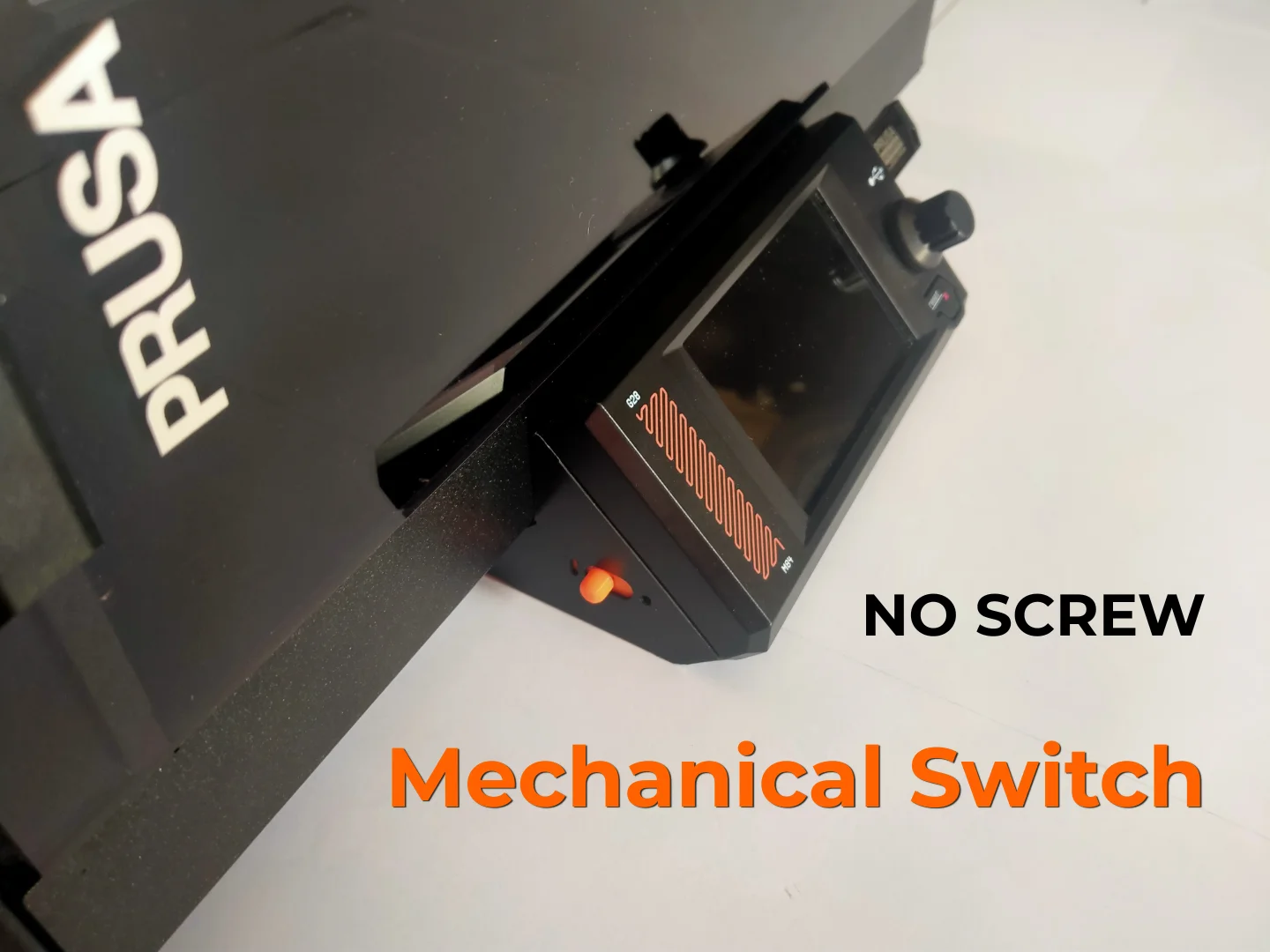
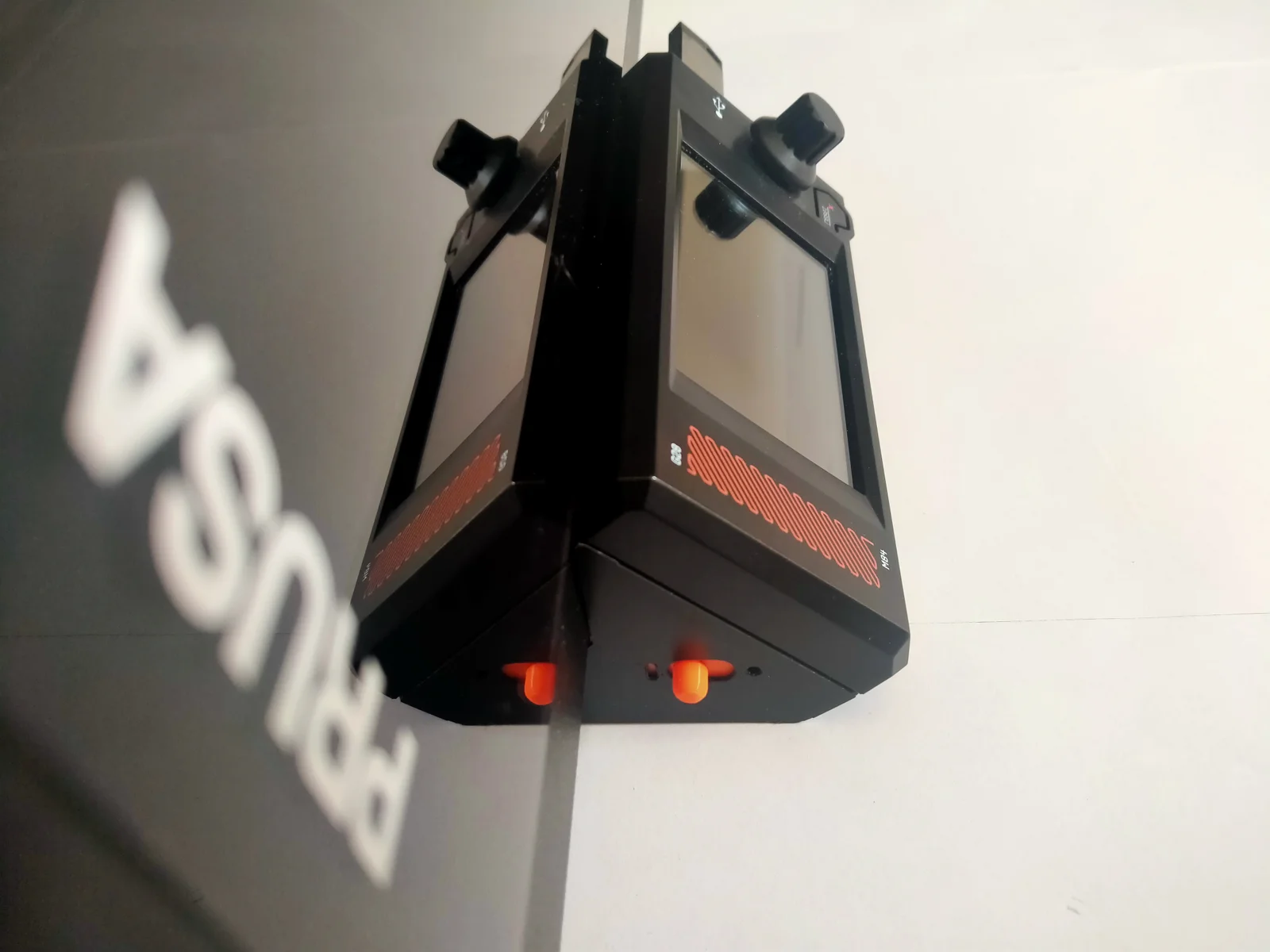


Dụng cụ cạo bàn in / ron (Gasket Scraper) nhỏ gọn
 ByBrokentooth_designsLikes23Downloads405
Build another version of this model.
This model is only compatible with the Prusa Core One/+
- PLA / (PETG)
I printed all the parts in PLA, and the mechanism works perfectly, but you can print it in PETG for added strength.
But, I haven't been able to verify whether the built-in supports hold up well with PETG. If the pre-installed supports don't hold, try reducing the speed.
If you have both, I recommend using PLA
- NO support
You don't need to add supports to the parts, because I've already built supports into the models !!
But if you want to add your own supports, take the parts from the “(Individual Parts WHITHOUT support)” file
- 3 perimeters to make the parts strong
- 15 % infill
- OPTIONAL, depending on your bed’s grip :
A border for long pieces (3 mm) to prevent them from warping (“Crossbar”)
But do not exceed 3 mm for the “Crossbar,” otherwise the part will not fit on the bed
There are 2 files that group together parts of the same color
"Stationary parts" (Black) :
"Remote switch cover" (Black)
"Original switch cover"
"Lever arm support"
"Moving parts" (Orange) :
"Switch button" (Orange)
"Remote switch bar" (Orange)
"Original switch bar"
"Original switch lever"
"Lever arm"
"Crossbar"
And 1 folder that contains each piece separately WHITHOUT support.
All you need is:
a black BIC pen to color a section black
a T10 Torx key (included with the printer)
a few centimeters of filament
a pair of pliers to cut it
I recommend using Black for the stationary parts and Prusa Orange for the moving parts.
But of course, you can change the colors of the pieces.
For example you can print everything in black except for "Switch button" and "Remote switch bar" parts, which are orange
But the parts with their color listed in parentheses (e.g. : “Orange”) are very visible (on the front). So keep this in mind if you want to change their colors.
💬 Do you like this model? Please post a "Make"! Seeing your prints is my biggest reward and encourages me keep creating free models.
ByBrokentooth_designsLikes23Downloads405

 Bytinx_1344834Likes1.2KDownloads6K

 Bypeter-van-der-waalLikes0Downloads251

 BykingnothingLikes0Downloads178

 Byp3rr1ff3ryLikes0Downloads146

 ByreddLikes216Downloads2.2K


 By3DSourcererLikes48Downloads376

 ByJasonOlliff_519145Likes241Downloads2K

 ByJeffFaer_238746Likes31Downloads79

 Bybloblis67Likes0Downloads313

 Byprusa-researchLikes0Downloads777