

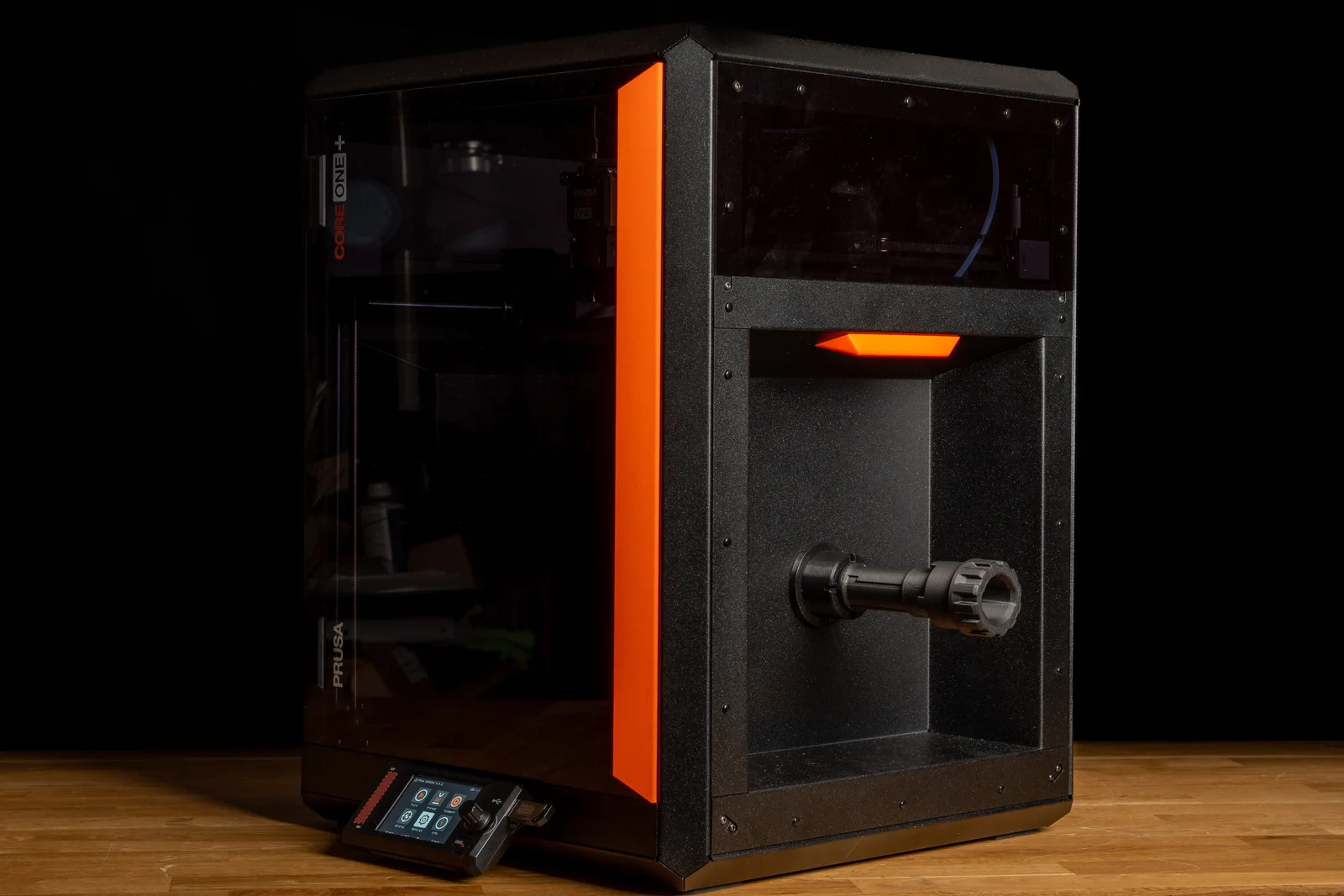
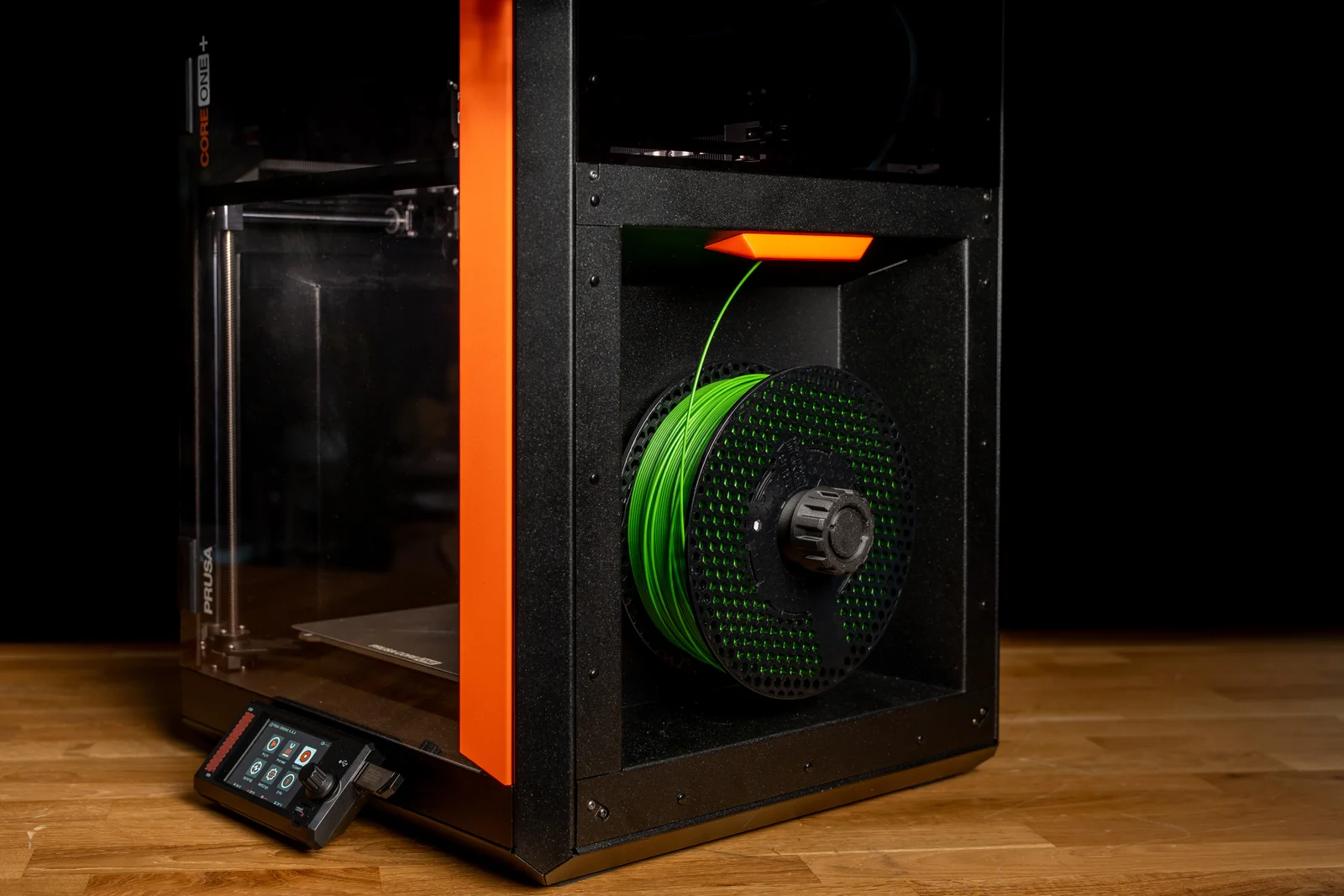

Prusa Core One – INDX Spoolholder Caps
 Bypeter-van-der-waalLikes0Downloads251
Build another version of this model.
With the introduction of our telescopic injection-moulded spool holders, we also wanted to give you an option that you can print yourself.
If you like the telescopic spool holder but don't want to purchase the injection-moulded version, you can find the printable version here.
This page also includes spool holder caps - both numbered and blank - to give your spool holders a more organized and finished look.
The printable spool holder can be used with any printer that uses a universal puck. We recommend using it with:
CORE series,
INDX printers,
XL,
XL with Enclosure (needs printed adapter),
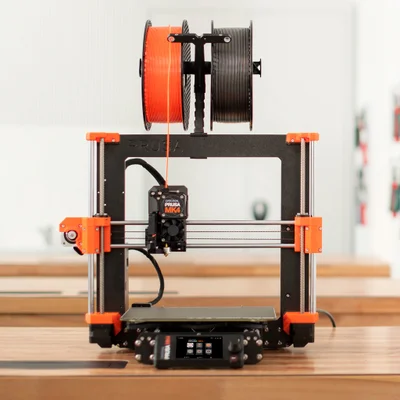
MK series (needs printed adapter + fasteners, follow instructions here.
The caps are designed to be printed in multiple colors.
To print the numbered caps, you need a printer capable of multi-material or multi-color printing, such as one equipped with MMU3, XL, or INDX.
For the STL versions, open the model in your slicer and use the bucket/fill tool to color the number separately from the cap.
The 3MF version contains the caps 1-8 for your INDX already colored. This makes it easier to assign colors and hide any caps you don't want to print.
If you don't have a multi-color printer, you can use the blank cap and customize it yourself. For example, you can:
use different colors,
add a number as a negative volume,
add your own text,
or customize it in any other way supported by your slicer.
Note: The caps are compatible only with the injection-moulded spool holder.
The assembly guide and the info is available in this help article (link to be added soon).
Do you prefer injection-moulded version? You can purchase it here (link to be added soon).
Download the latest PrusaSlicer and use the following settings**:
Layer height: 0.2 mm Structural
Infill: 15%
Infill pattern: Grid
Brim: Optional
**The prints were tested on the Prusa CORE One L printer.
Bypeter-van-der-waalLikes0Downloads251

 ByanatoliikLikes0Downloads117

 BynozeLikes0Downloads129

 ByreddLikes216Downloads2.2K

 Bytinx_1344834Likes1.2KDownloads6K

 BykingnothingLikes0Downloads178

 ByPengLordLikes32Downloads110

 ByJasonOlliff_519145Likes241Downloads2K

 By3DPrintDemonLikes0Downloads323

 ByAlex_3996727Likes29Downloads65

 ByhumebeamLikes0Downloads123

 Byrobert-samplesLikes0Downloads183