
F3D
Giá đỡ Rack 19-inch Module cho Raspberry Pi 2B/3B/4B/5B 1

2 images

Dụng Cụ Tiện Ích

Giá đỡ Rack 19-inch Module cho Raspberry Pi 2B/3B/4B/5B

By Mauker

Downloads
554
Likes
65
Views
2,630

Files 11 3.6 MB

  • RPi_2_3_4_5B_19i_RM_Right_Screw_V1_1_1766694354.stlSTL · 356.3 KB
  • RPi_2_3_4_5B_19i_RM_Left_Hex_nut_V1_1_1766694355.stlSTL · 334.8 KB
  • RPi_2_3_4_5B_19i_RM_1766694356.3mf3MF · 189.4 KB
  • RPi_3_4_5B_19i_RM_Right_Screw_1766694357.stlSTL · 307.9 KB

Make a variant with AI

Build another version of this model.

Open Studio

Description

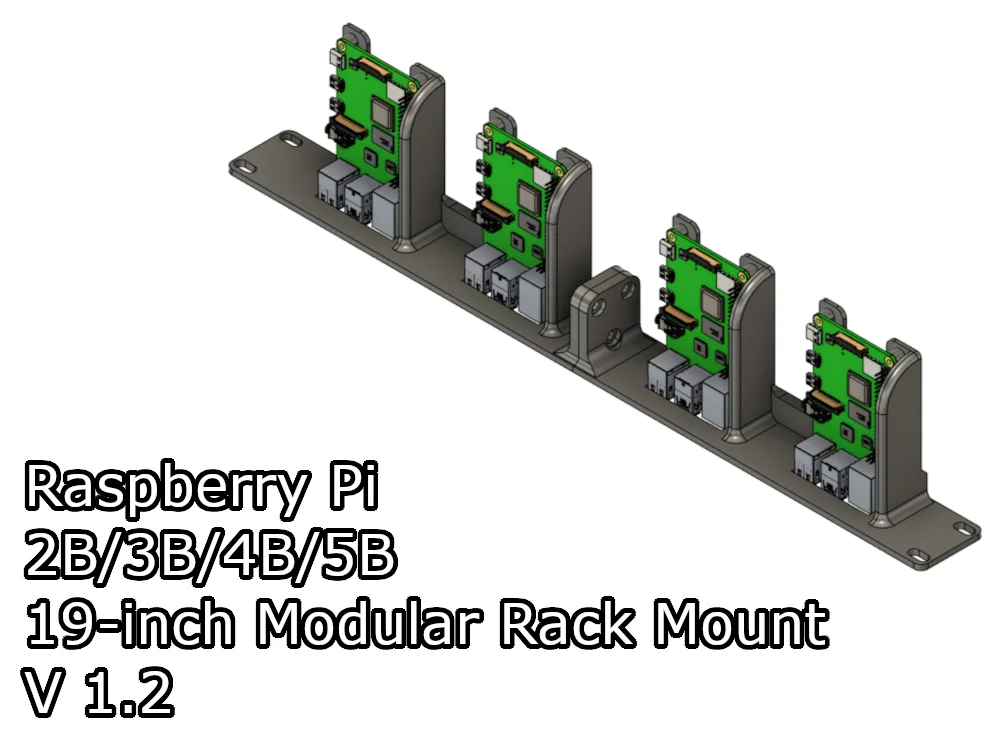
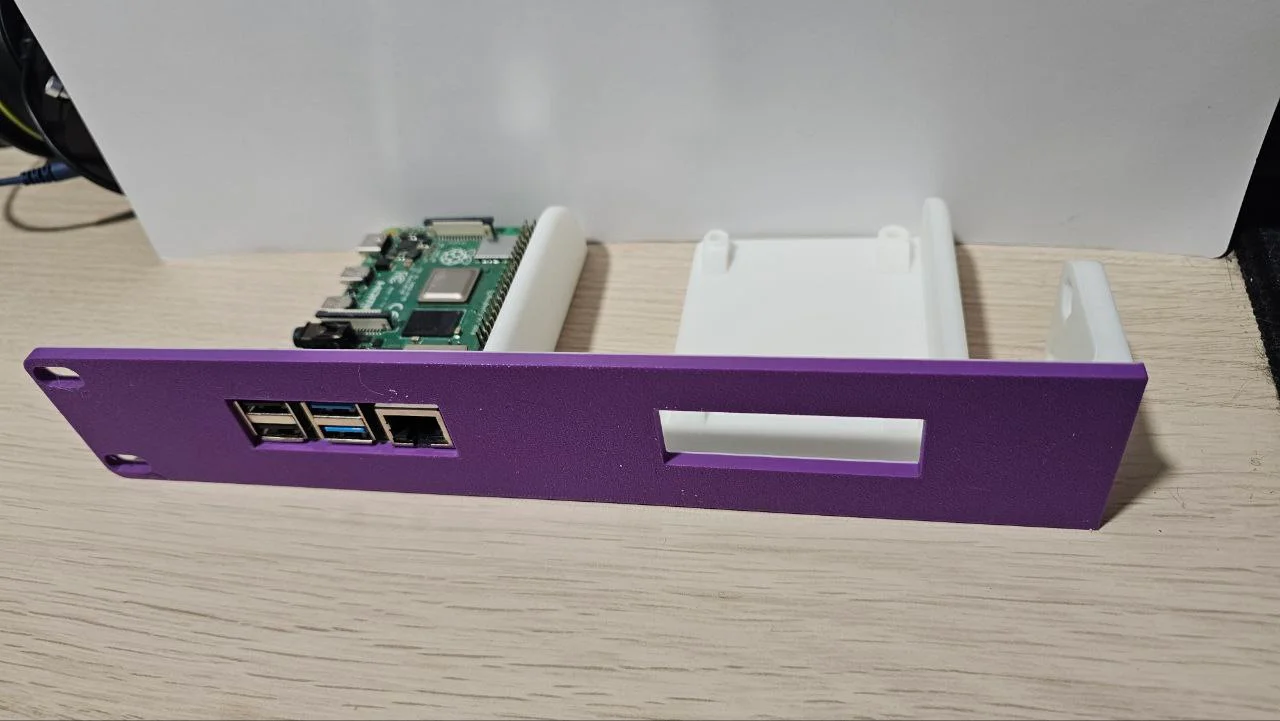
A modular, 2 part, 19-inch rack mount for the Raspberry Pi 2B, 3B, 4B and 5B devices.

This mount is part of a 19-inch modular rack mount system I designed, you can mix and match the modules with other mounts. Take a look at my models here to find out the other 19-inch mount modules.

Do you like my models? Consider buying me a coffee ;)

Updates

  • 13 August 2025: I've included the version 1.2 of this model, with the following modifications:
    • Added a non thread insert variant of the model.
    • Added mounting holes all the way to the back, so you can also mount hats that require screws coming from below.
  • 09 Mar. 2025: I've released Version 1.1 of this mount, with cutouts for the micro SD cards, making it easier to insert and remove them. I have also reinforced the mount, making it sturdier.

Required parts

  • 16x M2.5 thread inserts.
  • 16x M2.5 screws.
  • 3x M5 screws (Min size: 12mm, recommended size: 16mm).
  • 3x M5 hex nuts.

Mount Assembly

OBS.: The modules used in this tutorial are only for illustration purposes, and I'm using it for the whole series. It might not reflect the models you download at this page.

  • To assemble the parts, insert the 3 screws into the Right module.
  • Then align it with the Left module.
  • After that, insert the hex nuts in the screws, and using a screwdriver or allen key.
  • Tighten the screws until you start feeling resistance and the nuts are securely into place. After that, you can install the mount in your rack.

Pi Assembly instructions

  • Insert the 8x M2.5 thread inserts into the mount.
  • Insert your Raspberry Pi into the mount.
  • Secure it with 4x M2.5 screws.
  • Repeat the process for the other Pi.

Rafts:

Doesn't Matter.

Supports:

No.

Resolution:

0.2 or 0.24

Walls/Perimeters:

Infill:

20% or more.

Filament:

Any.

Read more Show less

Print spec

Formats
3mfstl
Model files
11
Total size
3.6 MB
Largest file
442.3 KB

0 comments

See all