



New
Santa and Snowman Christmas Decor STL
 Bylayer-forgeLikes0Downloads143
Build another version of this model.
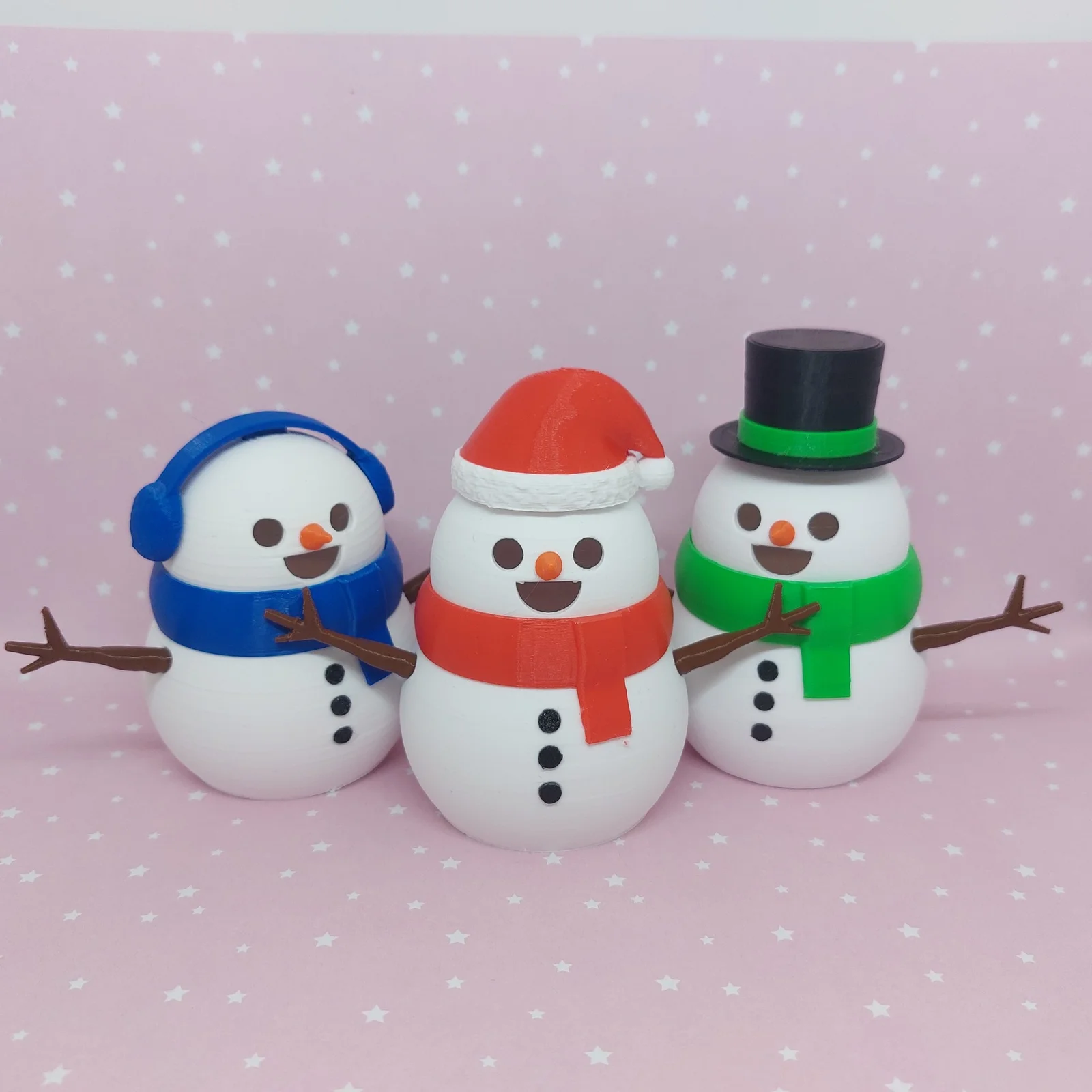
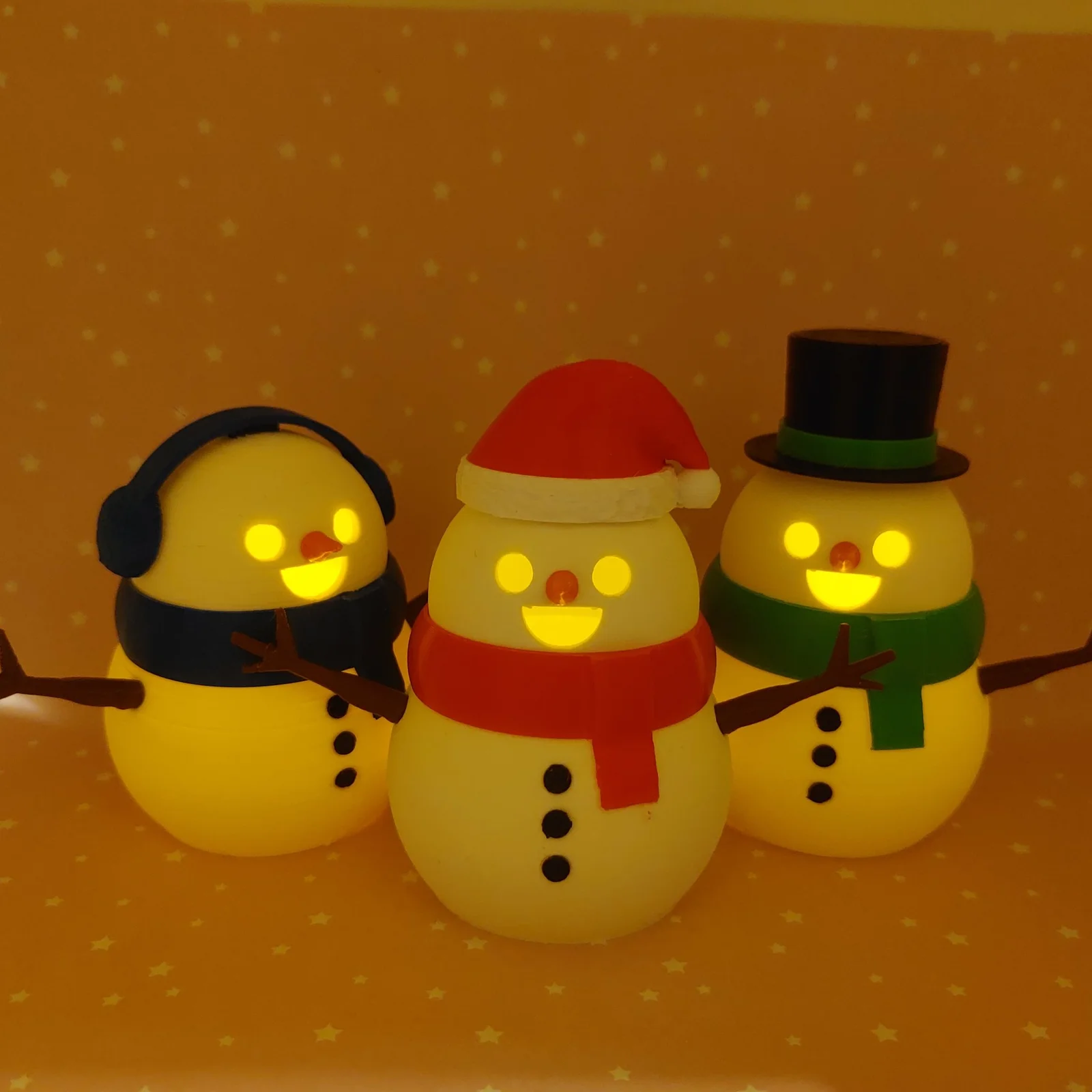
Easy to print and a very charming little fella. It consists of several easy-to-print parts, with only a few requiring simple supports. Additionally, to add a touch of uniqueness, there are three options for hats: Santa's hat, a gentleman's top hat, and cozy earmuffs. You have the creative freedom to choose the colors for the model, allowing for personal customization, also you can put a LED candle inside to make him shine!
This year, I decided to bring something more interesting to the table – the hats were designed with Filament Change at Layer as an option for an easy double-color print if you dont have an AMS/MMU printer!!!
HOW TO DO A FILAMENT CHANGE AT LAYER?
Filament change at layer is, in my opinion, one of the best simple G-code post-processing procedures that can open doors to so many possibilities in the world of 3D Printing. If you don't know how to do it already, I'm attaching links for the two most popular slicers because it's too good of an option to overlook!!
PrusaSlicer: https://help.prusa3d.com/article/color-change_1687
CuraSlicer: https://clevercreations.org/cura-filament-change-color-mid-print-layer/
Still got problems with filament change or your printer does not support it? No worries, I also split parts to print without that feature.
Any troubles with printing? Let me know in private message, I will try to answer you ASAP!!
Merry Christmas everyone!!!
Bylayer-forgeLikes0Downloads143

 By3d-magicLikes0Downloads112

 ByCraftswomanczLikes609Downloads2.5K

 BymeafdesignsLikes830Downloads2K

 BystickmannedLikes0Downloads396

 ByMaxTLikes527Downloads1.7K

 ByKamilWiniszew_352975Likes282Downloads1.4K

 ByTygriCzechLikes270Downloads1.2K

 BylightbuildsLikes0Downloads193

 ByAmalthea_559742Likes125Downloads966

 ByBugman140Likes86Downloads412

 By_conny_k__1262949Likes181Downloads354