

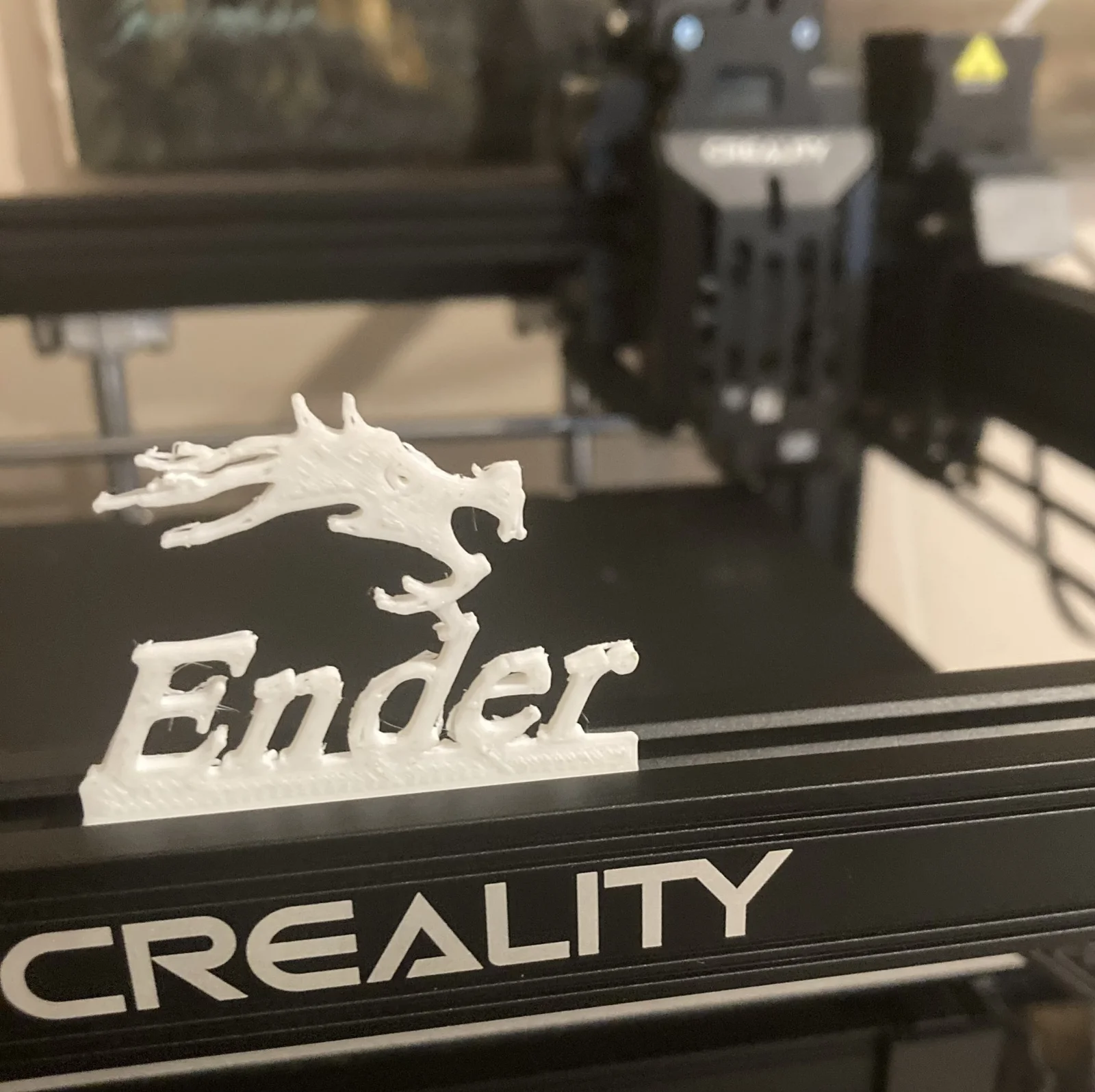


Kẹp giữ sợi Filament
 Bytinx_1344834Likes1.2KDownloads6K
Build another version of this model.
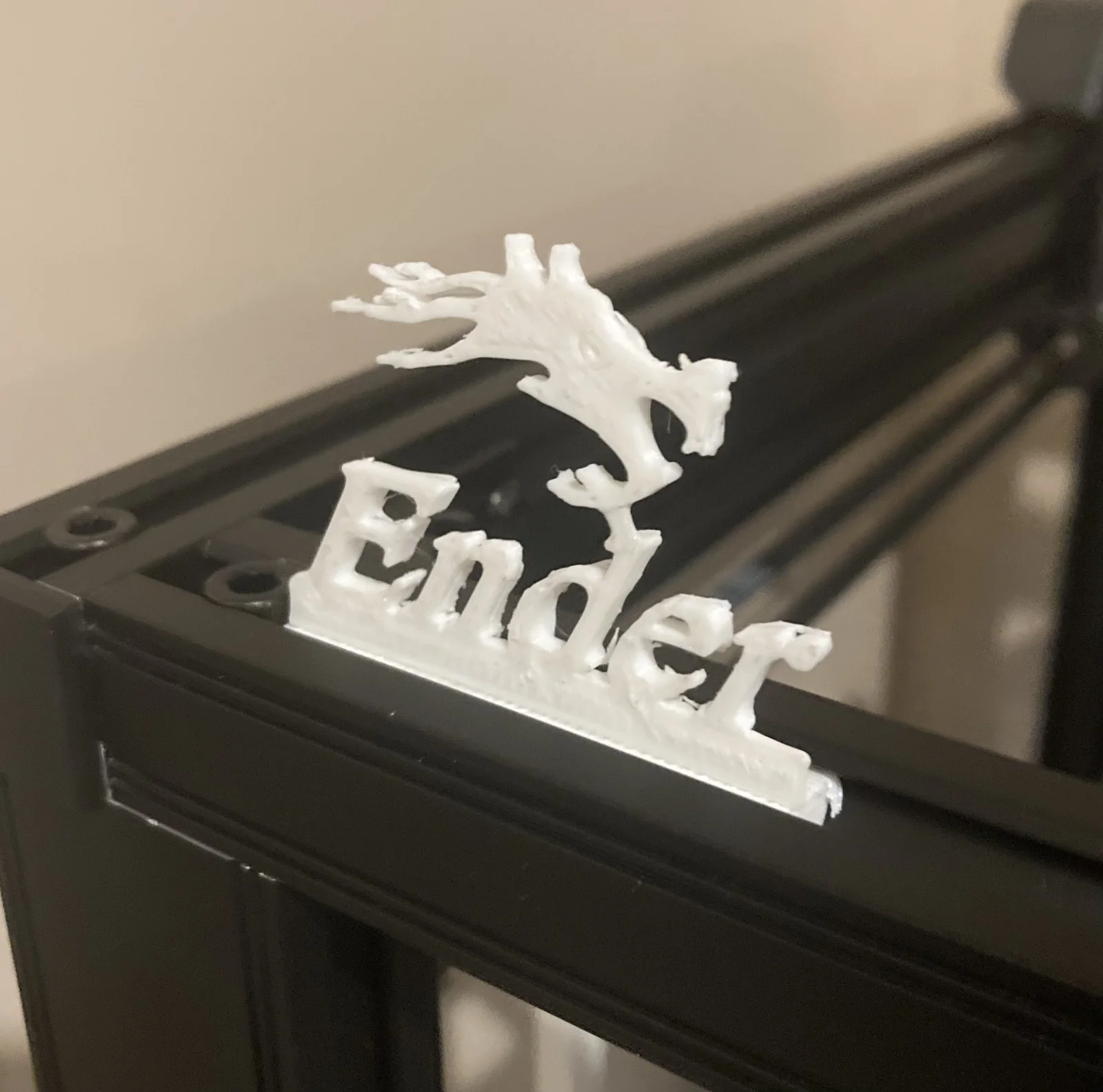
This model can be slid into any bar of an Ender 5 S1. I am not sure if it can fit onto any other printer.
These pieces can be printed separately by cutting them up in a modeling software or can be printed as one piece with supports. A very great way to attach the pieces together is with super glue. In your slicer, it must be noted that the widest part of the whole model, the part that fits into the aluminum extrusion must be 11-12 mm thick. I used an 11mm thick piece which leaves quite a bit of wiggle room, so I thought that 12mm could be ok.
Installation for Ender 5 S1
Bytinx_1344834Likes1.2KDownloads6K

 BydalleLikes0Downloads147

 Byarhi_585078Likes64Downloads544

 ByHanzo3dLikes155Downloads417

 ByGeek5DLikes147Downloads490

 ByBrokentooth_designsLikes23Downloads412

 Bycrawler-3903250Likes0Downloads909

 Byartme-3dLikes0Downloads336

 By3DSourcererLikes48Downloads378

 Bybloblis67Likes0Downloads319

 Byprusa-researchLikes0Downloads2.7K

 Byzachstofko_3956201Likes88Downloads163