



Kẹp giữ sợi Filament
 Bytinx_1344834Likes1.2KDownloads6K
Build another version of this model.
If you dont know how to import your QIDI X-Max 3 to Cura, you can use the following instructions.
If you already have a 3D Printer in Cura, just go to your configuration folder .
Disclaimer:
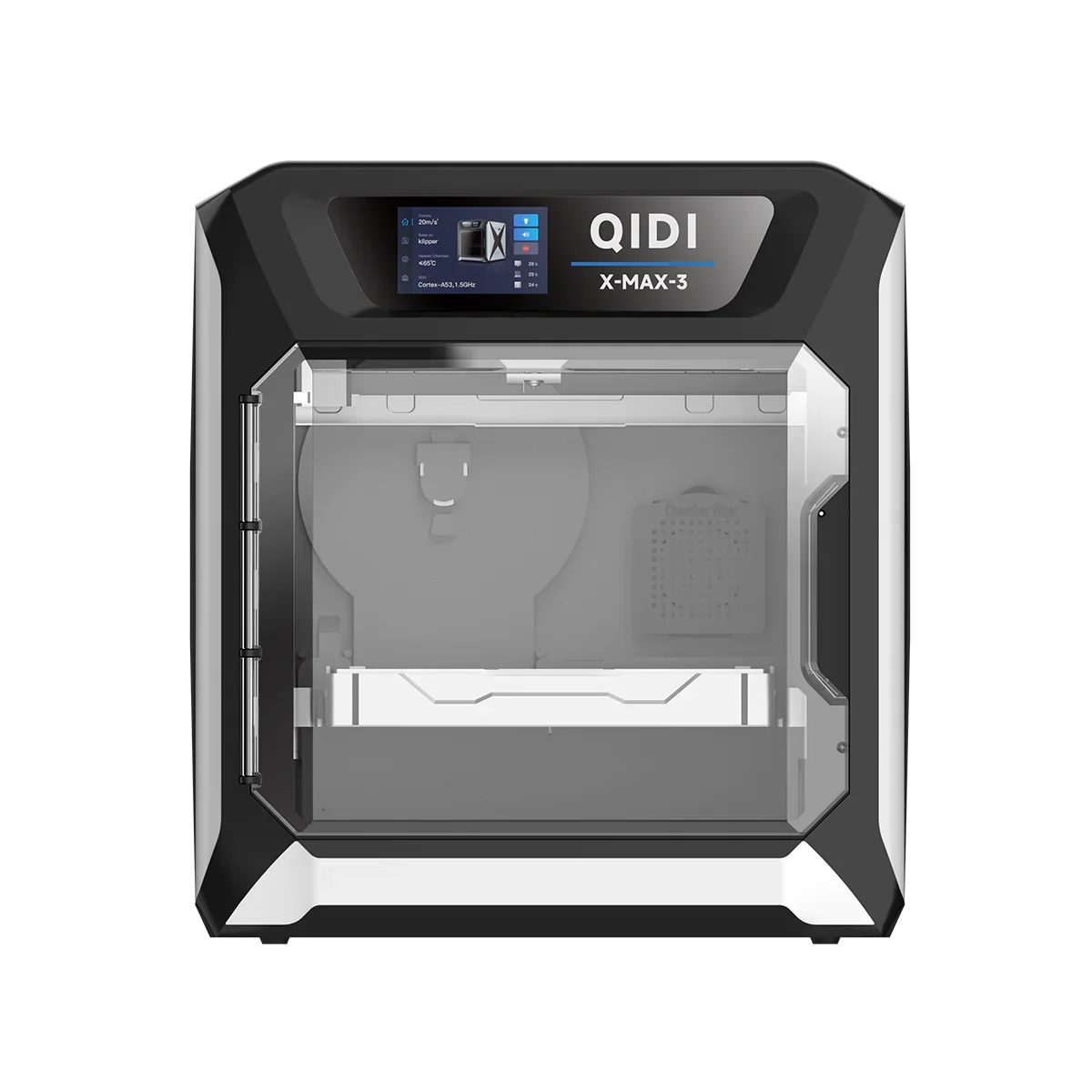
Picture from QIDI Tech. The STL File from the Mesh folder is from X-Max 1 and can be changed by using the same name. It will be changed as soon as i find some time to do so.
Bytinx_1344834Likes1.2KDownloads6K

 Byarhi_585078Likes64Downloads542

 ByHanzo3dLikes155Downloads415

 ByGeek5DLikes147Downloads485

 ByBrokentooth_designsLikes23Downloads409

 Bycrawler-3903250Likes0Downloads907

 Bytp98Likes0Downloads280

 By3DSourcererLikes48Downloads377

 Byartme-3dLikes0Downloads334

 Bybloblis67Likes0Downloads318

 Byprusa-researchLikes0Downloads2.7K

 Byzachstofko_3956201Likes88Downloads162