



CORE One/+ INDX printed parts
 Byprusa-researchLikes0Downloads2.7K
Build another version of this model.
Additional hardware:
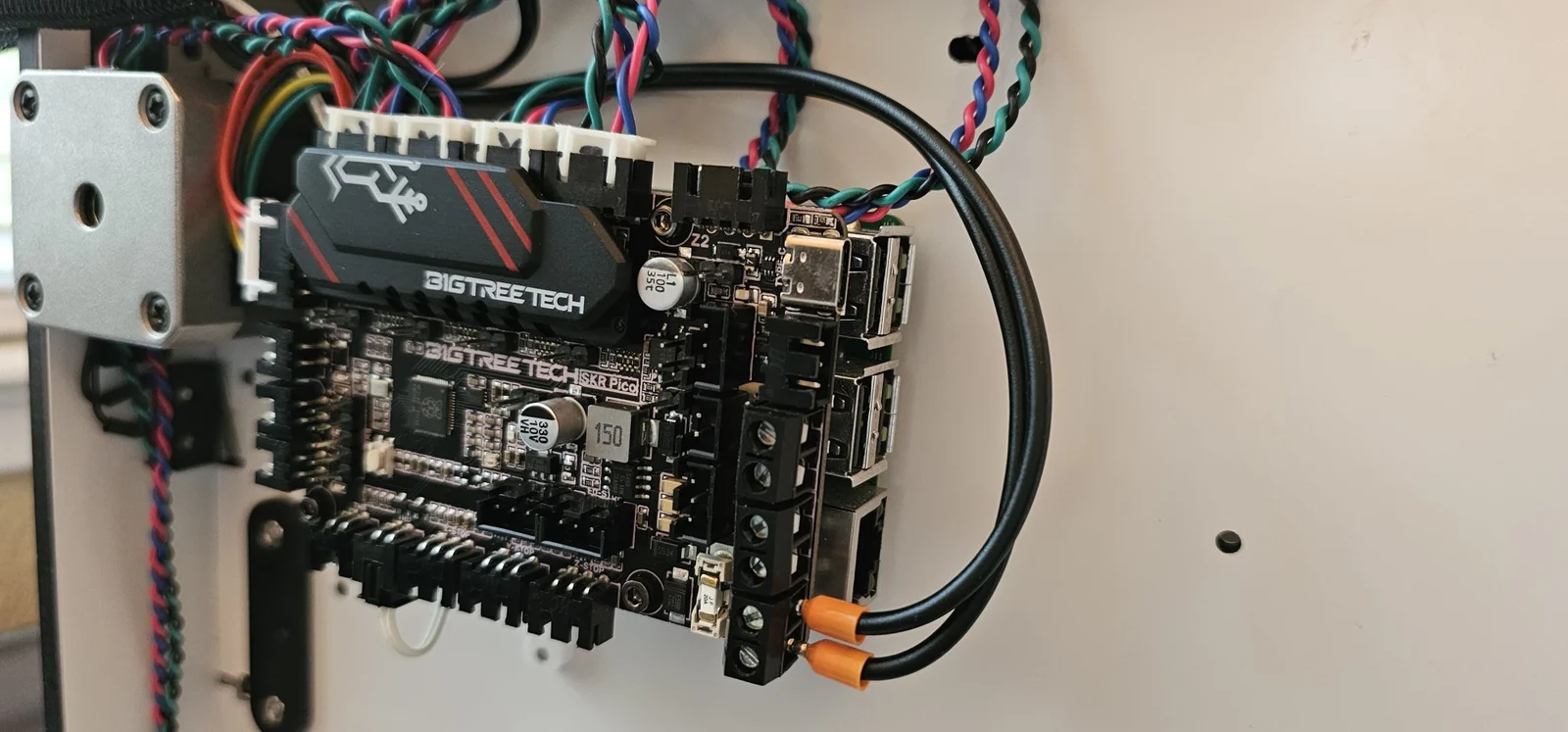
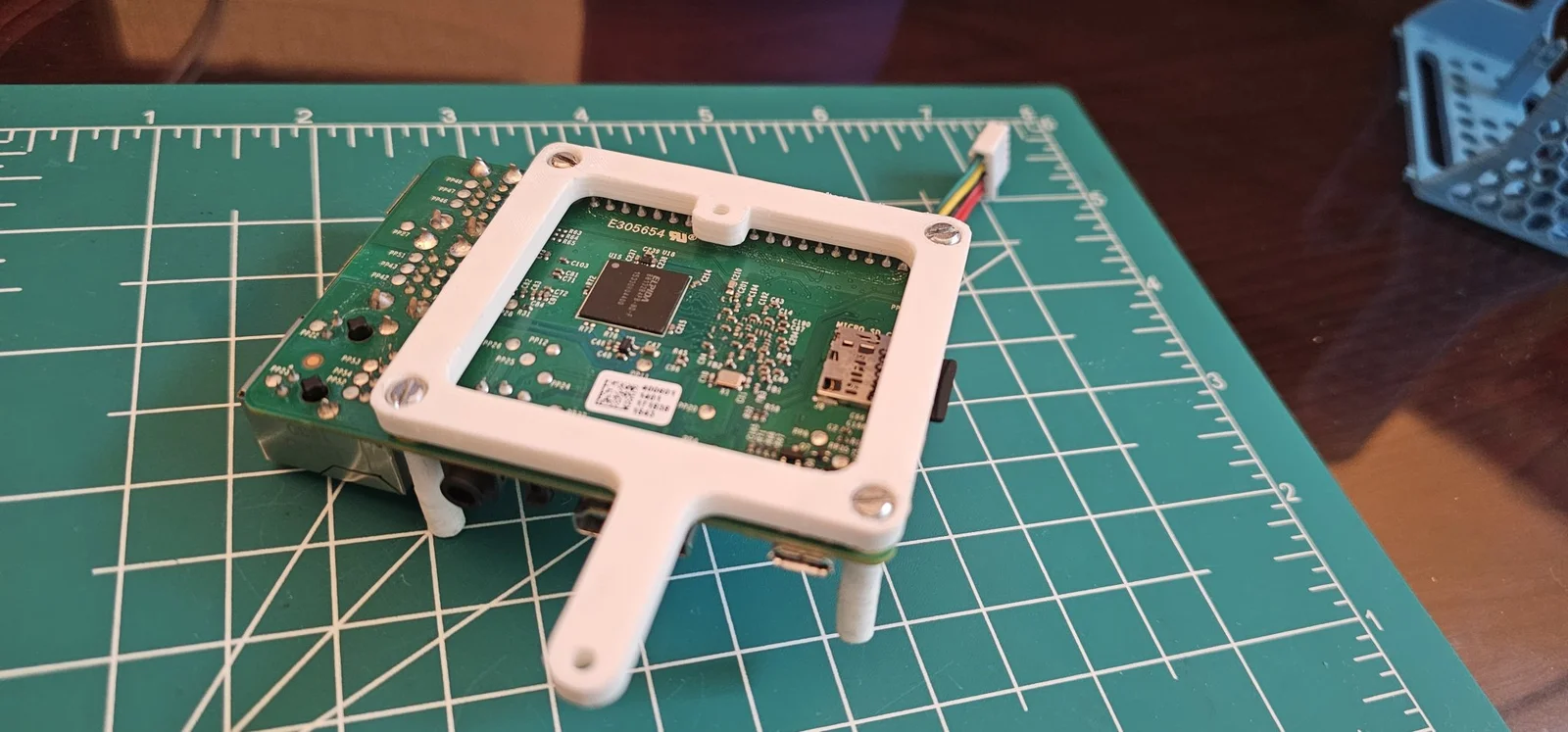
Best way I found to use new BTT board with existing power supply is to utilize klipper and use BTT board as an auxilery board. I use the BTT board for the quite steppers and non-pt100 thermister.
Note: If you want to use a single power supply for both boards you will need to tap in to power traces from PCB which may not be safe.
Note: If you want to use a controllable heat sink fan you will need a 24V fan connected to BTT board instead of the 5V Ultimaker board fan.
Steps:
Byprusa-researchLikes0Downloads2.7K

 Bydet-manLikes0Downloads176

 Bytinx_1344834Likes1.2KDownloads6K

 BykingnothingLikes0Downloads188

 BytimLikes0Downloads531

 BydarienLikes0Downloads1K

 BynozeLikes0Downloads136

 Byla-cave-au-chatLikes0Downloads973

 ByvertigomakesLikes0Downloads565

 ByJACK98Likes0Downloads263

 By3DPrintDemonLikes0Downloads334

 Bychris-hillLikes0Downloads268