

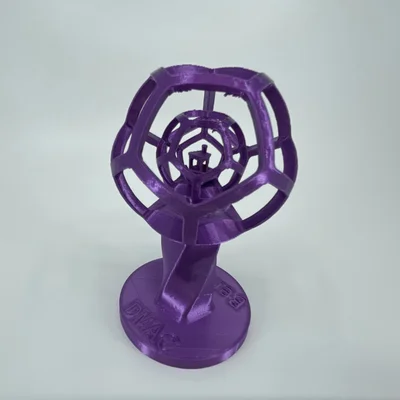

Kẹp giữ sợi Filament
 Bytinx_1344834Likes1.2KDownloads6K
Build another version of this model.
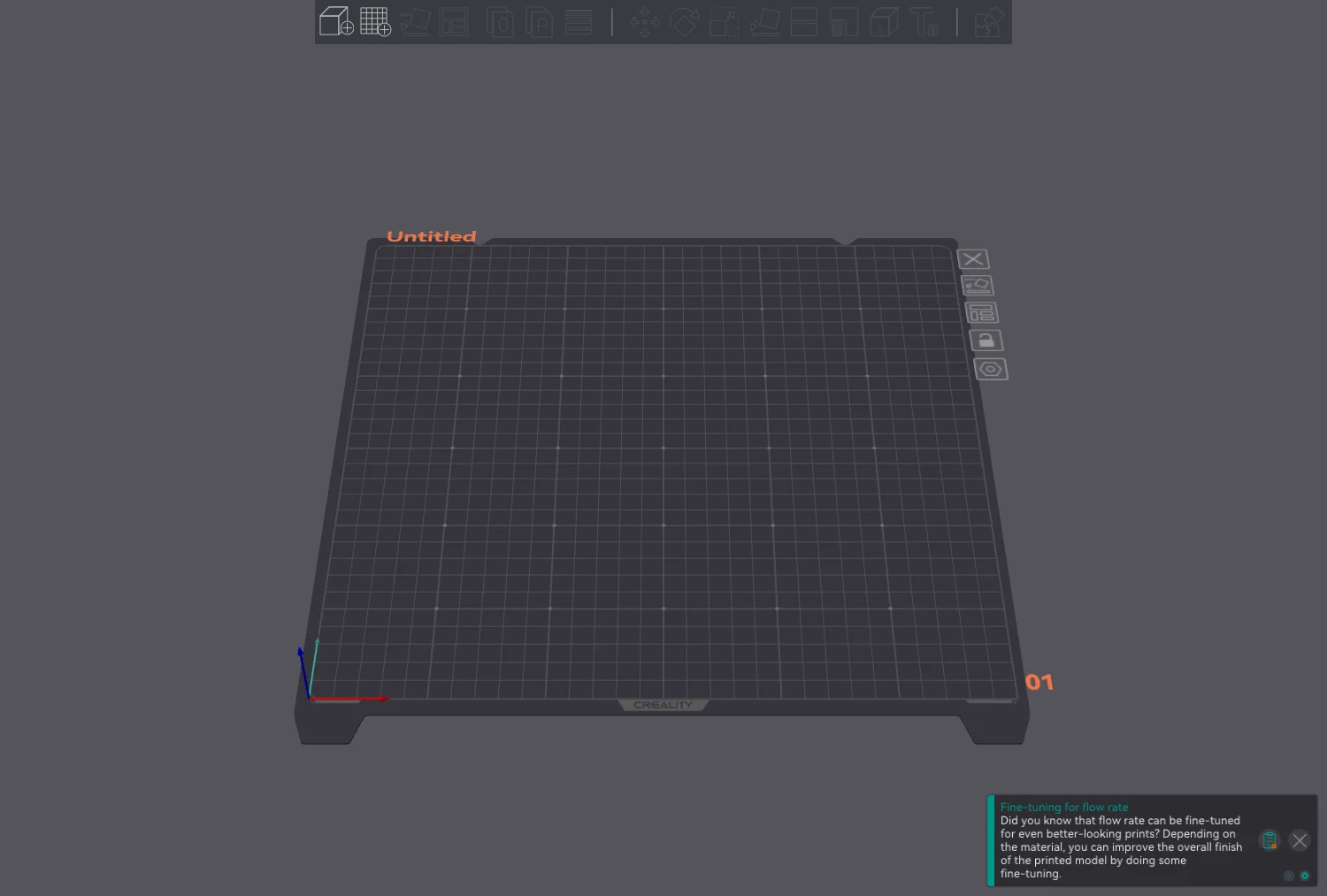
This is my profile for the K1 Max in OrcaSlicer. It contains the printer config, 2 printing profiles and a material profile for the included HyperPLA. Also included are a model for the build plate along with the texture image, see below for instruction on how to add them.
The Standard profile mimics the stock Creality .2 profile from Creality Print. The Quality profile has the speeds turned down.
See the profile in use in these videos:
To add the build plate and texture follow these steps:
Added a profile for the K1. I changed the build volume on the K1 Max profile leaving everything else the same, but it has not yet been tested as I only have a Max. Also, I still need a correct build plate STL for it.
8-18-23
Uploaded STL model of build plate. Added texture image to zip file.
Bytinx_1344834Likes1.2KDownloads6K

 Byarhi_585078Likes64Downloads541

 ByHanzo3dLikes155Downloads414

 ByGeek5DLikes147Downloads484

 ByBrokentooth_designsLikes23Downloads407

 Bycrawler-3903250Likes0Downloads906

 By3DSourcererLikes48Downloads377

 Byartme-3dLikes0Downloads333

 Bybloblis67Likes0Downloads318

 Byprusa-researchLikes0Downloads2.7K

 Byzachstofko_3956201Likes88Downloads160

 ByzooppLikes7Downloads164