
F3D
Vỏ bấm khớp đơn giản cho MeshToad v1.x LoRA USB Board… 1

3 images

DIY

Vỏ bấm khớp đơn giản cho MeshToad v1.x LoRA USB Board (Simple Snap Case)

By nguyenkvvn

Downloads
27
Likes
4
Views
373

Files 9 11.1 MB

  • MeshToad_-_Top_Multi_Color_1777679258.stlSTL · 2.6 MB
  • MeshToad_-_Top_Deboss_1777679260.stlSTL · 1.4 MB
  • MeshToad_-_Activity_Light_1777679261.stlSTL · 11.3 KB
  • MeshToad_-_Body_1777679263.stlSTL · 405.3 KB

Make a variant with AI

Build another version of this model.

Open Studio

Description

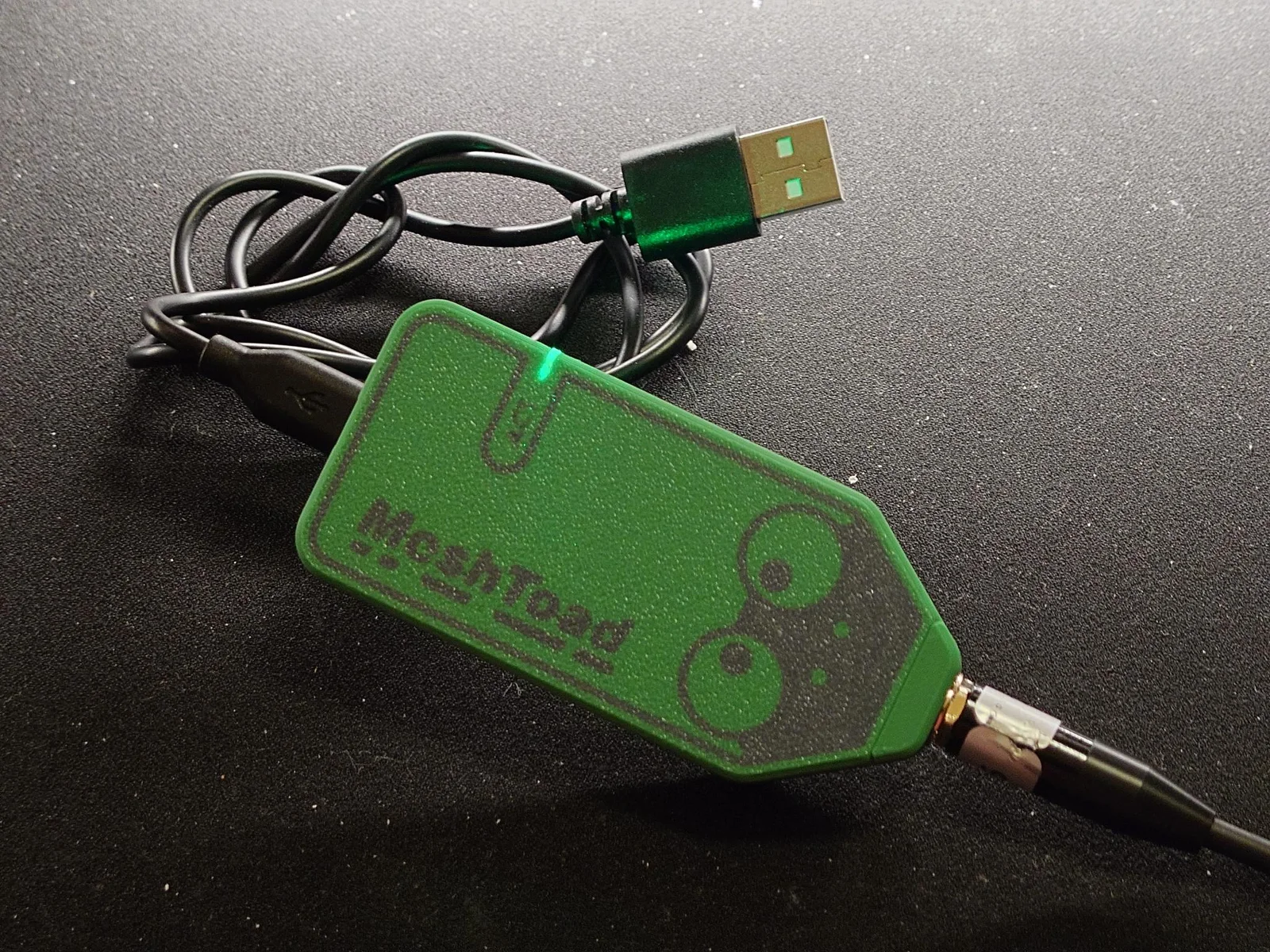
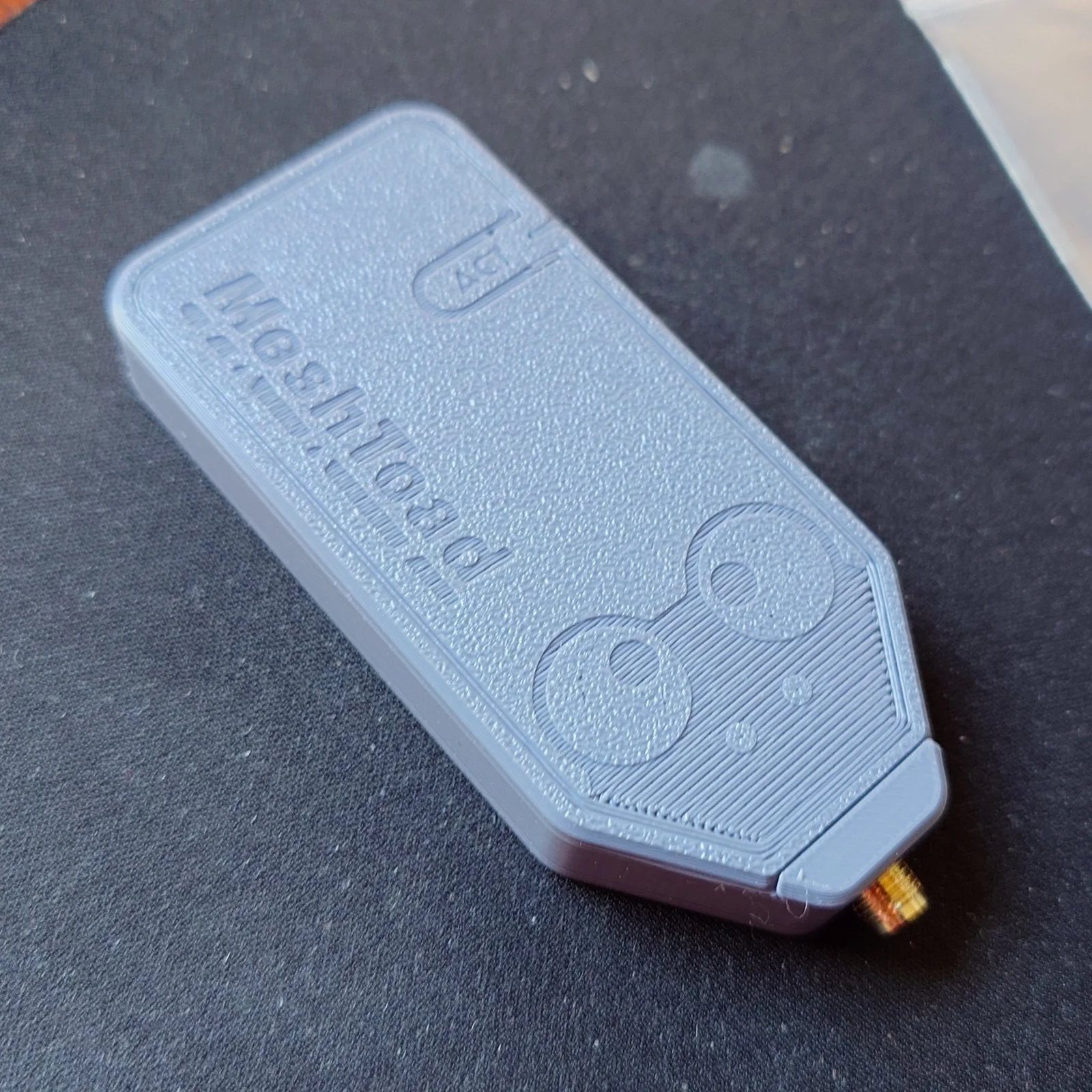
This is a simple, snap-together case, requested by wehooper4 and vidplace7, the designers of the MeshToad USB LoRA board (version 1.x).

Two versions of the top for the case are provided: a debossed version, or a multi-material version.

I sell the case on my Etsy store if you do not have a printer.

Bill of Materials

  • IPEX-1 to SMA Female (Reverse Polarity) - Amazon (affiliate link)
    • Grab this if you already have your own antenna
  • 915MHz 10dBi Gain Soft Whip Antenna - Amazon (affiliate link)
    • This comes with an IPEX-1 to SMA Female (Reverse Polarity) pigtail.
  • USB-C Data Cable - [C-to-C Two-Pack] Amazon or [USB-A to USB-C] Amazon (affiliate links)
  • Command Picture Hanging Strips - Amazon (affiliate link)
    • Suggested for mounting to the top of a laptop or wherever you want to affix the radio module to

Printing Instructions

  • Suggested print materials: 
    • Top and Case: PLA or PETG
    • Activity Light: clear or transparent PLA or PETG
  • Print Orientation:
    • Top: flat side with graphics face down on the bed
    • Case: flat side face down on the bed
    • Activity Light: flat side down, not standing up
  • Supports: off
  • Walls: 4
  • Infill: 100%
  • Multi-Material: right-click to split into parts, and select the largest body to change color

Assembly Instructions

⚠ WARNING: DO NOT POWER ON THE BOARD WITHOUT AN ANTENNA ATTACHED. BE SURE YOUR ANTENNA IS CONNECTED WITH THE RIGHT POLARITY CONNECTOR TOO.

  1. Remove lock and nut from SMA end of IPEX pigtail. Insert into the case.
  2. Secure lock and nut to SMA connector. Tighten until SMA connector cannot be seen within the case, and also until it can move no more. (Do not over tighten.)
  3. Place MeshToad board into the case.
  4. Connect IPEX pigtail to the MeshToad.
  5. Insert activity light into the slot on the top model.
  6. Insert the top onto the case from the antenna connector end, then snap into place at the USB-C end of the case.
  7. Test fitment with USB-C cable and antenna of your choosing.

Update 3/28/2025: As requested from Crichton, I have included a flat-model without an activity light cutout. (This is good for transparent filaments or if you just don't want an activity light.)

Read more Show less

Print spec

Formats
stepstl
Model files
9
Total size
11.1 MB
Largest file
2.6 MB

0 comments

See all