

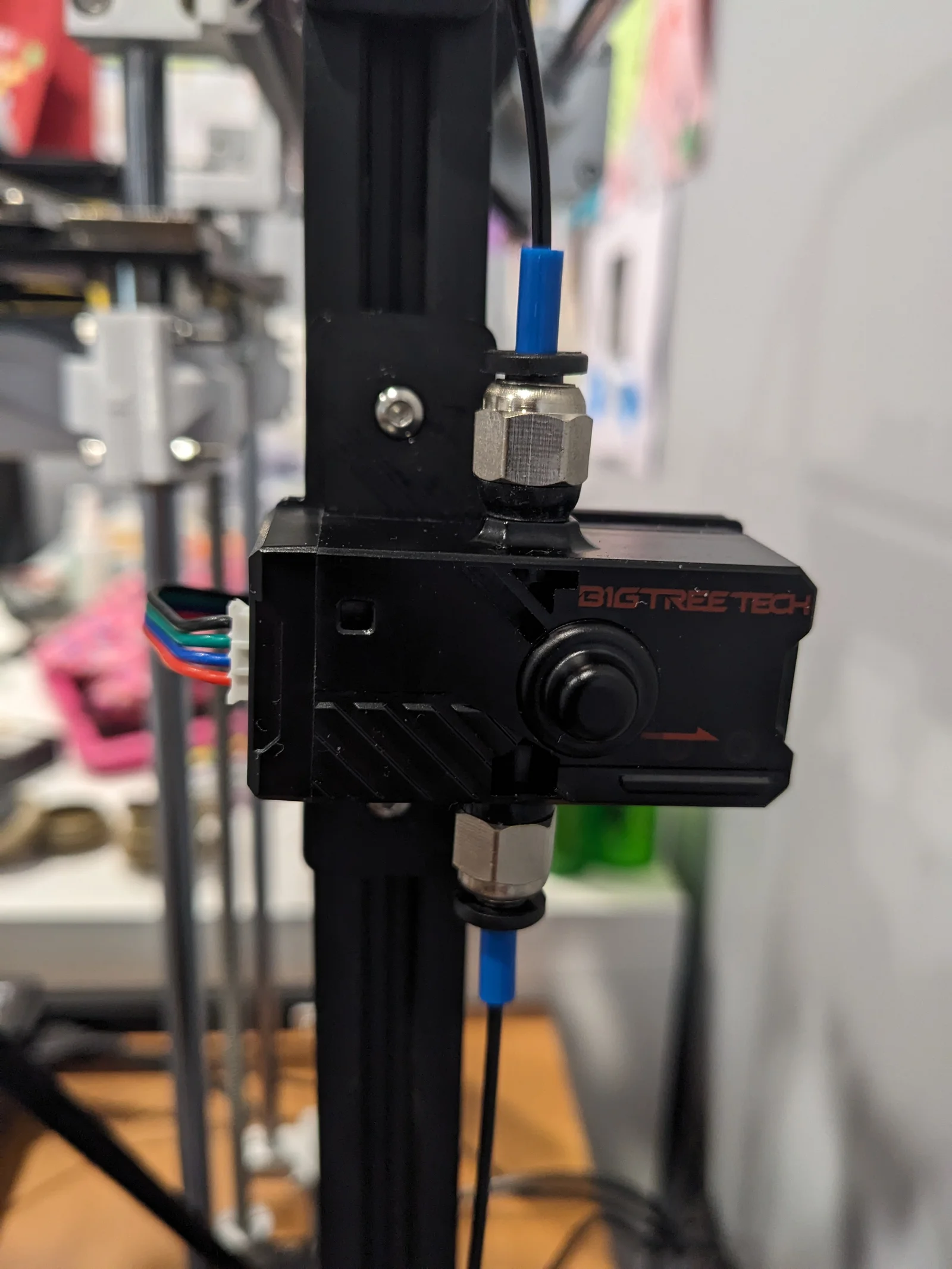
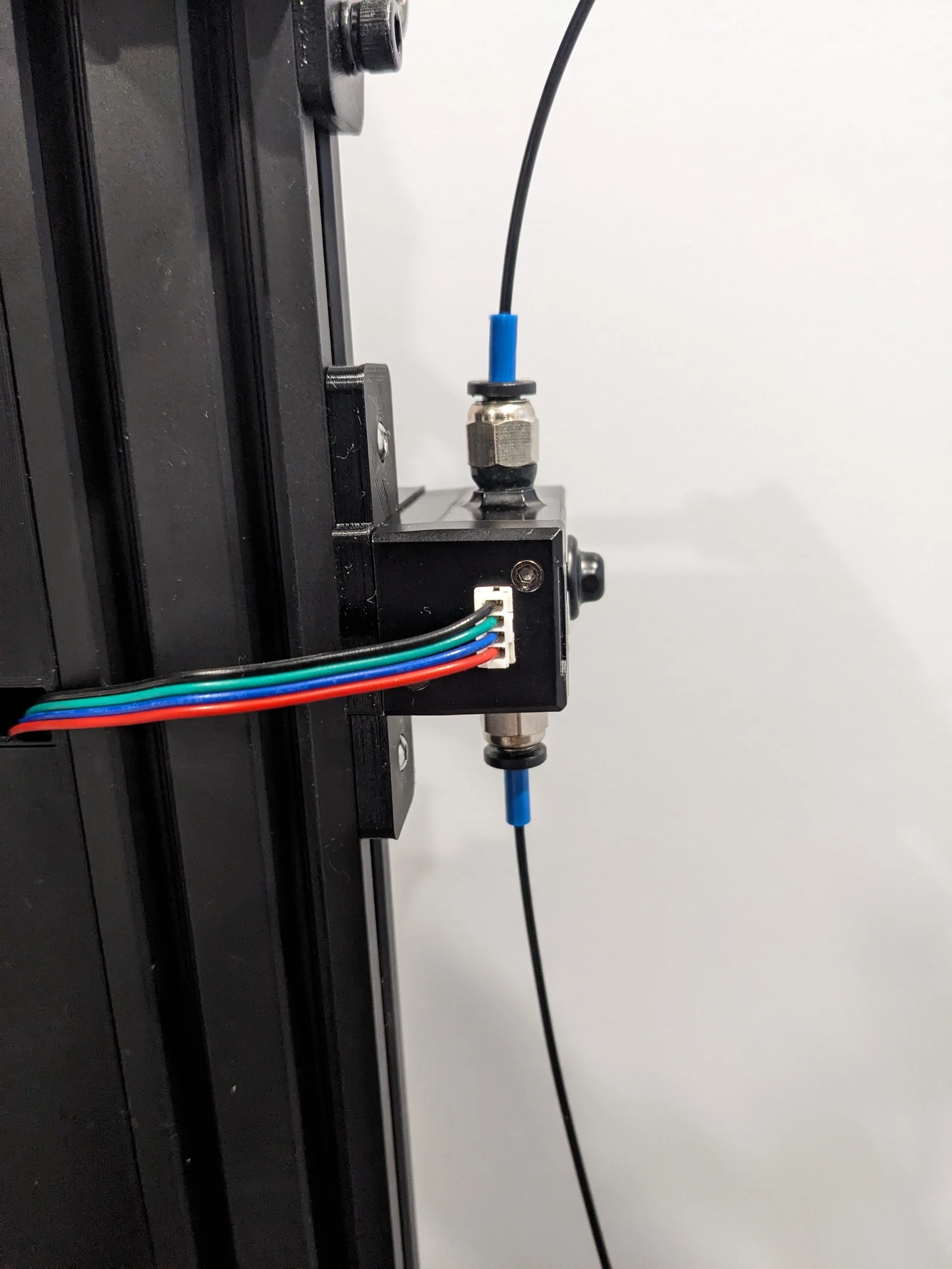


Kẹp giữ sợi Filament
 Bytinx_1344834Likes1.2KDownloads6K
Build another version of this model.
Print Settings
Printer brand: Creality
Printer: Ender 5 pro
Rafts: No
Supports: Yes (but probably not needed)
Resolution: 0.2mm
Infill: 20% but choose what you want.
Material: eSun PETG
Klipper printer.cfg gcode for SFSv2:
[filament_switch_sensor runout_sensor]
switch_pin: PA4
pause_on_runout: False
runout_gcode:
M117 Filament switch runout
PAUSE # [pause_resume] is required in printer.cfg
#insert_gcode:
# M117 Filament switch inserted
[filament_motion_sensor motion_sensor]
switch_pin: PA7
detection_length: 4
extruder: extruder
pause_on_runout: False
runout_gcode:
M117 Filament motion runout
PAUSE # [pause_resume] is required in printer.cfg
#insert_gcode:
# M117 Filament motion inserted
[delayed_gcode DISABLEFILAMENTSENSOR]
initial_duration: 1
gcode:
M117 Motion FIL. SENSOR OFF.
SET_FILAMENT_SENSOR SENSOR=runout_sensor ENABLE=0
SET_FILAMENT_SENSOR SENSOR=motion_sensor ENABLE=0
Add to start g-code in slicer: (this is so that the printer automatically turns ON the sensor when the the slicing file is loaded to the printer))
SET_FILAMENT_SENSOR SENSOR=motion_sensor ENABLE=1
SET_FILAMENT_SENSOR SENSOR=runout_sensor ENABLE=1
Add to [gcode_macro CANCEL_PRINT] in Mainsail.cfg and end g-code in slicer: (this is so that the printer automatically turns OFF the sensor when the print is cancelled or finished)
SET_FILAMENT_SENSOR SENSOR=motion_sensor ENABLE=0
SET_FILAMENT_SENSOR SENSOR=runout_sensor ENABLE=0
Bytinx_1344834Likes1.2KDownloads6K

 Byprusa-researchLikes0Downloads2.7K

 BydalleLikes0Downloads147

 Byarhi_585078Likes64Downloads543

 ByHanzo3dLikes155Downloads415

 BydarienLikes0Downloads1K

 ByGeek5DLikes147Downloads488

 ByBrokentooth_designsLikes23Downloads410

 Byla-cave-au-chatLikes0Downloads967

 Bycrawler-3903250Likes0Downloads907

 ByvertigomakesLikes0Downloads563

 Byartme-3dLikes0Downloads335