

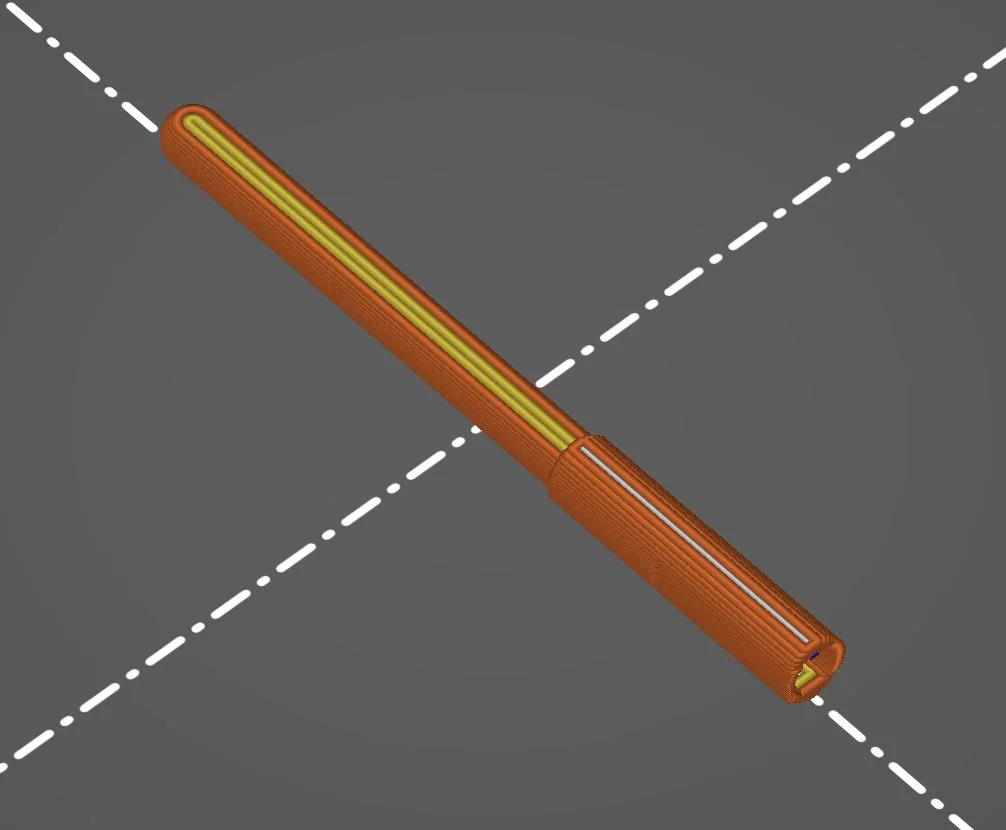

Kẹp giữ sợi Filament
 Bytinx_1344834Likes1.2KDownloads6K
Build another version of this model.
Replacement pin for BL touch and derivatives. Use hard plastic for printing. Even PLA can work since it can withstand higher temperatures over time (annealing). Use white/transparent color to avoid IR absorption. Be sure that the printed pin moves freely in the case. It should move by it's own weight (gravity). Otherwise, use files to remove any protrusion. You can print the pin laying (stronger) or standing (more precise).
Bytinx_1344834Likes1.2KDownloads6K

 Byarhi_585078Likes64Downloads542

 ByHanzo3dLikes155Downloads415

 ByGeek5DLikes147Downloads485

 ByBrokentooth_designsLikes23Downloads408

 Bycrawler-3903250Likes0Downloads907

 By3DSourcererLikes48Downloads377

 Byartme-3dLikes0Downloads334

 Bybloblis67Likes0Downloads318

 Byprusa-researchLikes0Downloads2.7K

 Byzachstofko_3956201Likes88Downloads161

 ByzooppLikes7Downloads164