




New
Gravity Phone Stand | Auto Clamping Holder
 BynasikLikes0Downloads277
Build another version of this model.
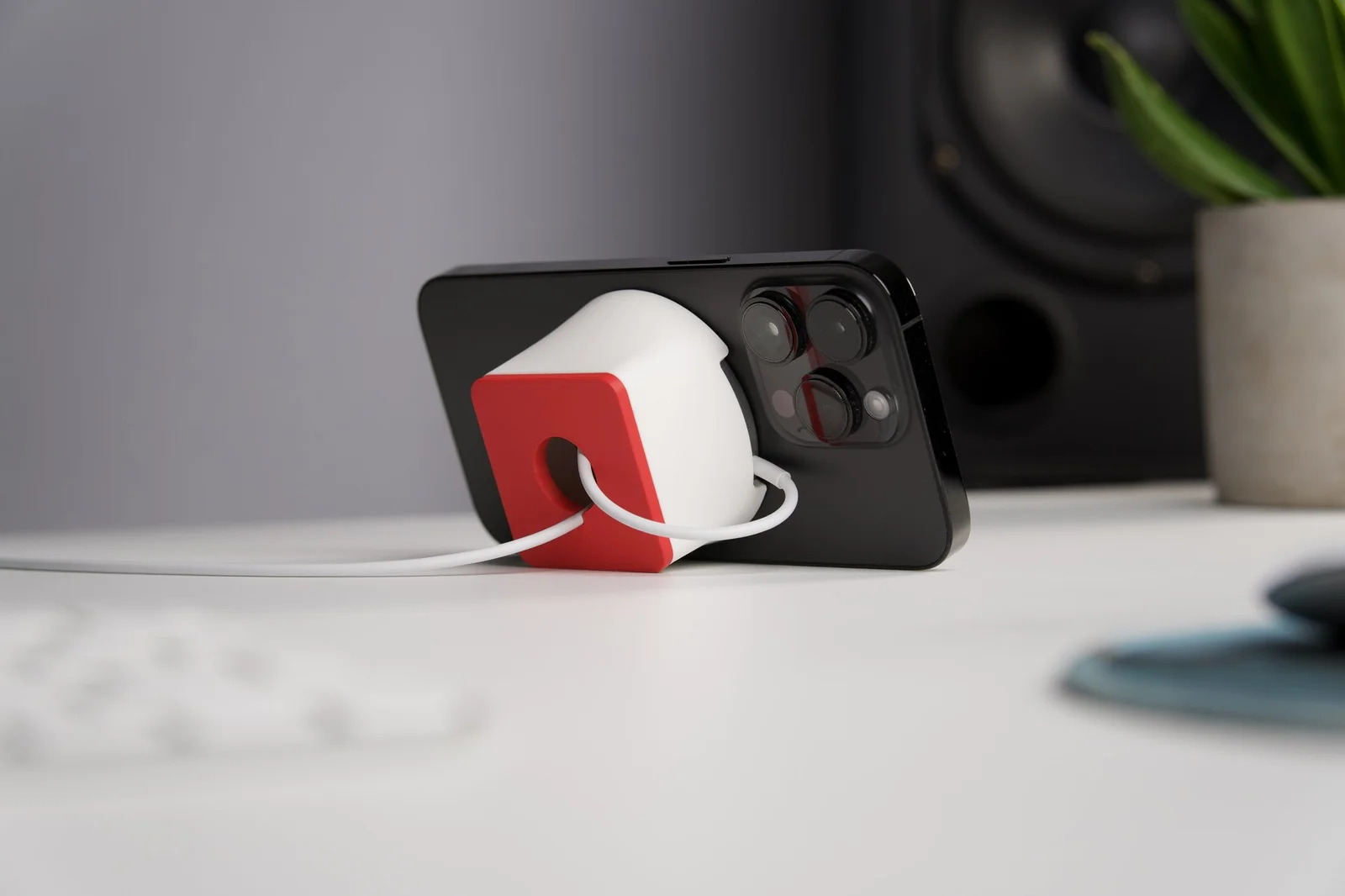
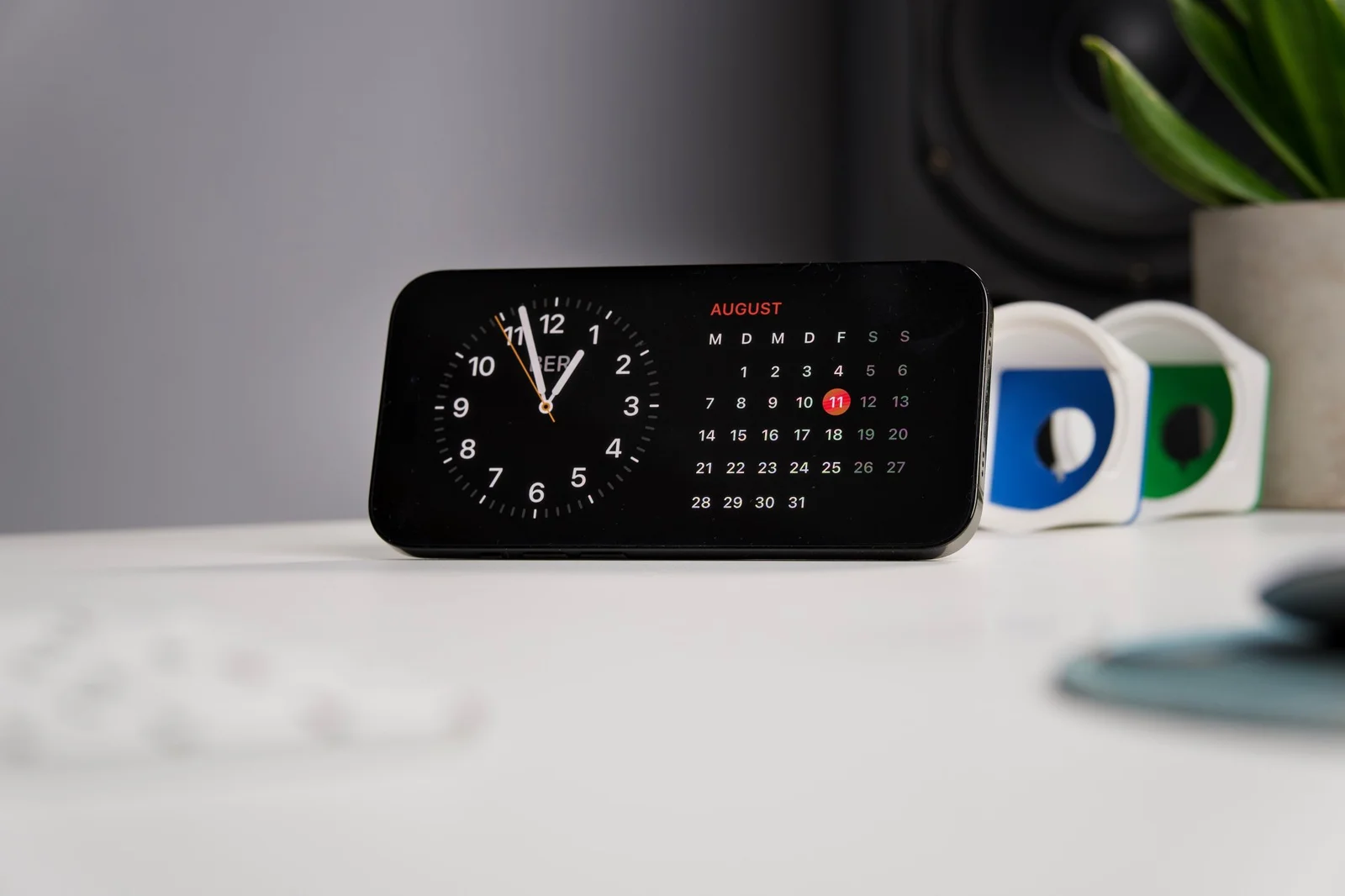
I got excited about Apple iOS StandBy Mode and designed a stand with the following in mind:
I've crafted this stand with love and precision, hoping it enriches your daily routine. If it sparks joy, I'd be grateful for a review or a share with your friends. Enjoy your new companion!
I printed the parts with PLA with 0.2mm layer height, 2 perimeters and 10-15% infill, no supports.
The Backplate can be pressfit into the Base and shouldn't need glue. That way, you can also change the backplate color later again.
BynasikLikes0Downloads277

 Bymateusz-tokarzLikes0Downloads142

 ByckthLikes148Downloads2.4K

 By3dwakeLikes0Downloads362

 ByDiscotehkLikes35Downloads158

 ByVfr750_266509Likes0Downloads6

 ByJKMCZLikes11Downloads178

 ByjbfishLikes5Downloads81


 ByREDZC_1171588Likes6Downloads18

 ByjatinLikes0Downloads147

 ByJwidessLikes34Downloads376