

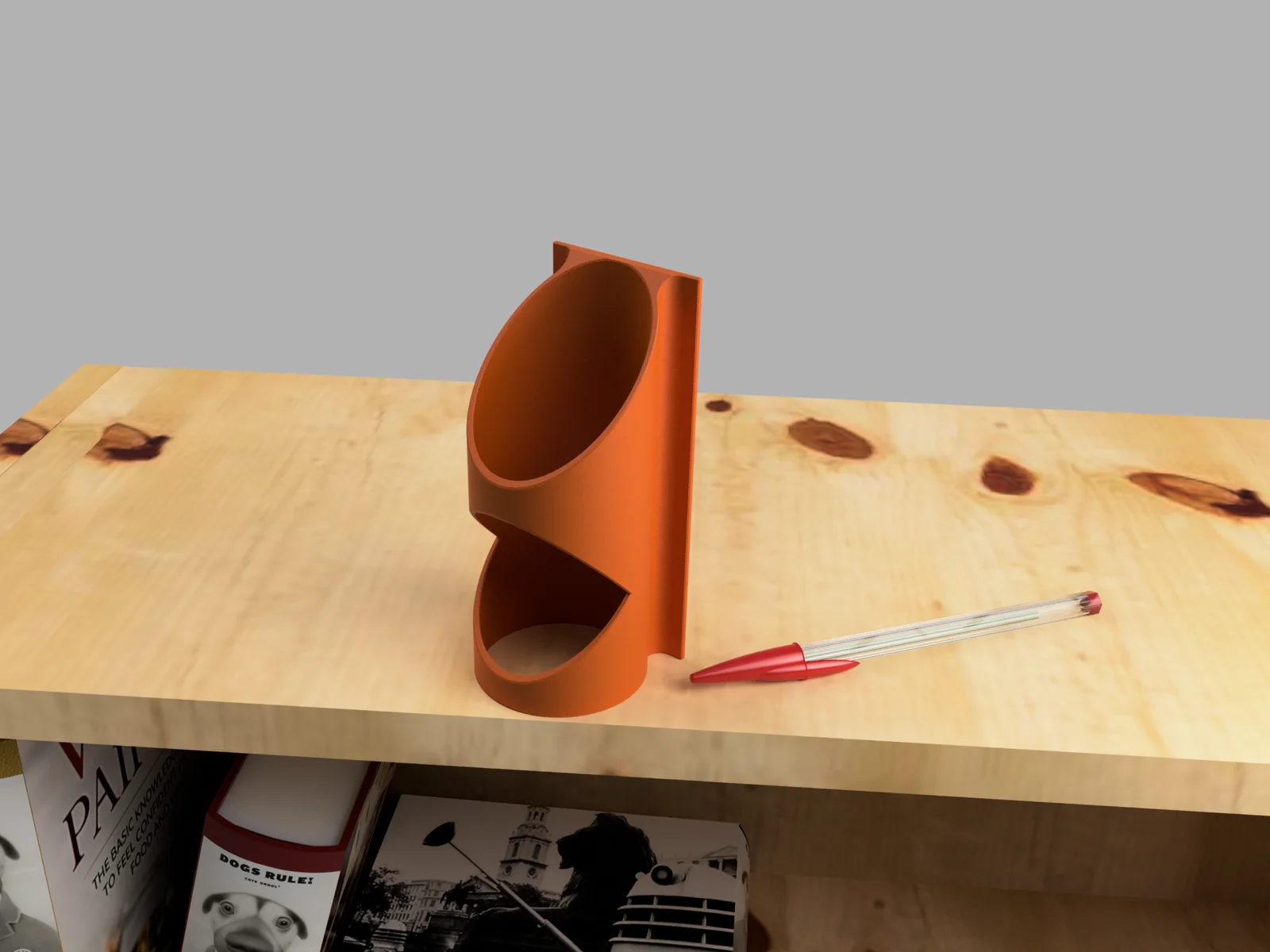
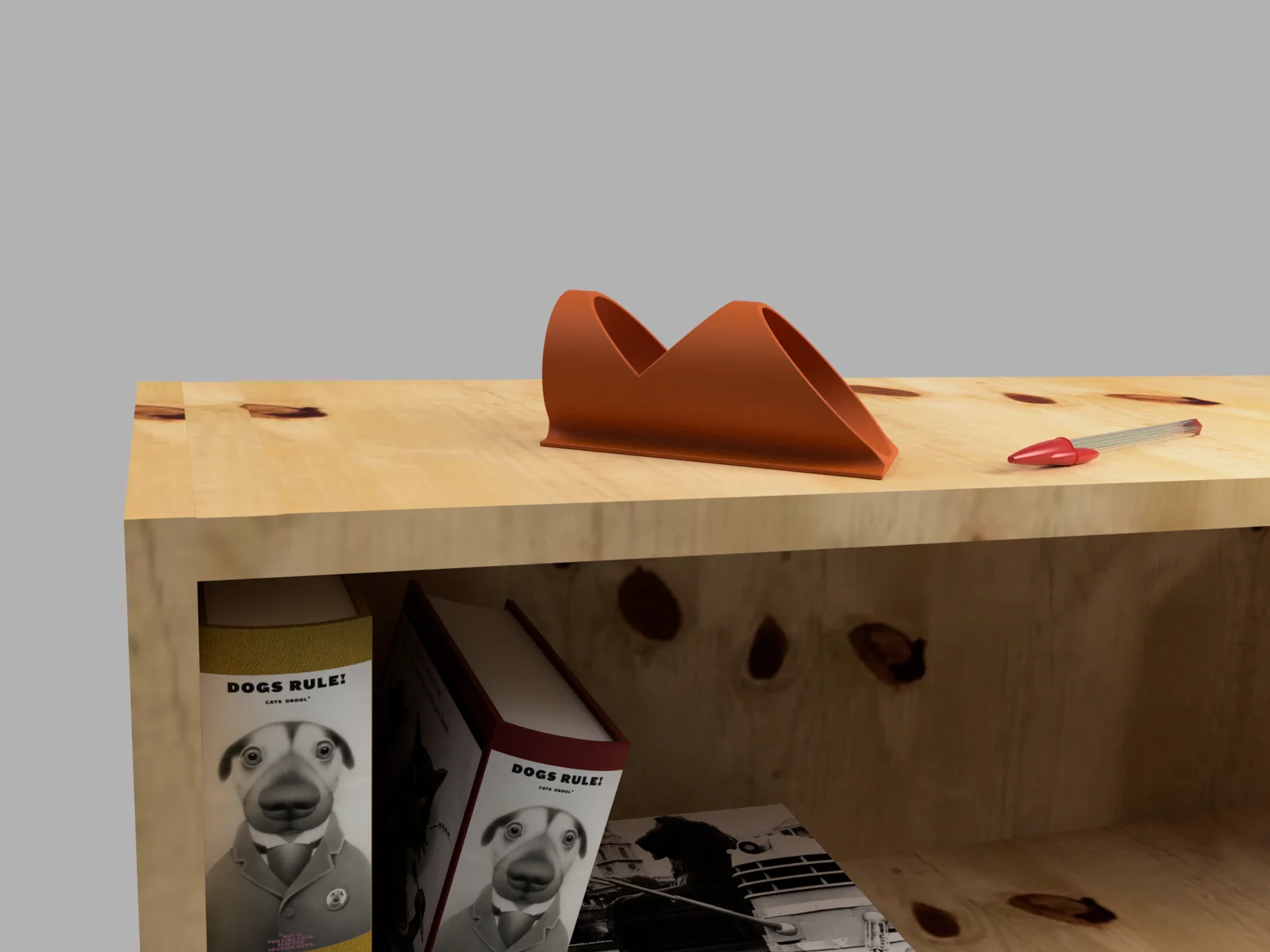


SolderMate - Fully 3D Printed Desk Soldering Companion
 ByleonicLikes0Downloads1.4K
Build another version of this model.
Here's a Fusion 360 Parameterized model for making your own Lagging tool.
To use this, you'll of course need to be running Fusion 360 and from there, all you need to specify is the diameter of your pipe insulation (in either metric or imperial) and the model will take care of the rest.
Here's a video I'd found, on how to use your Lagging tool:
There are specific transitions for the wall thicknesses and clearances, which are automatically set as follows for your specified pipe insulation diameter:
Wall Thickness:
Diameter is less than 70mm: 2mm thick walls
Diameter is larger than 70mm: 2.4mm thick walls
Clearance:
Diameters of less than 75mm: 1mm clearance
Diameters ≥75mm and <80mm: 1.8mm clearance
Diameters ≥80mm: 2.6mm clearance
ByleonicLikes0Downloads1.4K

 ByfifindrLikes500Downloads4K

 ByVC_DesignLikes679Downloads3.6K

 ByDan Schwartz SchwartzLikes744Downloads3.4K

 Byvc-designLikes0Downloads538

 Bythorin-oakenshieldLikes0Downloads533

 Bytorii-creative-studioLikes0Downloads450

 Bychubbs8697_2027893Likes585Downloads1.7K

 Byquibeck_3353173Likes965Downloads1.9K

 Bydenis-3dLikes0Downloads266

 ByRungeKuttaLikes229Downloads1.2K

 Bydelloo2008Likes0Downloads245