



SolderMate - Fully 3D Printed Desk Soldering Companion
 ByleonicLikes0Downloads1.4K
Build another version of this model.
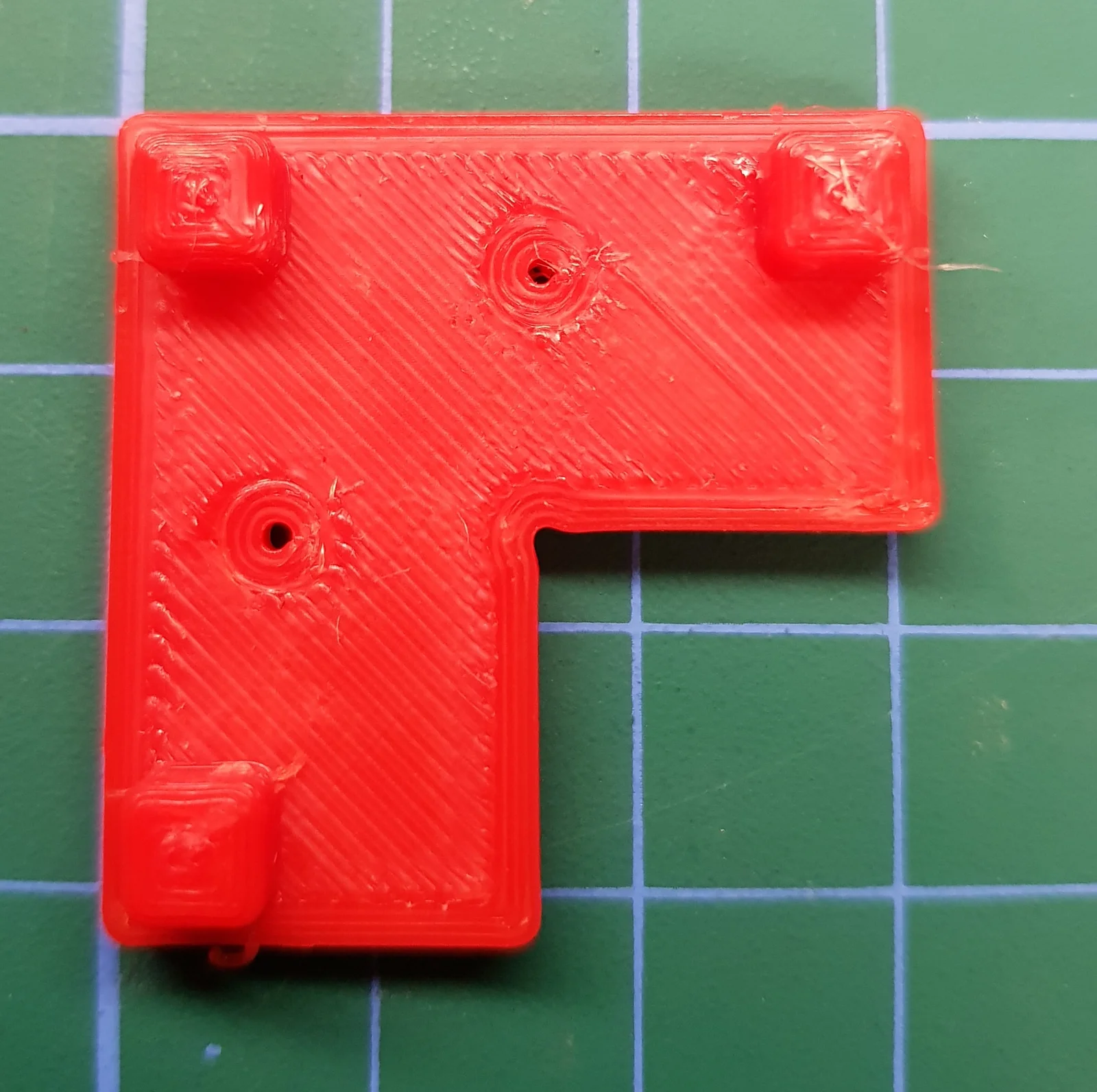
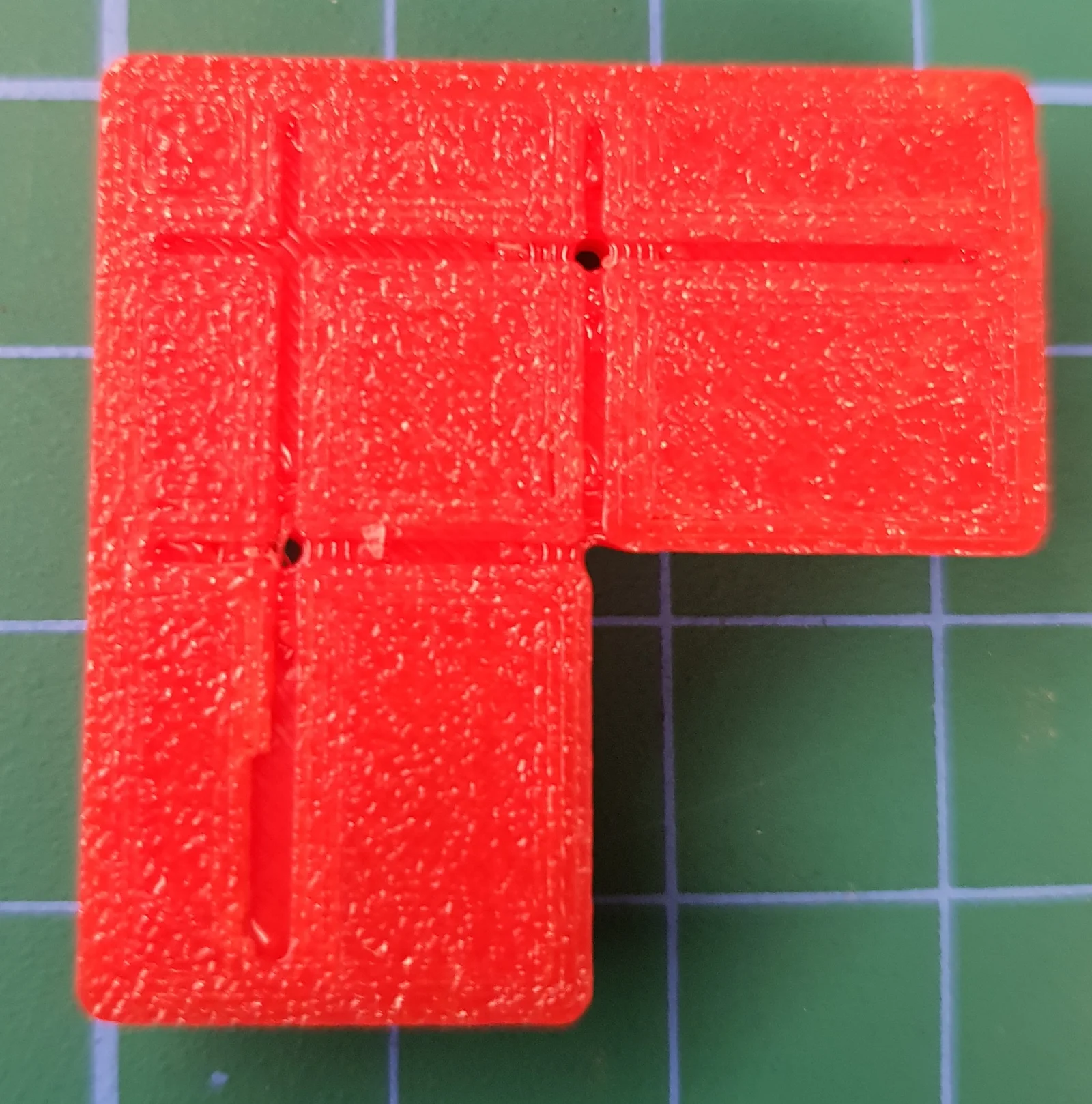
Low profile laser bed clips for setting a repeatable work piece origin on the Snapmaker Artisan Laser bed.
Available in different inset sizes so you can choose the perfect one for your job.
The clips have two holes that can be used to line up the corner of the work piece accurately. To make full use of them, do the following.
Made with Onshape:
Source CAD: Snapmaker Artisan Laser Clips
Print Recommendations:
Photographed examples printed in red PETG using the fast preset.
Dark colours, especially blue will make the laser harder to see.
ByleonicLikes0Downloads1.4K

 ByVC_DesignLikes679Downloads3.6K

 ByDan Schwartz SchwartzLikes744Downloads3.4K

 Byvc-designLikes0Downloads545

 Bythorin-oakenshieldLikes0Downloads539

 Bytorii-creative-studioLikes0Downloads457

 Byadam-cookLikes0Downloads343

 Bychubbs8697_2027893Likes585Downloads1.7K

 Bydenis-3dLikes0Downloads276

 Bydelloo2008Likes0Downloads251

 ByKaPuLiLikes0Downloads161
