



Kẹp giữ sợi Filament
 Bytinx_1344834Likes1.2KDownloads6K
Build another version of this model.
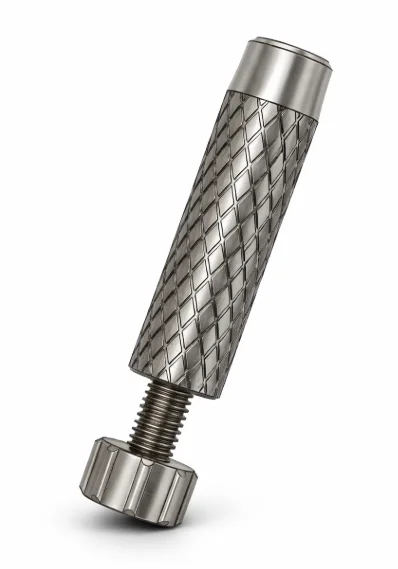
I needed a way to easily press multiple magnets into my 3d printed parts, and it was a pain trying to keep the polarity the same with each magnet and not drop any. Not to mention it is a little hard on the thumb to press them in repeatedly, especially if your part has a tight fit. That's where these tools come in handy.
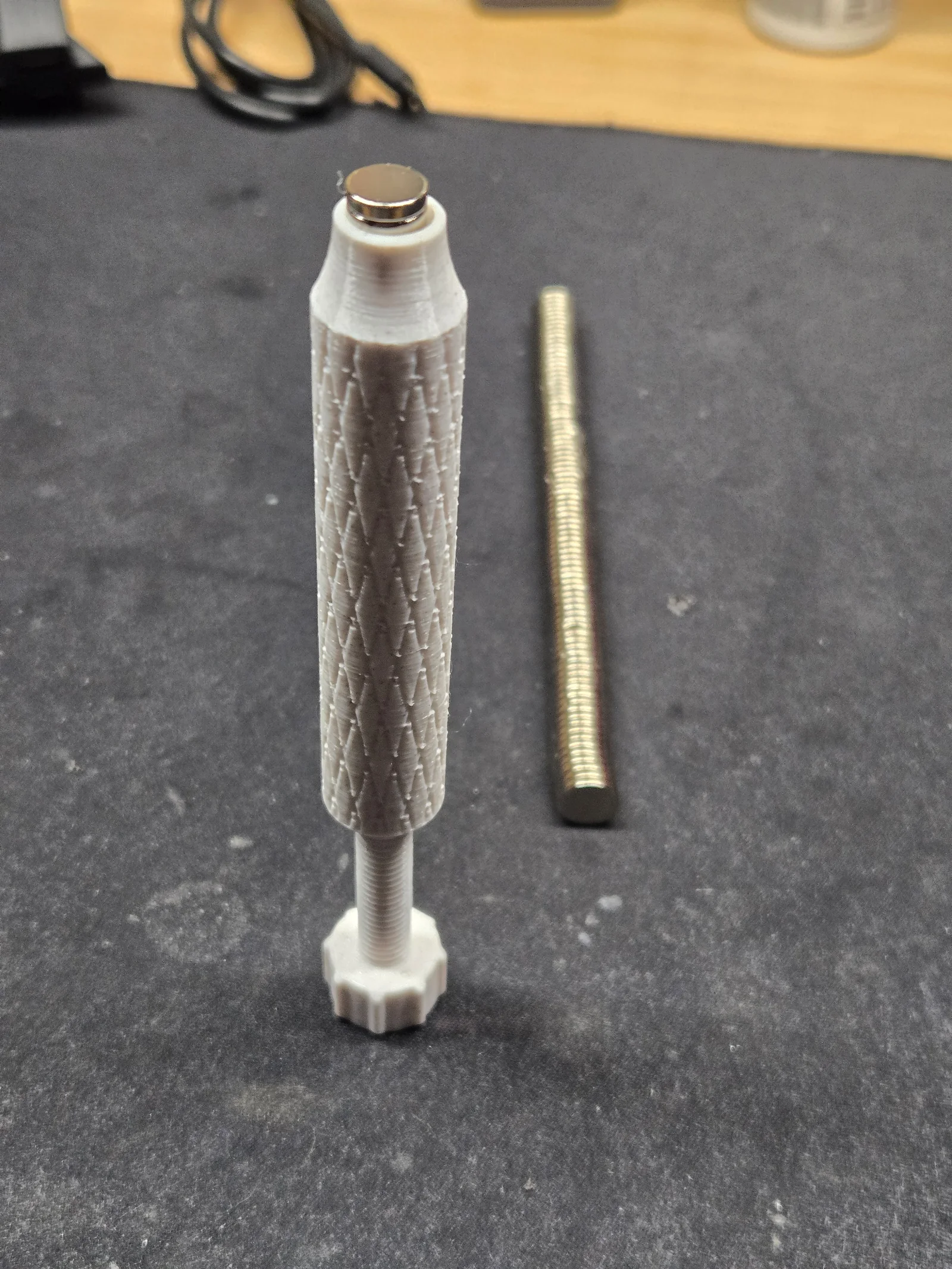
They work kind of like an ink pen. Turn the screw until a magnet is protruding far enough, and then use the pen to press it into your part.
I recommend printing these in 0.1 layer height so that the M8 threads turn out nicely. No supports are needed, but a brim may be needed to help keep these on the plate while it prints.
Pro tip: put a little drop of super glue on the tip of the screw head and then screw it into the pen's bottom base. Be careful not to get any glue in the threads. Now, before the glue dries, drop a stack of magnets down into the pen from the top and let it dry for about an hour. This trick will help retain your magnet stack inside the pen, and make reloading a little easier in terms of the polarity staying consistent. Use different color pens for different sizes and/or orientations!
Let me know if you have any comments or suggestions! Please post your makes, it helps motivate me to keep designing more useful things!
Bytinx_1344834Likes1.2KDownloads6K

 Bybloblis67Likes0Downloads319

 Bygummiegecko8477Likes0Downloads167

 BydalleLikes0Downloads149

 Byarhi_585078Likes64Downloads545

 ByJDOsolutions_280237Likes85Downloads127

 ByHanzo3dLikes155Downloads417

 ByGeek5DLikes147Downloads490

 ByBrokentooth_designsLikes23Downloads412

 Bycrawler-3903250Likes0Downloads909

 By3DSourcererLikes48Downloads380

 Byartme-3dLikes0Downloads336