




CORE One/+ INDX printed parts
 Byprusa-researchLikes0Downloads2.7K
Build another version of this model.
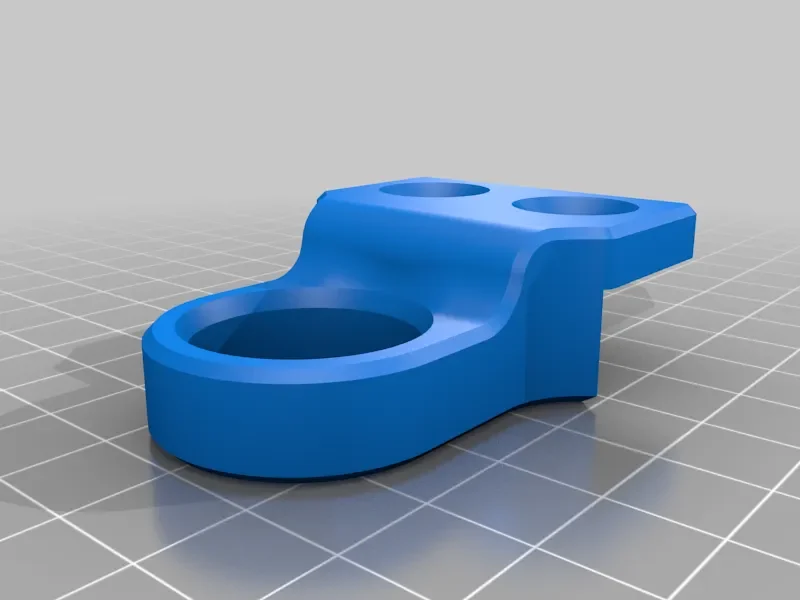
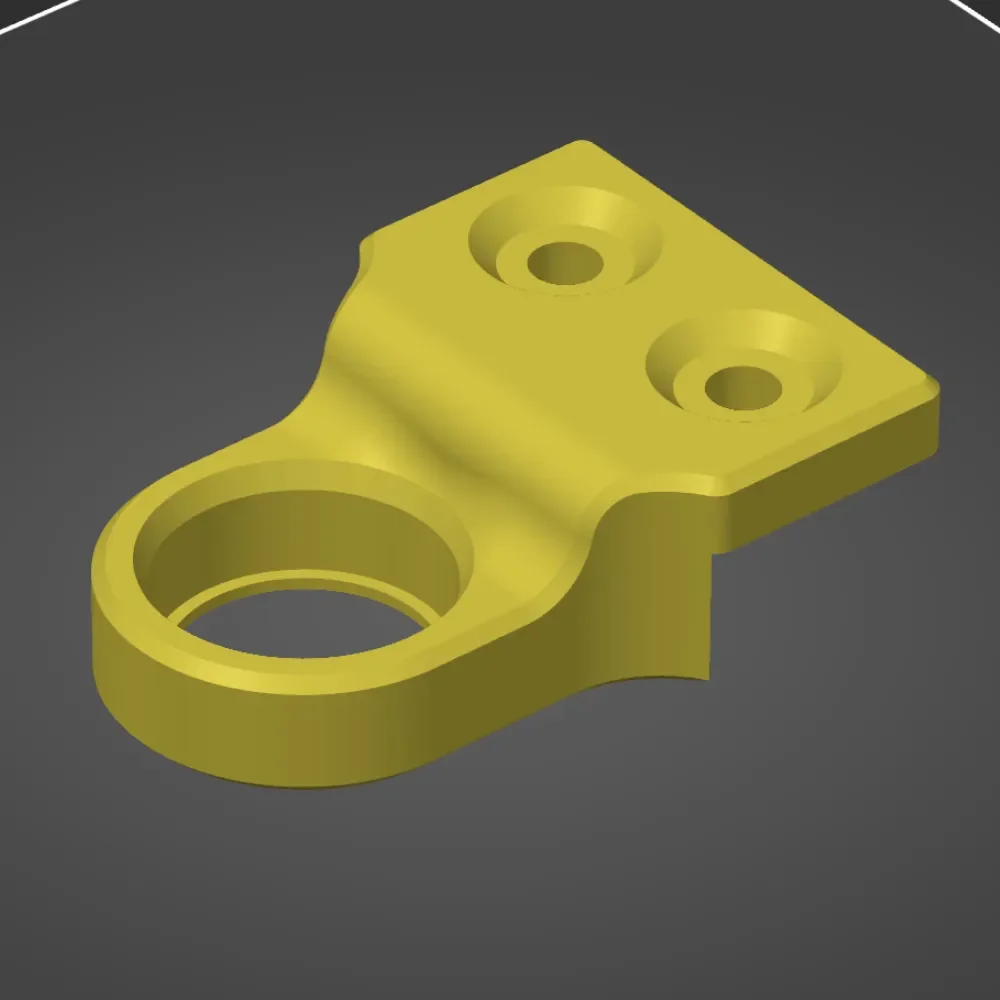
I've been looking for good Z Axis support for my Ender 2 PRO, but what I found was too loose fit or doesn't fit at all - so I made my own in the end. Printing details are the description, but I also attached STEP file so you can edit this fix as you want :)
It's made for bearing with outer diameter of 22mm (it's 608 Bearing if I'm not mistaken) with +0.1mm (diameter) for filament shrinkage - for me it was really great fit. With a bit of pressure it's really tight there and I managed to push bearing in the hole with fingers.
Step by step how I mounted mine:
Z Axis position for 180mm (Z max for me)
Fit bearing on the Z axis
Tight both screws to fix position
Printer Brand:
Creality
Printer:
Ender 2
Rafts:
No
Supports:
Yes
Resolution:
0.16
Infill:
20
Filament: Creality PLA White
Category: 3D Printer Parts
Byprusa-researchLikes0Downloads2.7K

 Bydet-manLikes0Downloads178

 Bytinx_1344834Likes1.2KDownloads6K

 Bychris-barwickLikes0Downloads131


 BydarienLikes0Downloads1K

 Byds-printsLikes0Downloads357

 BynozeLikes0Downloads136

 Byla-cave-au-chatLikes0Downloads973

 ByvertigomakesLikes0Downloads565

 Bydamian-dabrowskiLikes0Downloads368

 By3DPrintDemonLikes0Downloads334