



New
Fortnite Pirate Shop Token
 Bylarp3dLikes0Downloads1.4K
Build another version of this model.
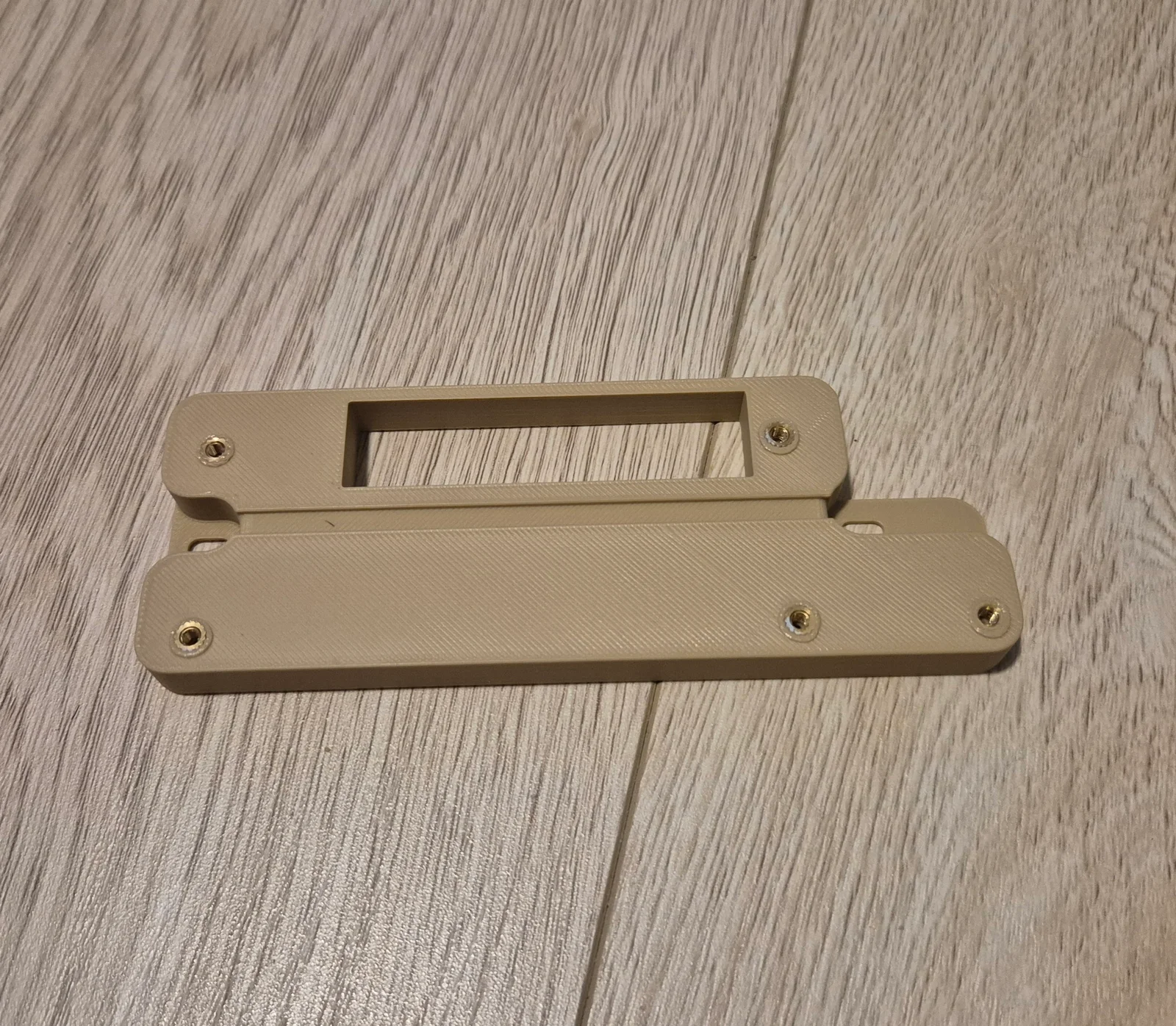
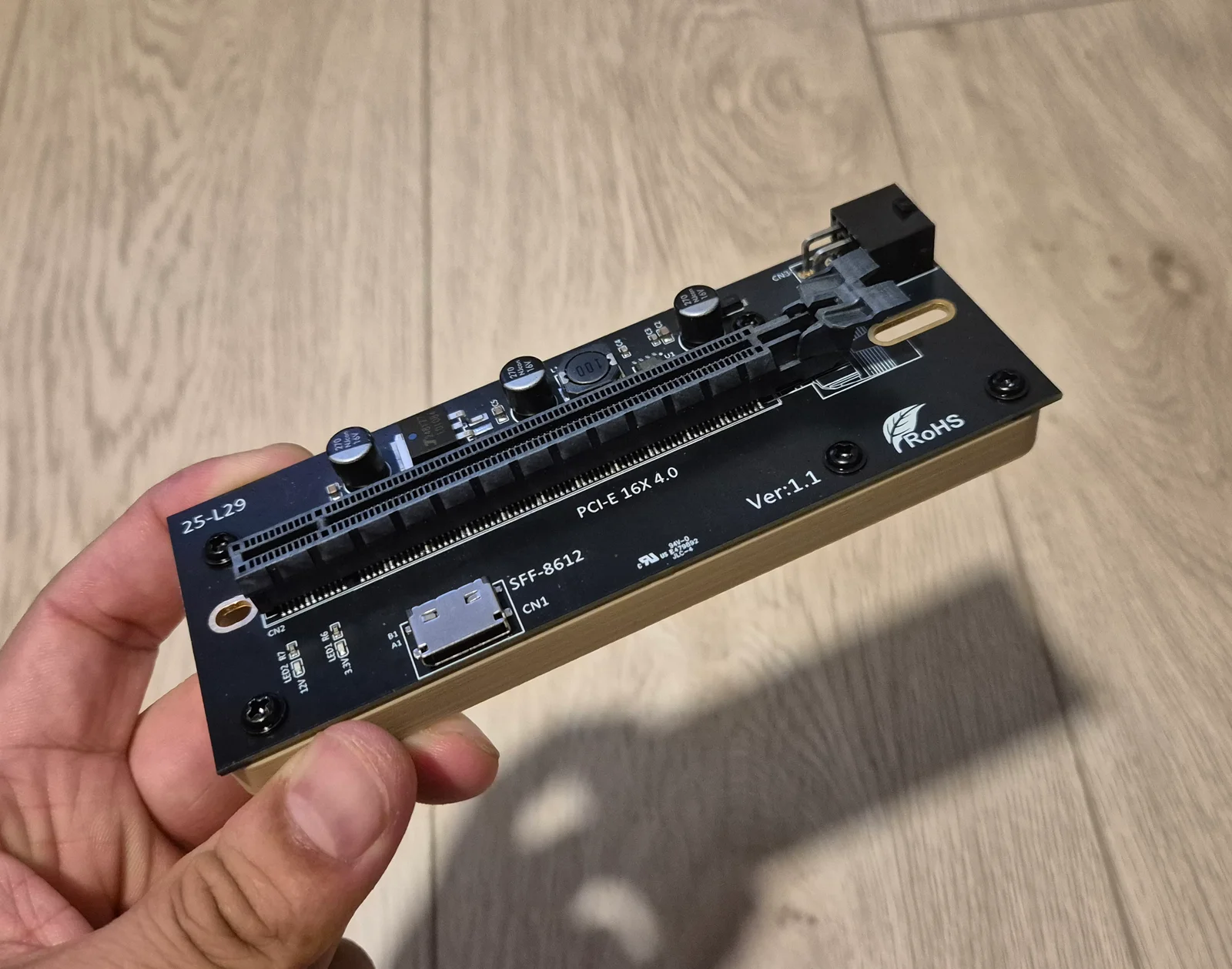
This mount is designed for the PCIe x16 board of the "TISHRIC M.2 M-Key 2242/2260/2280 To PCIE 4.0 X16 Riser Card PWR ATX 6PIN 12 VUp To 32G/bps With Oculink SFF-8612/8611 Cable 50cm". The one linked is the 6-pin pcie power version (v1.1). There's a 24-pin power version (v1.2) but I think that one is a bit overkill but should be compatible.
https://www.aliexpress.com/item/1005010712390112.html
Requires:
5x M3 Voron heat inserts.
2x 6-32 screws (Length 4mm) - So your standard mounting screws or PSU screws.
5x M3 screws - The ones that come with the case is fine. Max length: 8mm.
Instructions:
Insert the heat inserts into the mount.
Attach the mount to the case using your 6-32 screws or standoffs. Keep a bit loose as it might make removal easier.
Remove the 4 magnet mounting points from the riser and screw into the mount.
Plug in the 6-Pin PCIe power cable.
install your device of choice.
Mount used in images is PLA+ (3 walls, 25% gyroid infill) but use whatever material you want for increased temperature resistance.
Added a slimmed down version to reduce material usage.
Bylarp3dLikes0Downloads1.4K

 ByJaronLikes310Downloads1K

 Byw3rN42Likes127Downloads938

 ByTomDDLikes89Downloads578

 ByJwidessLikes34Downloads376

 ByBroBuilds3D_4455044Likes32Downloads457

 ByckthLikes148Downloads2.4K

 Bynexgen-3d-printingLikes0Downloads395

 ByVikingptty_1943738Likes50Downloads235

 By3dwakeLikes0Downloads362

 ByBrokentooth_designsLikes30Downloads227

 Byslava-kuzminLikes0Downloads284