



Parametric Case for LoRa Heltec V3/V4 (Meshtastic Node)
 ByrojamorLikes0Downloads499
Build another version of this model.
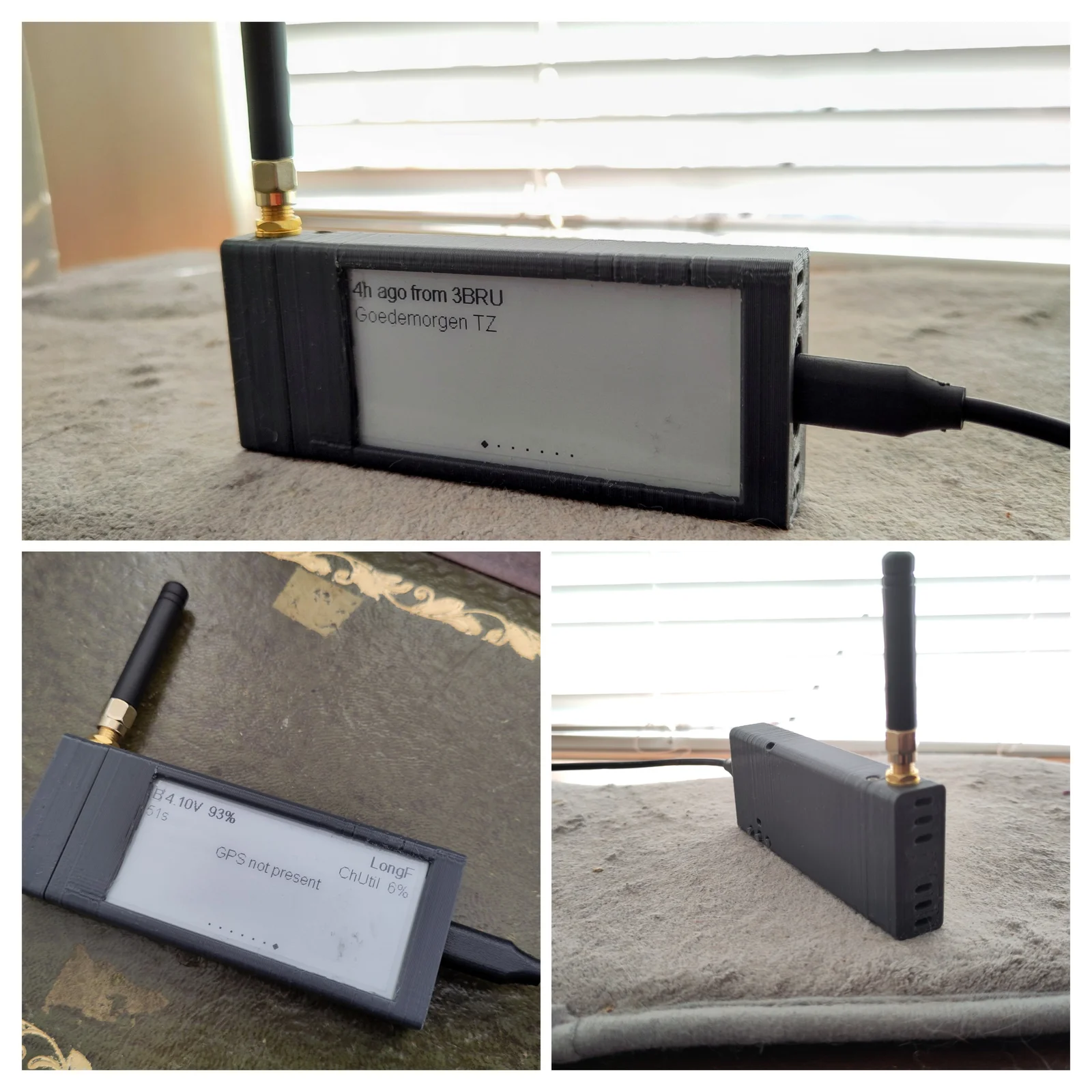
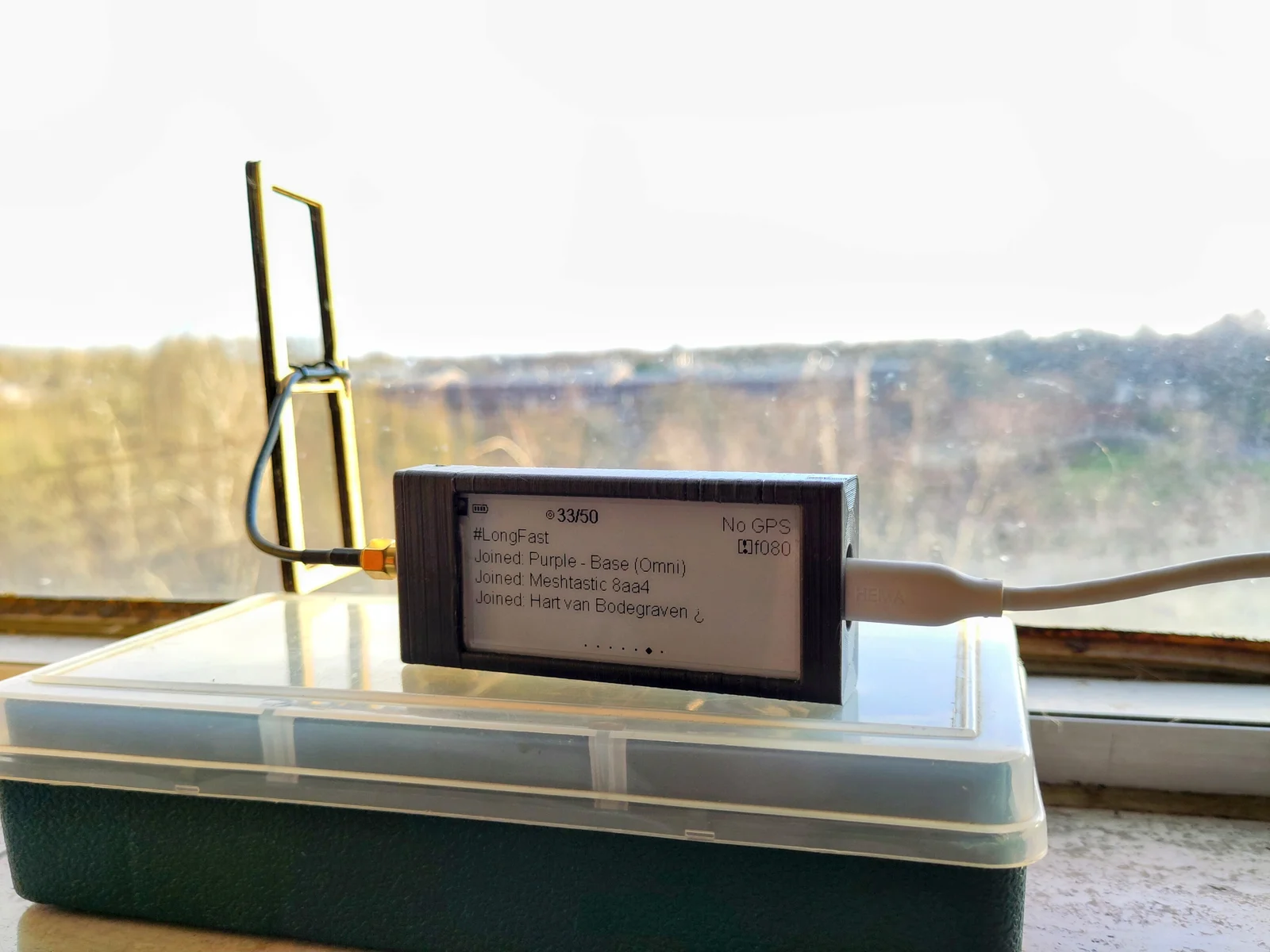
A slip case for Heltec Visionmaster E290:
Easy to print, comes with several variations:
There is room for a small battery even in the slim case; I have a 200mAh battery in my home node as a short-term backup although it is normally permanently powered.
Select the parts you need, and print without supports.
Use a pair of 2mm x 5mm screws to hold the cap; I salvaged mine off some old equipment I was recycling.
Pad the board at the cap end if it is loose after fitting.
The board model used in designing this is here:
Note: There was a early E290 board revision with sideways facing buttons.. the main case here is for the current shipping model that has rearwards facing buttons (if in doubt, zoom in on the pictures of my board..)
But if you do have the early board with side-facing buttons: there is a case version which has a finger-sized cutout to allow the buttons to be pressed directly.
ByrojamorLikes0Downloads499

 ByrjunLikes0Downloads310

 Bykonstantin-radchenkoLikes0Downloads165

 ByleonicLikes0Downloads1.4K


 Byreinvent3dLikes0Downloads145

 ByZED4EverLikes313Downloads5.2K

 BydcmtlLikes0Downloads132

 Bythe-stock-potLikes0Downloads123

 By20gs09Likes0Downloads105

 Bybear-beer-3dmiklLikes0Downloads192

 Bymrfixit_324954Likes65Downloads484