

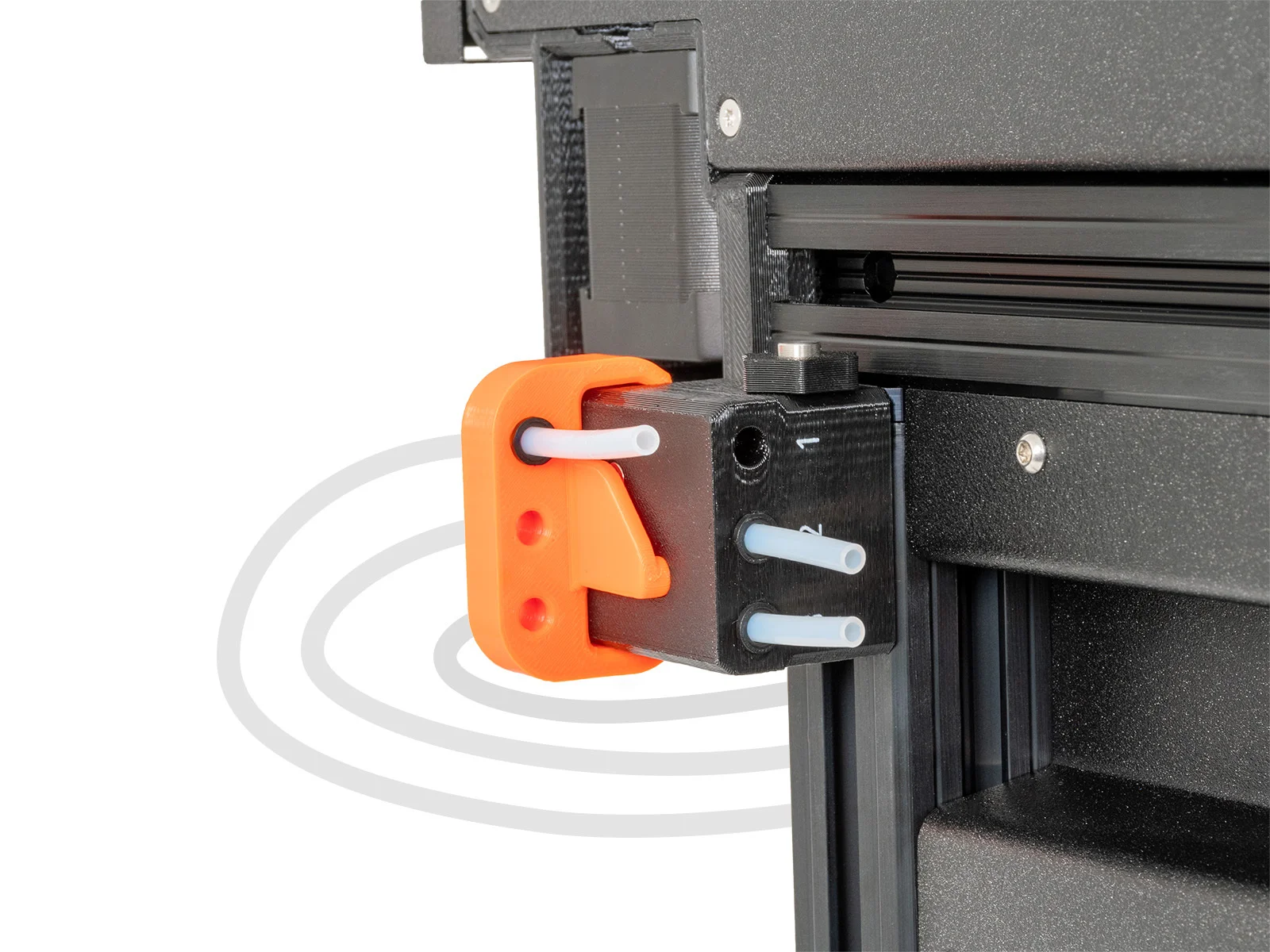
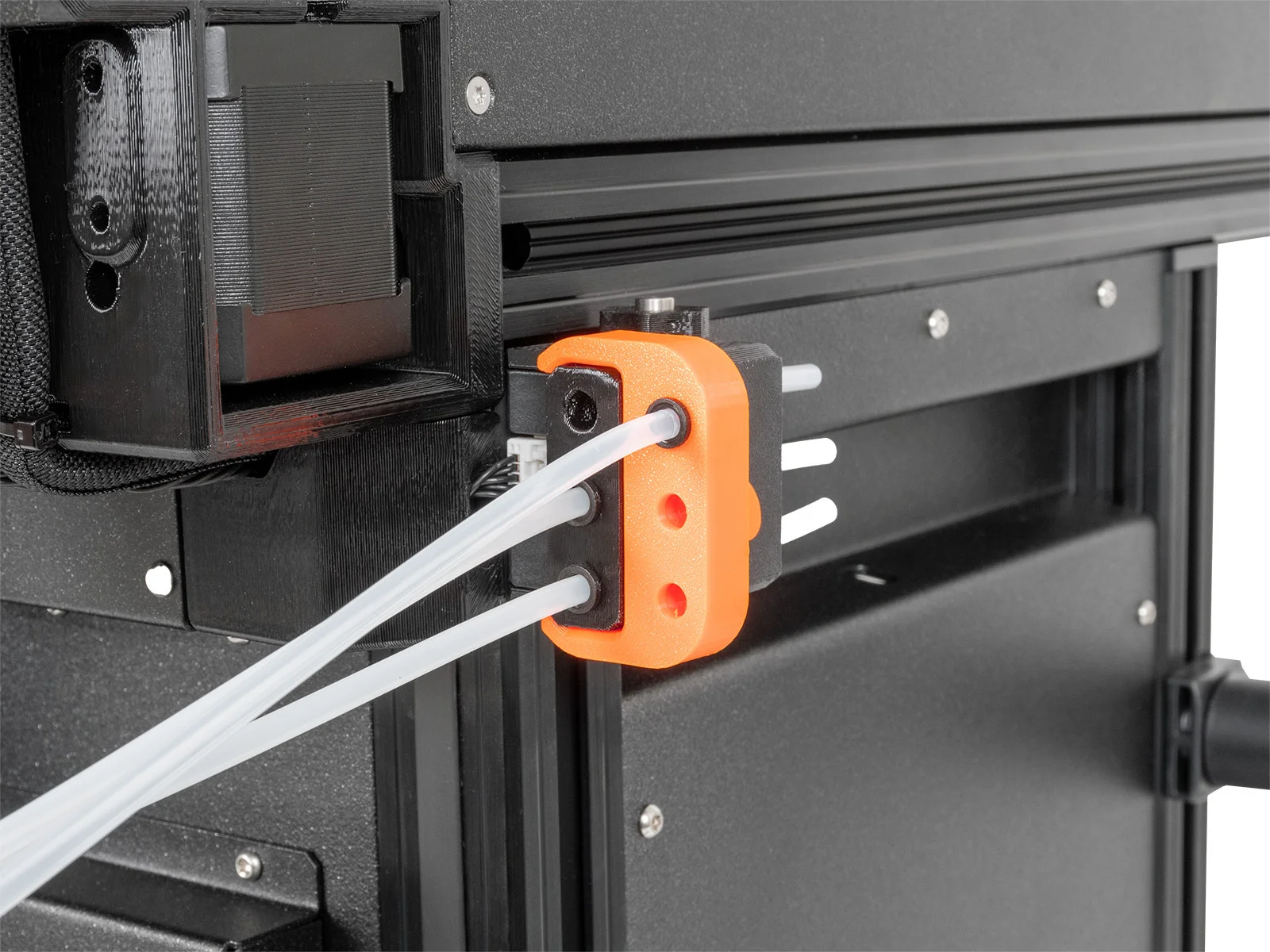


Kẹp giữ sợi Filament
 Bytinx_1344834Likes1.2KDownloads6K
Build another version of this model.
This part will allow you to bypass the side filament sensor and ease the loading of soft filaments into the tool head.
to turn off the Side Filament Sensor go to Settings→ Filament sensors → Side Filament Sensor [1-5] depending on where you load the flex material.
Print instructions
** Note that print settings are recommended, but you can experiment with your own.
Bytinx_1344834Likes1.2KDownloads6K

 Byarhi_585078Likes64Downloads541

 ByHanzo3dLikes155Downloads414

 ByGeek5DLikes147Downloads485

 ByBrokentooth_designsLikes23Downloads407

 Bycrawler-3903250Likes0Downloads906

 By3DSourcererLikes48Downloads377

 Byartme-3dLikes0Downloads333

 Bybloblis67Likes0Downloads318

 Byprusa-researchLikes0Downloads2.7K

 Byzachstofko_3956201Likes88Downloads160

 ByzooppLikes7Downloads164