

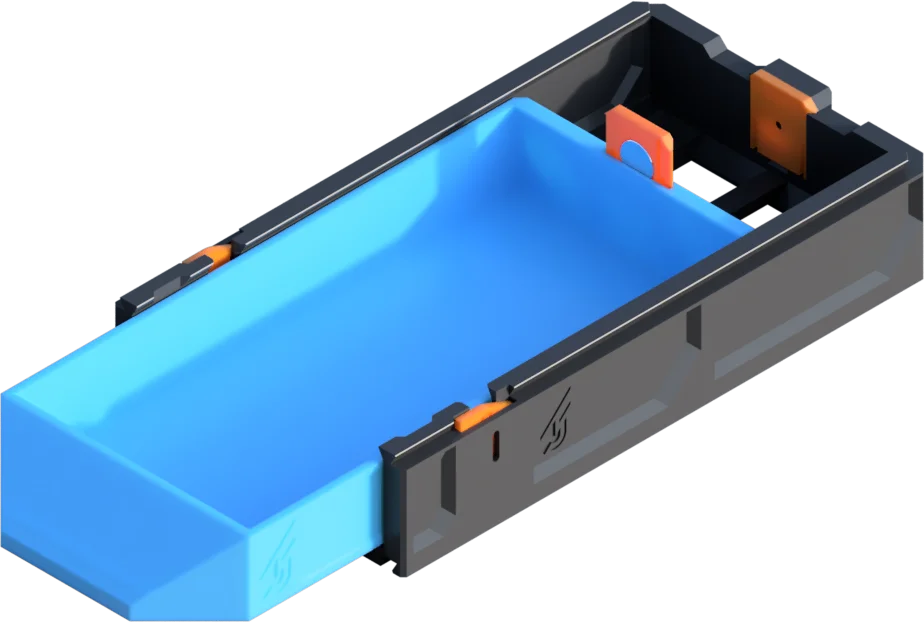



Tay nắm cửa cho bộ khung Prusa IKEA LACK V2 từ 3D Sourcerer
 By3DSourcererLikes48Downloads382
Build another version of this model.
⭐ Love the GEN2 system?
Support the project by joining the Jerrari Club or picking up a premium faceplate collection, it means a lot and helps fuel future designs.
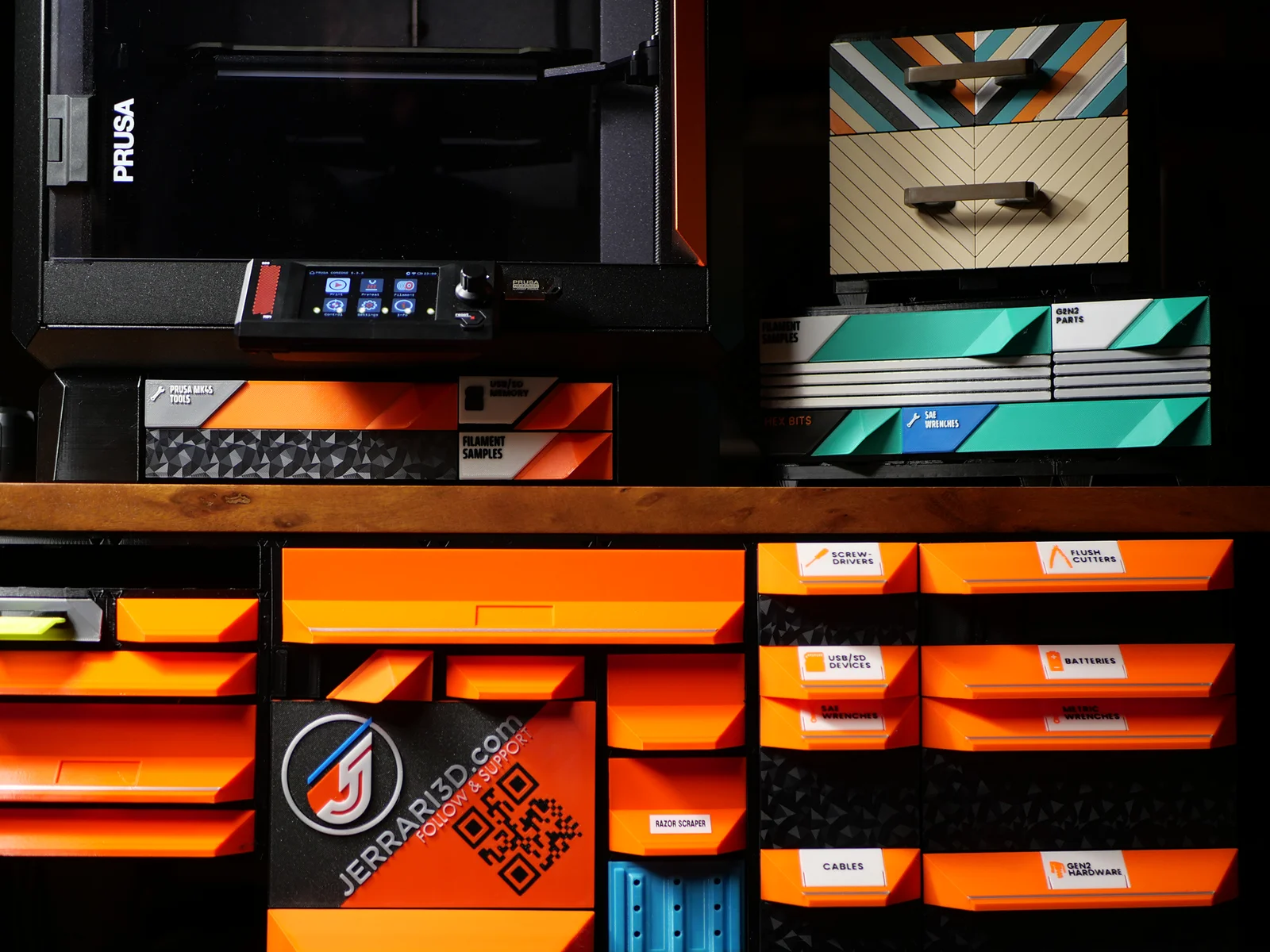
The GEN2 Modular System is a 3D printable storage solution offering ultimate flexibility and customization. Perfect for home users, hobbyists, and small businesses, so you can print exactly what you need and customize every piece to fit your space and style.
Unlike store-bought sets, GEN2 lets you print only what you need and expand your setup whenever you want. The drawers snap together seamlessly, giving you endless expansion possibilities. With the unique QuickLock mechanism, rearranging or relocating drawers is quick and effortless, so your storage can grow and adapt with you.
CLASSIC DRAWERS
These one-piece drawers print with the handle built in, no assembly needed. They’re quick, simple, and ready to use right off the bed. While they offer convenience, they don’t allow for the same material savings or faceplate customization as the Decor series.
The 165 Collection offers efficient storage in a compact footprint, optimized for smaller printers like the Prusa Mini and Bambu Lab A1 Mini. It provides more room than the 115 mm drawers while maintaining fast print times and broad compatibility. Find all compatible 165 Collection models HERE
STEP 1: Location
Decide how you would like to use your GEN2 storage. Keep in mind that the drawers are modular and can be easily swapped between under table and table top locations. All drawers are available for mounting under the table using rails, but you can also place them on top of any surface with table top kits.
Find these kits at JERRARI3D/gen2-modular-system
Attach GEN2 drawers under any surface by installing the GEN2 RAILS. Once installed drawers can slide and lock into place, they can then be swapped out and rearrange in seconds.
Table Top Kits include covers and foot rails that when combined with drawer cases create a rigid structure that can be placed anywhere
Visit Jerrari3D.com for a list of all compatible drawers.
Understanding Part Names
GEN2 drawers are titled by length, width and height, such as in this example.
Download and customize faceplates HERE
Includes affiliated links to help support my projects
• Filament
- PLA (Easy to print, works great for most parts)
- PETG (Stronger and tougher, but can warp more)
• Screwdriver
• Magnets (Optional): 10x2mm or 6x2mm
• M3 nuts and screws: Stainless-Steel or Steel
UNDER TABLE (GEN2 RAILS) HARDWARE
• Countersunk woodscrews: (SAE: #6 or #8 up to 1/2" or longer) or (Metric: 3.5x16mm or longer)
• Drill bit that is smaller diameter than the wood screws (My Recommendation)
• Pen, Marker, or Scratch Awl (for installing under tables)
🔧Visit Jerrari3d.com for Step-By-Step Instructions
UPDATE:
• NEW Magnet Clip - This replaces the magnet slots with a more reliable and universal design.
Tip:
Printing large models near the edge of a printer's build plate can sometimes lead to edge curling up deforming the rail. Here are some ways you can combat this:
- Clean your entire build sheet using detergent or 99% iso alcohol, additional adhesion can be achieved with glue sticks or adhesion promoters like Nano Adhesive
- Print with an enclosure to prevent drafts and cooler temperatures, preheat the enclosure for a few minutes prior to printing.
- After the print completes wait for the build plate to lower to room temp before removing the model.
- You can always print with materials that print easier and warp less during printing such as PLA
Please note: The Non-Commercial license refers specifically to selling prints. You're absolutely welcome to use my designs in commercial environments—I actually encourage you to use them anywhere you see fit! 👍
By3DSourcererLikes48Downloads382

 BynasikLikes0Downloads123

 ByBrokentooth_designsLikes23Downloads412

 Bytinx_1344834Likes1.2KDownloads6K

 BydalleLikes0Downloads152

 Bybloblis67Likes0Downloads322

 Bygummiegecko8477Likes0Downloads168

 Bychukwufumnanya-arinzechukwuLikes0Downloads154

 Byprusa-researchLikes0Downloads785

 Byarhi_585078Likes64Downloads547

 ByCapitaineBobLikes19Downloads146

 Byphil-carusoLikes0Downloads144