


Thùng rác in Vase Mode
 BybobmakesLikes2.5KDownloads17.5K
Build another version of this model.
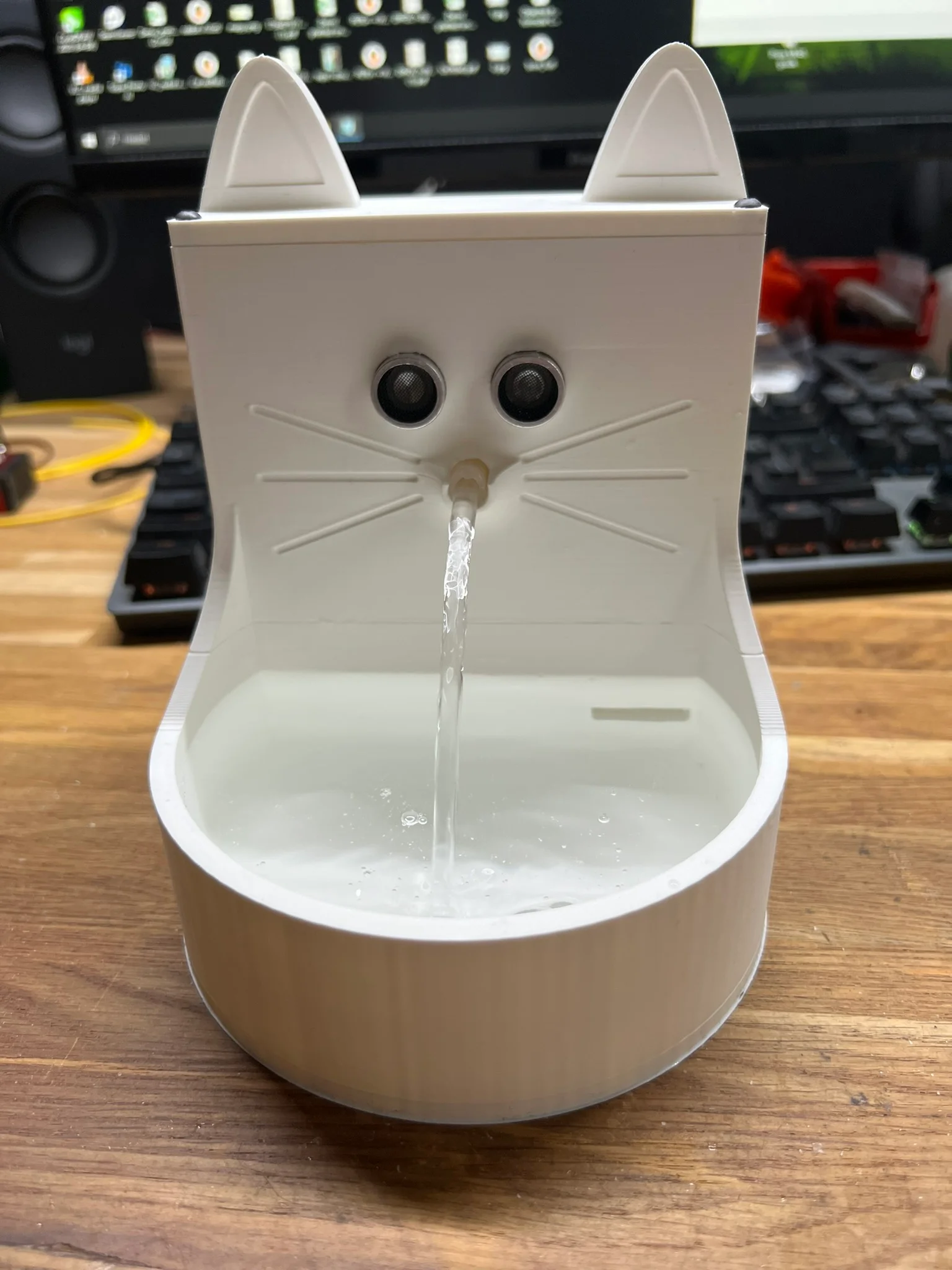
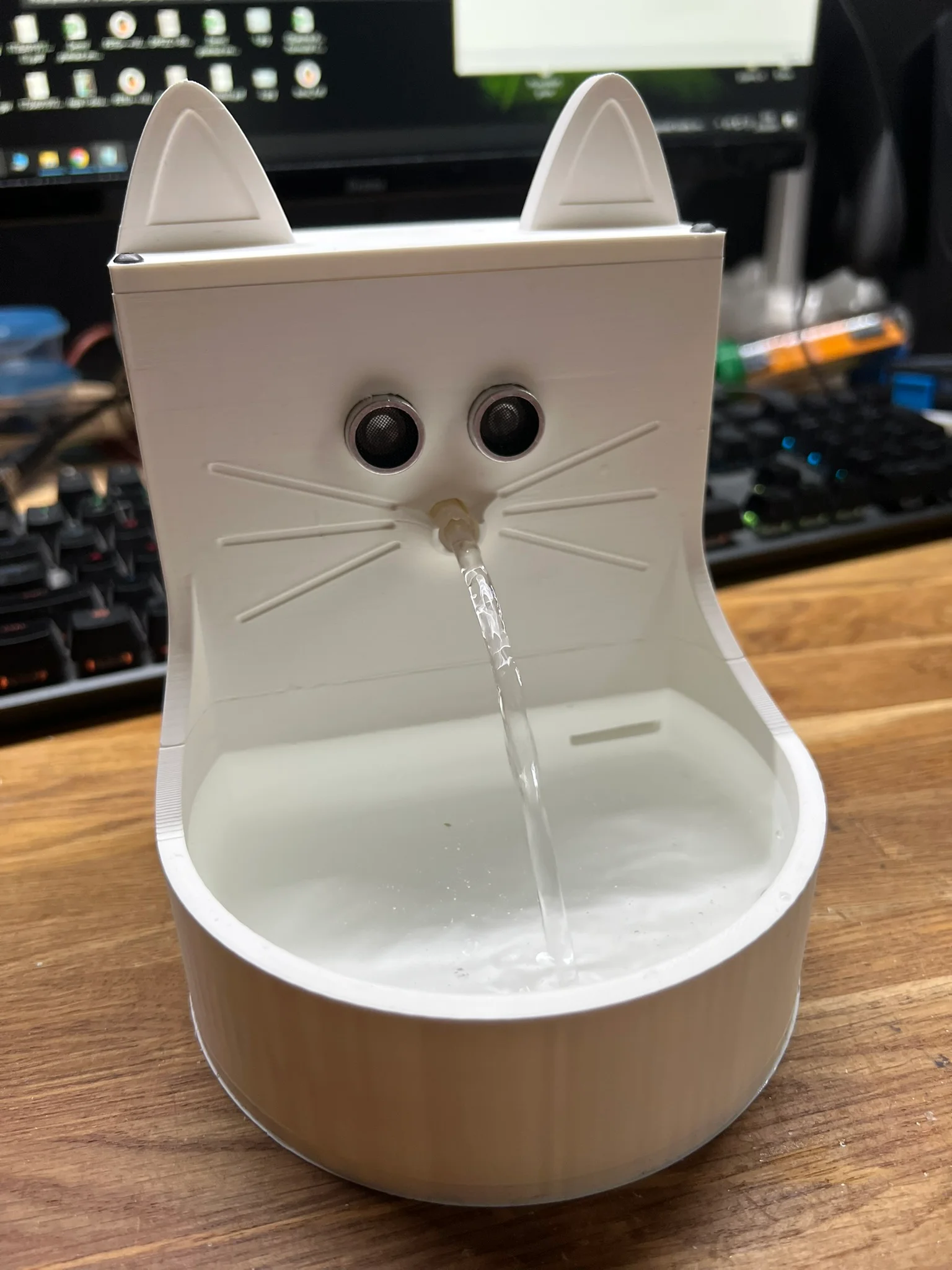
Cat water bowl with circulating water for your pet. Easy to assemble.
When the cat gets close to the bowl, the fountain starts.
You can use the breadboard to connect the components, soldering is need only to connect wires to dc jack
#define TRIG_PIN 3
#define ECHO_PIN 2
#define PUMP_PIN 4
void setup() {
pinMode(TRIG_PIN, OUTPUT);
pinMode(ECHO_PIN, INPUT);
pinMode(PUMP_PIN, OUTPUT);
digitalWrite(PUMP_PIN, LOW);
Serial.begin(9600);
}
long measureDistance() {
digitalWrite(TRIG_PIN, LOW);
delayMicroseconds(2);
digitalWrite(TRIG_PIN, HIGH);
delayMicroseconds(10);
digitalWrite(TRIG_PIN, LOW);
long duration = pulseIn(ECHO_PIN, HIGH);
long distance = duration * 0.034 / 2; // Convert to cm
return distance;
}
void loop() {
long distance = measureDistance();
Serial.print("Distance: ");
Serial.print(distance);
Serial.println(" cm");
if (distance < 25) { // If an object is closer than 25 cm
digitalWrite(PUMP_PIN, HIGH); // Turn on the pump
delay(15000); // 15 seconds
digitalWrite(PUMP_PIN, LOW); // Turn off the pump
}
delay(5000); // Short delay between measurements
}
BybobmakesLikes2.5KDownloads17.5K

 Byquibeck_3353173Likes1.5KDownloads11.5K

 Bym-collectableLikes0Downloads3.9K

 ByTommy3DLab_2023125Likes636Downloads2.5K

 Bymoleculecrtr_1215658Likes544Downloads2K

 By178222178222_2484344Likes449Downloads1.7K

 BymakerxLikes0Downloads355

 ByEldordLikes499Downloads1.4K

 ByowlartLikes107Downloads204

 ByVaclav_ZahradkaLikes181Downloads1.2K

 ByshoheiyLikes0Downloads294

 ByStuart800_1278696Likes77Downloads233