Giá đỡ bút cho máy in 3D Ender3 S1
- Downloads
- 71
- Likes
- 8
- Views
- 615
- Remixes
- 0
- Comments
- 0
Files 3 11.2 MB
- 230830_Ender3_S1_Plot_Pen_Holder_Base_1766105574.stlSTL · 59.4 KB
- 230830_Ender3_S1_Plot_Pen_Holder_SlideHolder_1766105575.stlSTL · 216.1 KB
- Ender3_S1_Plot_Pen_Holder.avi_1766105575.zipZIP · 11 MB
Make a variant with AI
Build another version of this model.
Details
- Model ID
- #14346
- Category
- Máy In 3D
- Published
Description
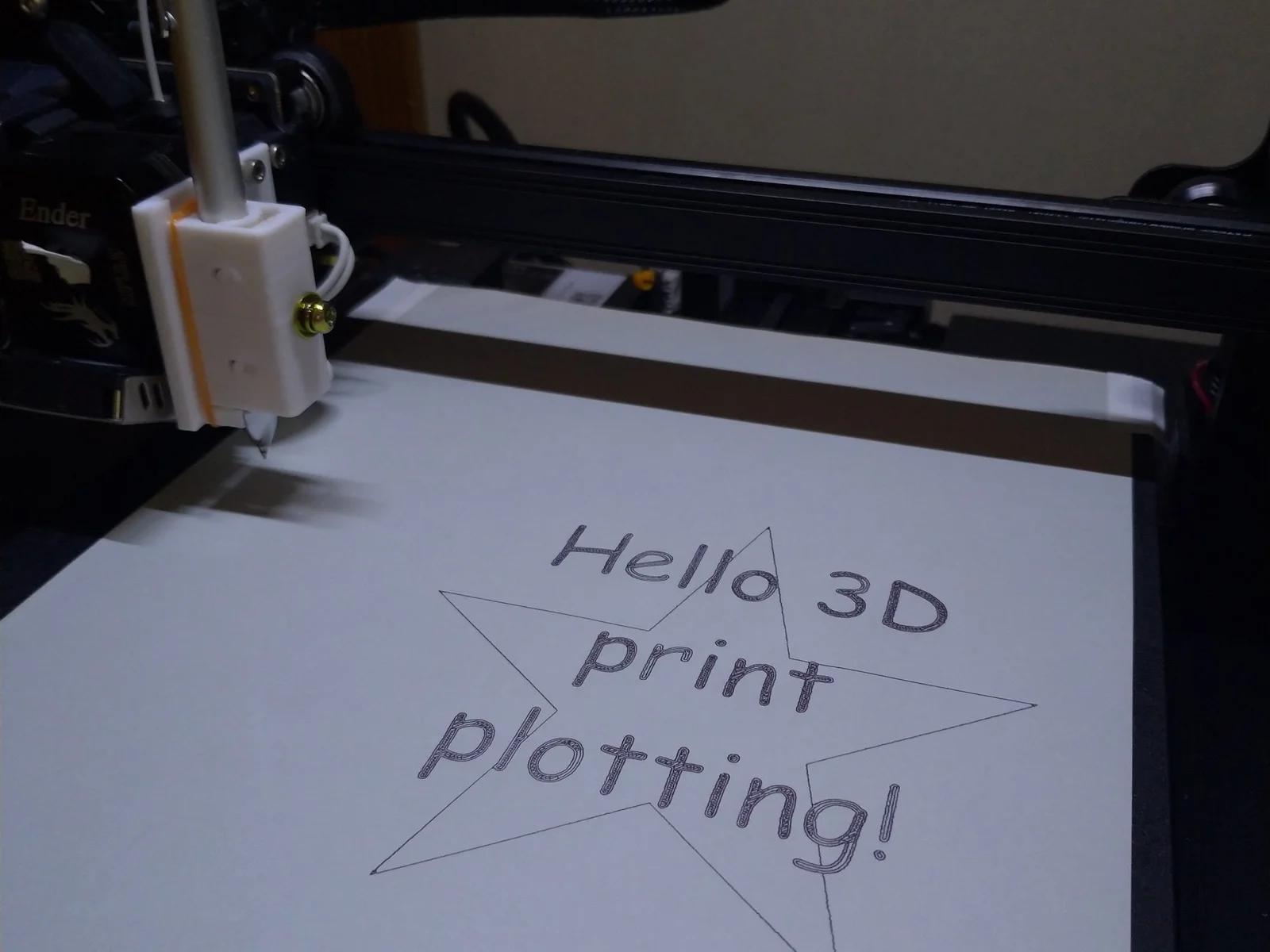
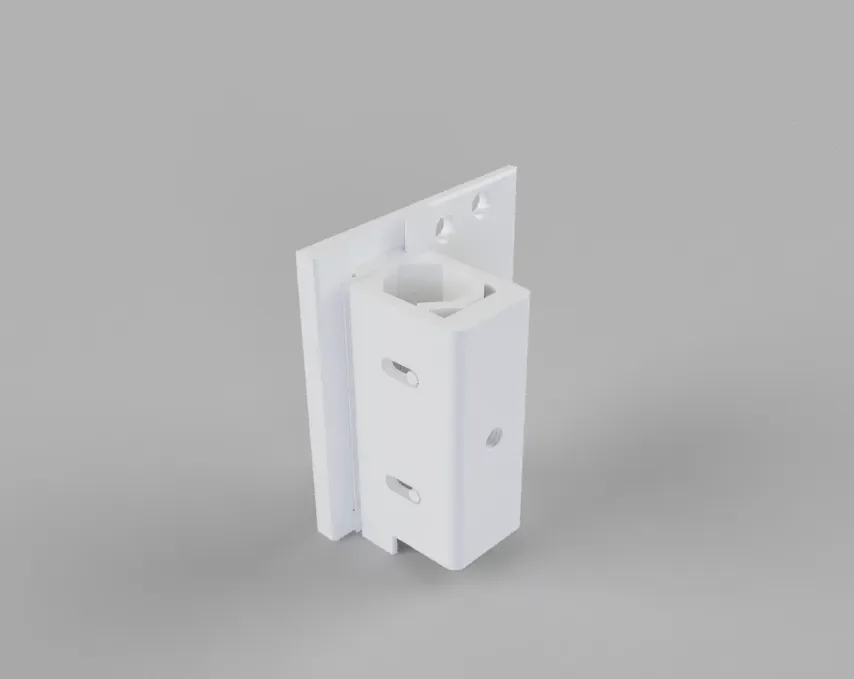
The Pen Holder consists of three models - Base Bracket, Slide Holder, and Stopper.
You can 3D print Slide Holder and Stopper in place - refer to the photo attached.
Merit of this pen holder:
- Easy to make - the Pen Holder doesn't need any other parts except a M4 screw and a rubber band.
- Easy to attach / detach - by sliding the Slide Holder on / off the Base Bracket.
The Base Bracket is attached to the print head with three screws.
If you do regular 3D printing, you can leave the Base Bracket attached. - Wide range of pens applicable - Pens from 9 to 12 mm dia.
You can use a bit tapered pen.
There's no damage on the pen.
Adjust so that the pen tip touches the paper when the Z axis is 0mm.
Adjust the pen pressure with the tension of the rubber band.
---
Following is the information when you want to plot image just with your 3D tools, Fusion360 and Cura - without any other special tool:
2D plot data design with Fusion360:
- Model height is 0.2 mm which is the same value of slicing layer height.
- If you want to plot in a single line, the line width is 0.4 mm which is the same value of slicer line width
Cura setting for 2D plot:
- Printer Setting
- Duplicate your normal 3D printer setting and rename it as you can easily recognize, such as “Pen Plotter”
- Delete Start G-Code except reset the XYZE parameters and homing to origin.
- Create New material - “Plot Pen”
- Set all temperatures to 0 degC.
- Set all FAN stop.
- Change the Profile
- Set all Extrusion and Retraction Flow to 0%.
( I set the flow to 0.001% as Cura doesn't accept 0%.)
note. Don't disable retraction as it is used to Z hop motion. - Set build plate adhesion None - or you'll have Skirt/Brim/Raft on your plot.
- Enable Z hop and set Z hop height to 1 mm.
- Set all Extrusion and Retraction Flow to 0%.
- Enjoy 2D plotting!
Print spec
- Formats
- stlzip
- Model files
- 3
- Total size
- 11.2 MB
- Largest file
- 11 MB