



Kẹp giữ sợi Filament
 Bytinx_1344834Likes1.2KDownloads6K
Build another version of this model.
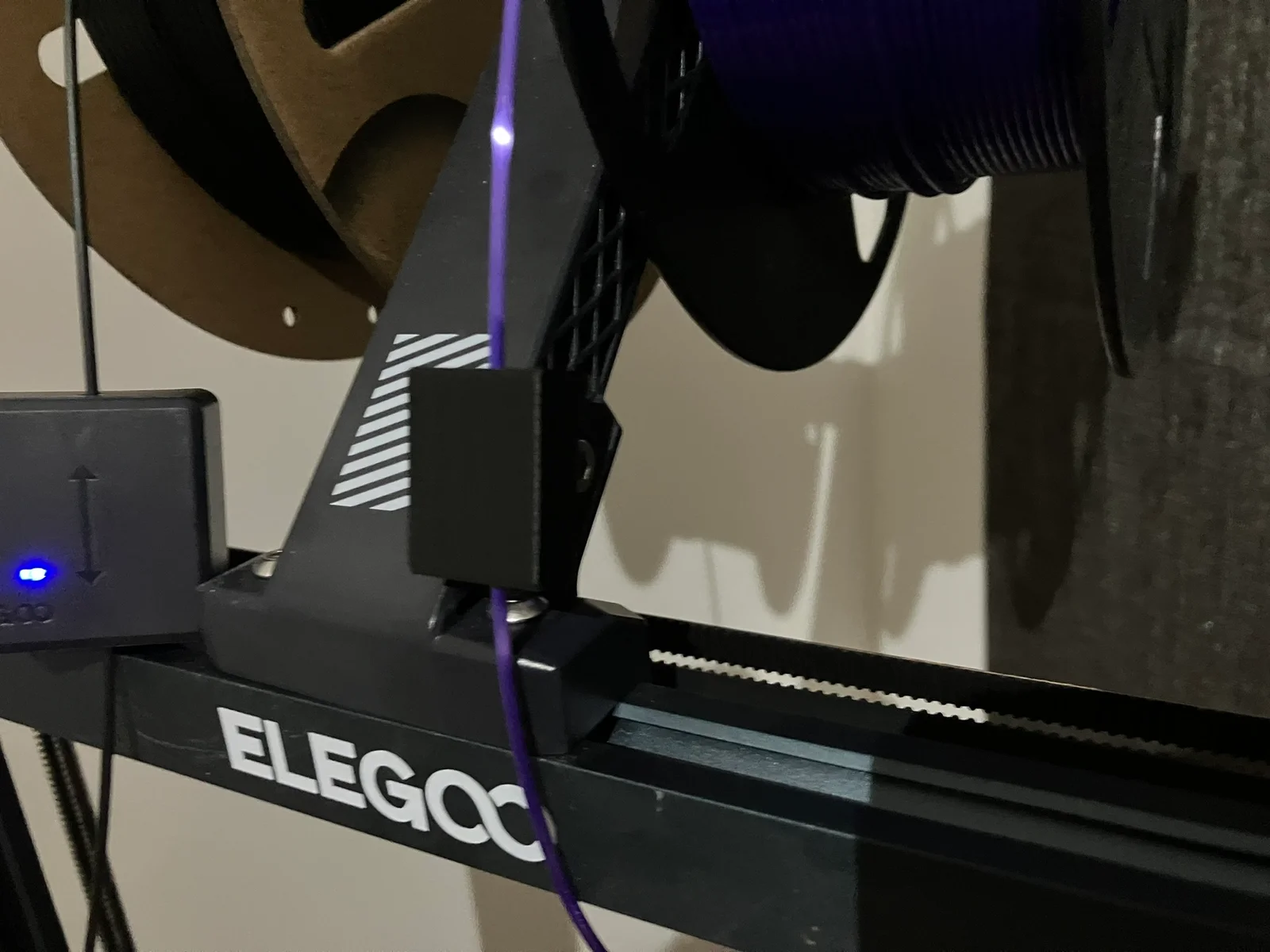
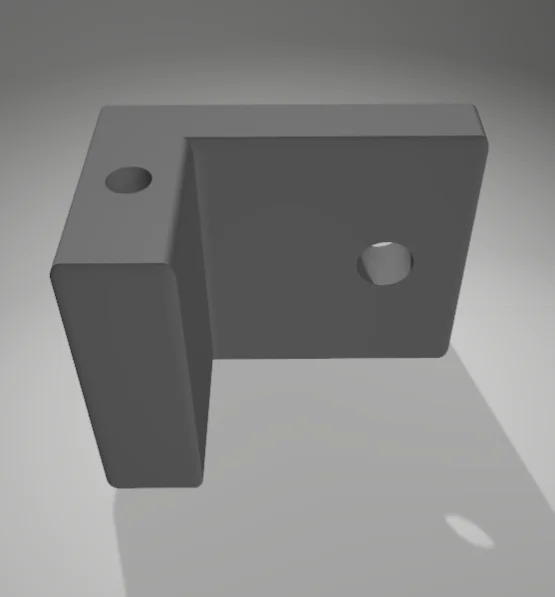
If you are often changing filament colors then you'll know how annoying it is that you have to hold the filament on one of the spools while you feed the other so you can then lock it away safely without it de-spooling. This filament feeder will hold onto your filament for you so it won't de-spool/uncoil your roll. It'll save a lot of effort if you've got a print you're having to switch between multiple lines for.
I can create a version that has more holes for people wanting to switch between more colours, just let me know.
No support or brim is required. Suggest using an M3 x 10mm Bolt instead of 3D printing one.
Clamp:
0.2mm layer height
3 perimeters
15% infill
(WARNING: I have attached an SLT for a printable bolt but if you over-tighten this or bend it it could get stuck in the nut and snap off. I'd recommend using a metal bolt (M3 x 10mm) instead but if you're careful this one will work. I got my first attempt stuck in there, heated up the end of a very thin Hex key, and shoved it in, once cooled I unscrewed the plastic bolt and was good to go again. For longevity the metal M3 is much better however.)
Bolt: (has the same Allen/Hex key size as the filament monitor that comes with the unit.)
0.2mm layer height
3 perimeters
Use the Allen/Hex key to get it in most of the way but hand tighten to finish, you don't to snap it.
Bytinx_1344834Likes1.2KDownloads6K

 Byprusa-researchLikes0Downloads778

 Byarhi_585078Likes64Downloads540

 ByanatoliikLikes0Downloads118

 ByBrokentooth_designsLikes23Downloads407

 BynozeLikes0Downloads130

 Bybloblis67Likes0Downloads316

 ByMrExo3DLikes11Downloads67

 BykingnothingLikes0Downloads180

 ByfilamentalistLikes71Downloads109

 ByHanzo3dLikes155Downloads413

 BydarienLikes0Downloads1K