F3D
Dock sạc cho Lenovo M10 tab 1

2 images

Dụng Cụ Tiện Ích

Dock sạc cho Lenovo M10 tab

By FlorianCaste_1475419

Downloads
95
Likes
8
Views
692

Files 2 703.2 KB

  • dock_1767582587.scadSCAD · 6.7 KB
  • dock_1767582588.stlSTL · 696.6 KB

Make a variant with AI

Build another version of this model.

Open Studio

Details

Model ID
#135780
Published

Description

Find this on github:

https://github.com/LIII-XXII/tb-x505f-dock

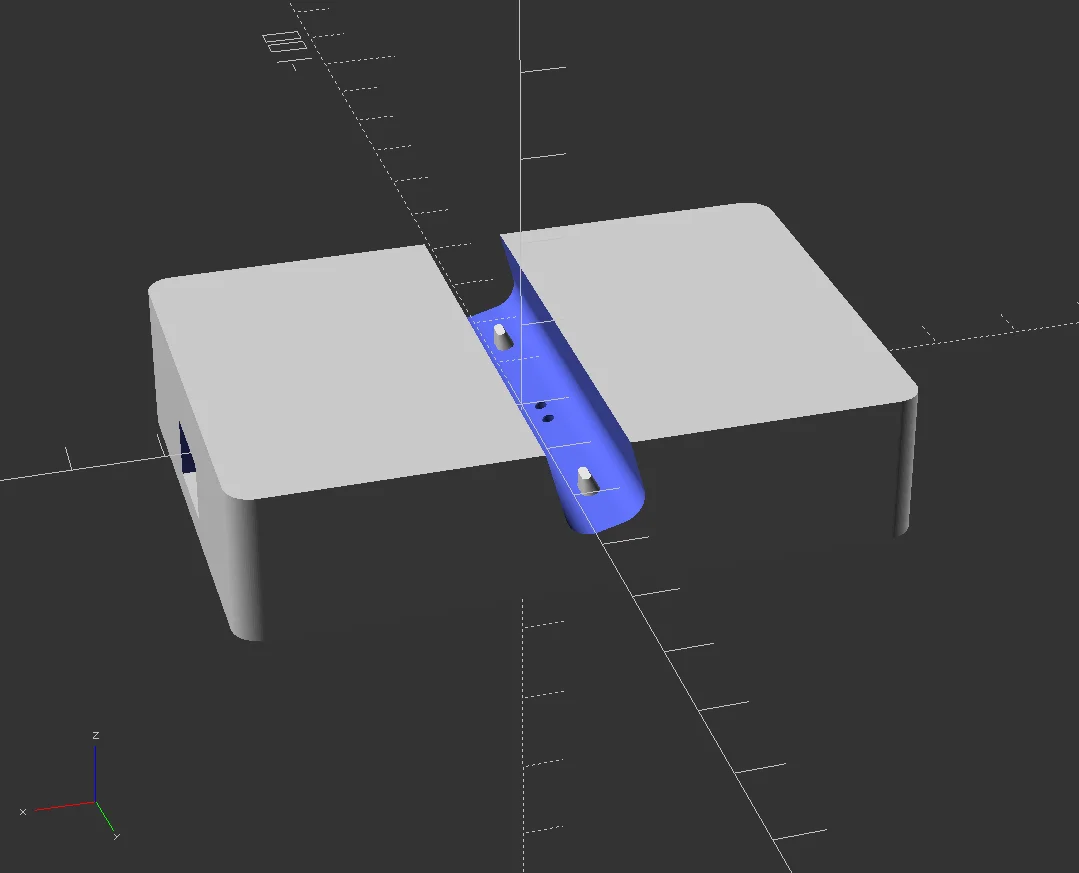
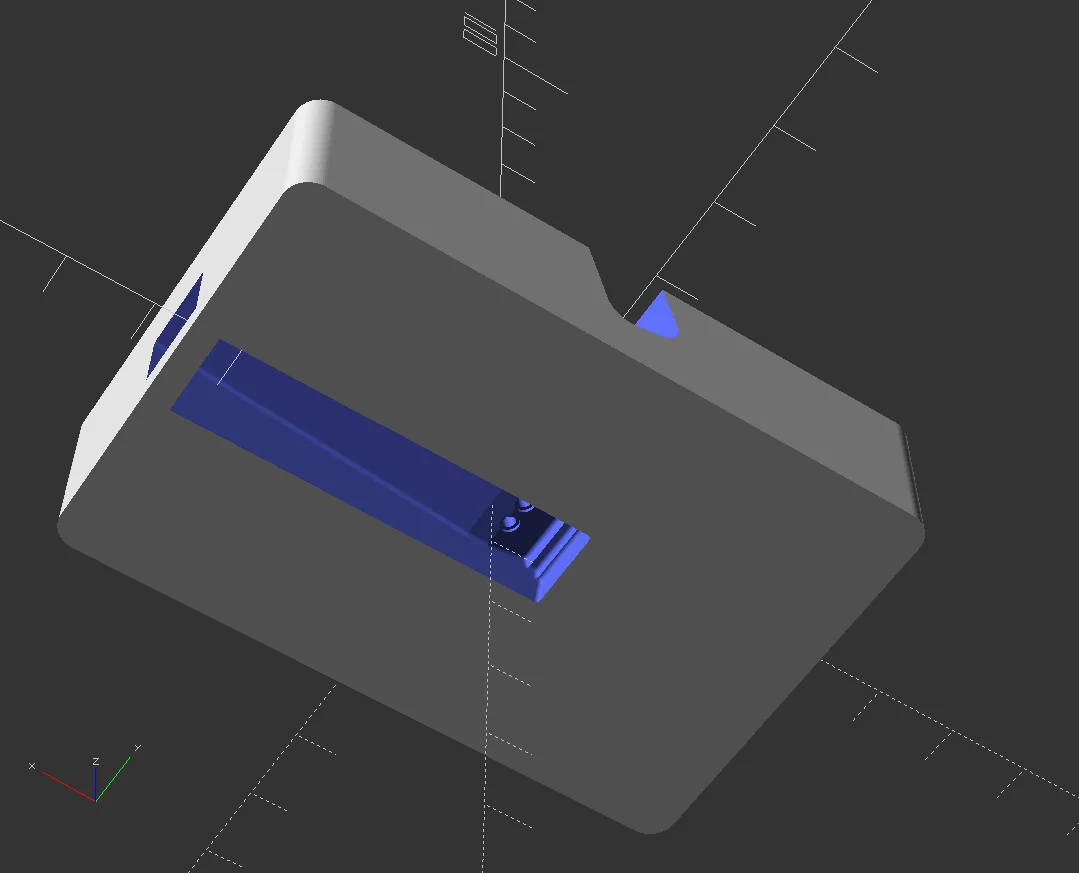
I recommend filling the hole under the pogo pins with hot glue to make sure that putting the tablet down will not pop them out of their slots.

Parts:

Assembly steps:

  • Print model
    • I used PLA, anything should be fine
    • Supports not necessary
  • Get an USB cable, cut off the peripheral end, expose the ground and 5V wires, isolate the data lines away as we don't connect them
  • Solder USB ground and USB 5V to the bottom of your pogo pins
  • Check with the tablet and your new cable to confirm the polarity of the tablet, it only charges in one direction
  • With the USB cable unplugged, insert the pogo pins
  • Check for shorts before plugging USB
  • Carefully lower the tablet into the dock to confirm you can charge
  • Now that you know it works, fill the cavity under the pogo pins with hot glue to secure the cable and the pogo pins.

Read more Show less

Print spec

Formats
scadstl
Model files
2
Total size
703.2 KB
Largest file
696.6 KB

0 comments

See all