

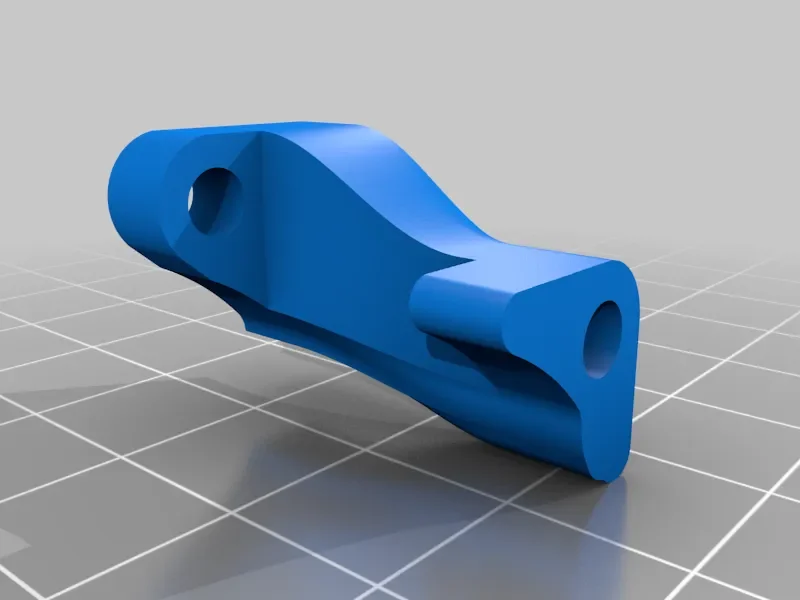
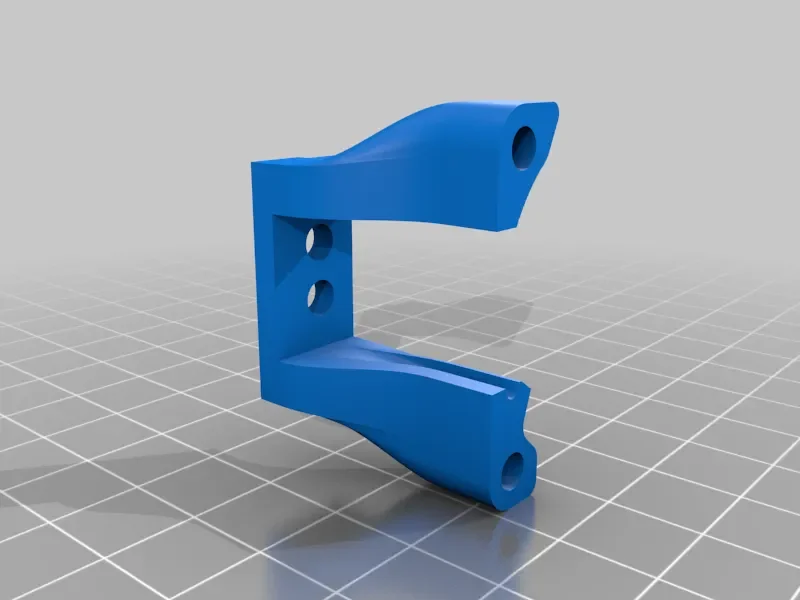


CORE One/+ INDX printed parts
 Byprusa-researchLikes0Downloads2.7K
Build another version of this model.
 Ender 2 Pro - Ngàm gắn quạt hot-end tối giản (không cần inserts)Byoctosomething · 04/30/2026
 Ender 2 Pro Tối Giản Gắn Quạt 5015Bybrian Hengelsberg Hengelsberg · 07/01/2025
 Giá đỡ quạt hot-end tối giản cho Ender 2 ProByTRex22 · 03/12/2025
Minimalist fan mount for the Creality Ender 2Pro. The default hotend shroud is beautiful, but you can also barely see the nozzle and printbed when performing bed leveling. In addition, the fan shroud blocks the inlet of the part cooling fan. Also the air from the hotend is blown towards the bed insert of out the side.
This alternative fan mount does not block the part cooling fan, and only mounts the fan. You'Il need an extra 3.5mm insert if you like to mount the fan at 3 points, otherwise you can reuse the 3 inserts that are in the existing shroud.
Bill of materials:
4 inserts for 3M screws (4mm long) (note: you can reuse 3 from the existing fan shroud), one insert is optional if you like to mount the fan at three points Fusion 360 archive and step file is included to allow further modification. 3MF file is recognized by your slicer. Enjoy.
Printer:
Creality Ender 2 Pro
Rafts:
No
**Supports:**
Yes
Resolution:
200
**Infill:**
38
Remove the existing inserts
The default fan shroud has three inserts. You need these.
The easiest way is to get them out by heating them with an solder iron*or* you can just buy new inserts from [ ](https://www.amazon.com?linkCode=ll2&tag=thingiverse09-20&linkId=e4759bff1fa9a55a0f897d801ce2d765&language=en_US&ref_=as_li_ss_tl)[ Amazon](https://www.amazon.com?linkCode=ll2&tag=thingiverse09-20&linkId=e4759bff1fa9a55a0f897d801ce2d765&language=en_US&ref_=as_li_ss_tl).
Insert the inserts into the 4 holes.
Category: 3D Printer Parts
Byprusa-researchLikes0Downloads2.7K

 Bydet-manLikes0Downloads177

 Bytinx_1344834Likes1.2KDownloads6K

 BydarienLikes0Downloads1K

 Byla-cave-au-chatLikes0Downloads973

 ByvertigomakesLikes0Downloads565

 By3DPrintDemonLikes0Downloads334

 Bychris-hillLikes0Downloads268

 Bypeter-van-der-waalLikes0Downloads260

 ByhumebeamLikes0Downloads133


 ByBlackky98Likes25Downloads213