



New
Fortnite Pirate Shop Token
 Bylarp3dLikes0Downloads1.4K
Remix of Chân đỡ GPU By nyzomandias
Build another version of this model.
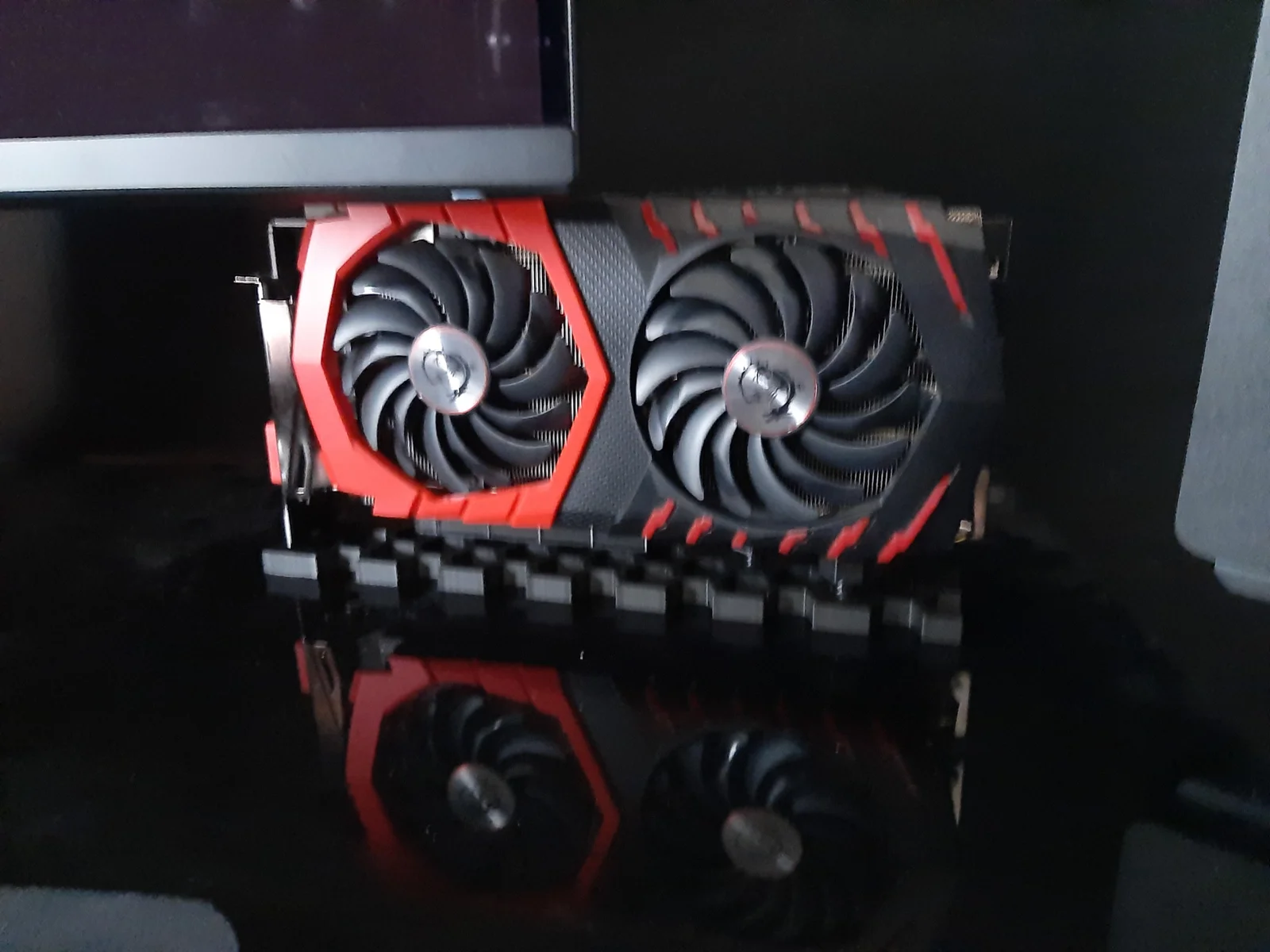
Step 1: Print the base and 2 nuts and bolts. I recommend printing with support (for under the pci slot). Try to press fit the bolts into the hex holes in locations that will best support your GPU. If you can't get it, try to keep it aligned as best you can for the next step.
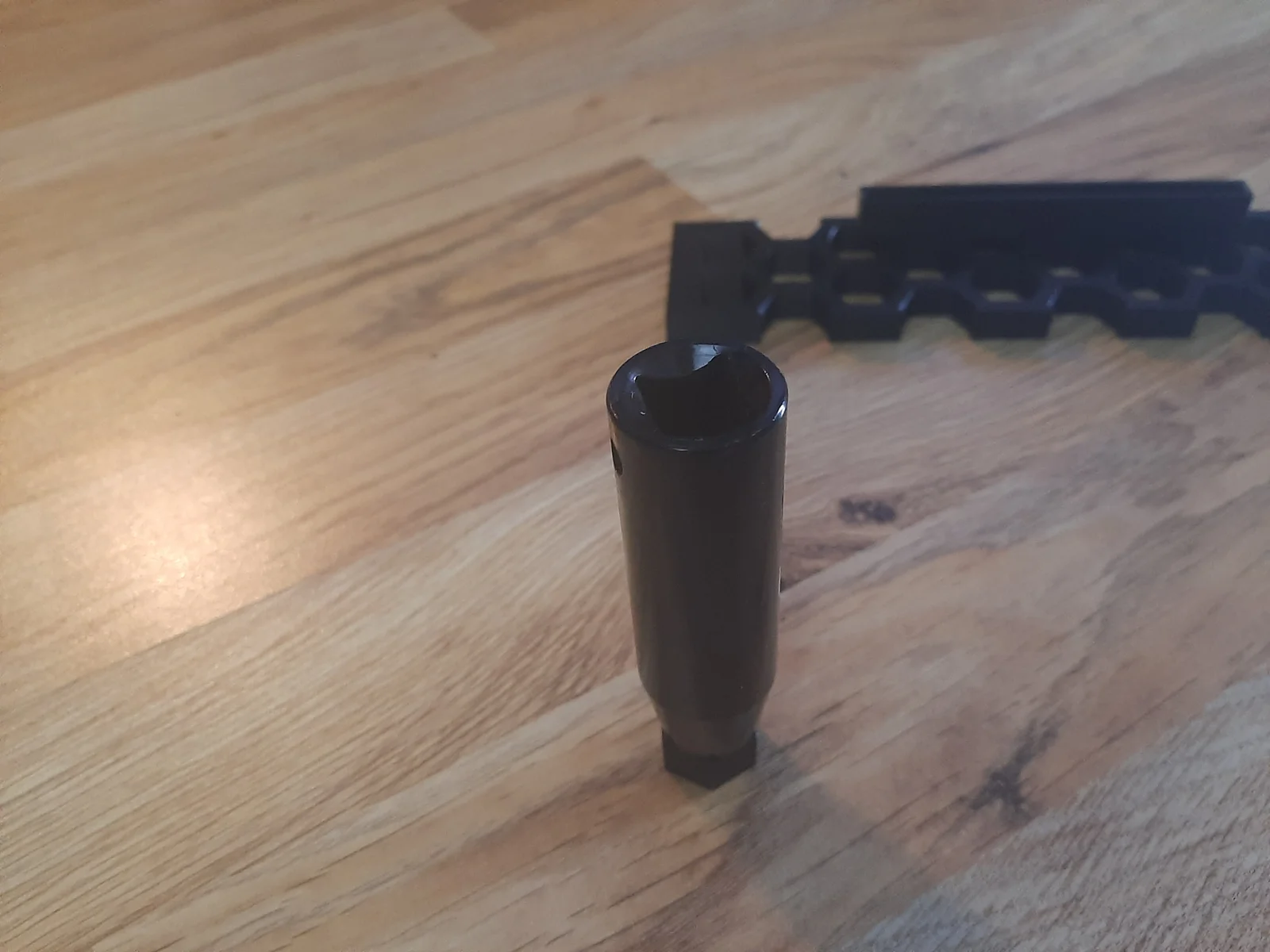
Step 2: Once you get it started, use a long 10mm socket over the shaft of the bolt, and use many light taps to send the head of the bolt down into the hex hole (on a flat surface like a hardwood floor).
Step 3: Screw the nuts onto the shafts of the bolts that you have press fit into place. Put your GPU on top, and use the nuts to adjust the height, so that the GPU balances and doesn't fall over. Also try to go high enough so that the card isn't bottoming out in the pci slot.
NOTES:
I would not recommend using a hole that doesn't have all 6 sides to fit the bolts (i.e. the edges of the base), but if you give it a shot let me know if it works.
I suppose you could print additional nuts and bolts if you wanted more to fit in the stand, but I don't know how much pressure the base can take. The bolts press fit in there pretty tight, so keep that in mind.
I had to print with the model at a 45 degree angle as seen in the very last photo to be in bounds on the plate for my Bambu P1S.
Bylarp3dLikes0Downloads1.4K

 Byslava-kuzminLikes0Downloads286

 ByJaronLikes310Downloads1K

 Byw3rN42Likes127Downloads938

 Byhenry-thomasLikes0Downloads362

 ByTomDDLikes89Downloads579

 BynoideaprintLikes0Downloads195

 ByJwidessLikes34Downloads379

 ByBroBuilds3D_4455044Likes32Downloads458

 ByckthLikes148Downloads2.4K

 Bynexgen-3d-printingLikes0Downloads396

 ByVikingptty_1943738Likes50Downloads236