


Bộ Chữ Cái và Số In 3D: Giáo Cụ Học Tập Hấp Dẫn Cho Bé
 BygillisLikes121Downloads2.1K
Build another version of this model.
 Bottom_panel++ - Tấm đáy cải tiến cho Voron V0.2r1ByFilamently · 07/06/2026
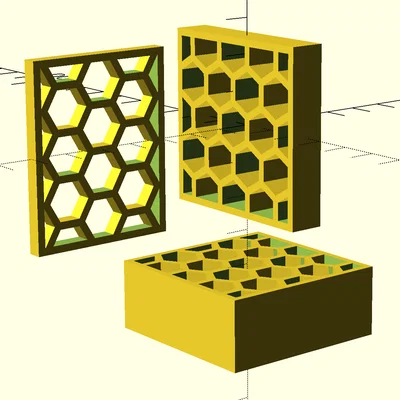 Công cụ tạo lưới lục giác đa hướng cho OpenSCADBySniffynose_1943268 · 04/17/2026
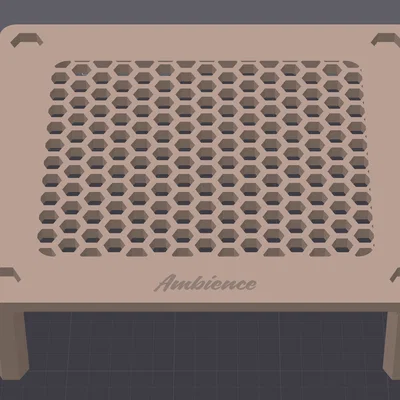 Bàn lắp ghép họa tiết lục giácByLoLorenzoBC_170976 · 04/15/2026
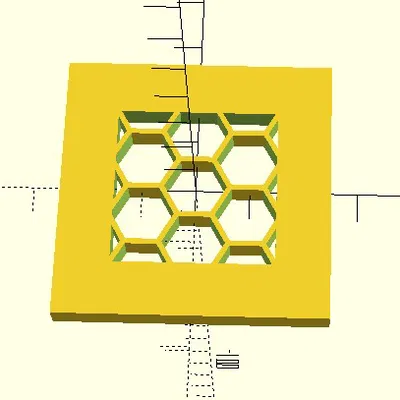 HEX Grid -SCAD - Tường Khung Độc Lập Chiều RộngByCole_lol_965624 · 12/15/2025
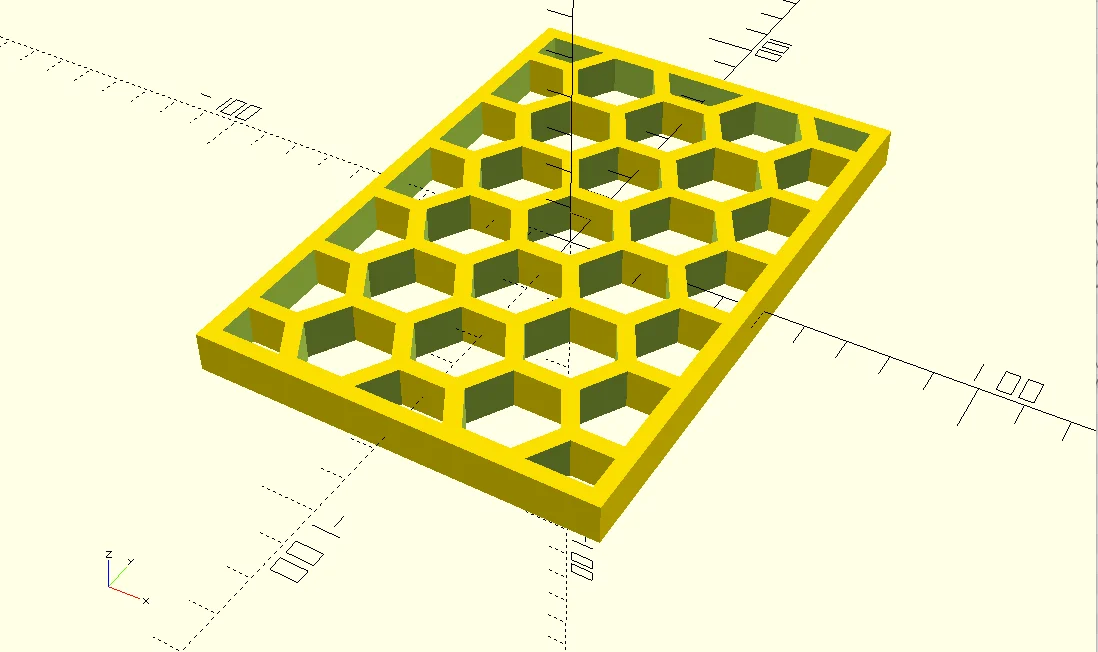
Hexagonal grids are a nice design tool when printing. They are regularly used to maintain strength and rigidity while lowering overall weight and material usage. They are also used as a design element. As such there are numerous methods to create and add hexagonal grids to your designs. A common method is printing hexagonal infill with no top and bottom layer. This works very well in some instances (grid oriented in x-y). If your grid is rotated it is difficult (sometimes impossible) to use slicer settings and achieve the same effect.
The attached OpenSCAD script will generate a rectangular grid of hexagons of arbitrary size and wall thickness. This can be further modified within your designs or can be used to generate a quick .stl to fill holes in an existing component with a nice hexagonal lattice.
There are several hex generators available online already. Compared to other OpenSCAD versions this script renders more quickly due to use of the excellent Belfry OpenSCAD Library. It also centers the hexagons automatically within your grid. I find this more aesthetically pleasing than some other options.
Usage
Note: The Belfry OpenSCAD Library v2 is required. Details are included in the OpenSCAD file
Save the attached file “hex-grid.scad” to your computer. Then open and modify the last line of the file with the parameters of your choosing.
If you would like to use this in other projects (recommended), then save the file to a folder located in your OpenSCAD library path. Comment out the last line of the file. Then you can include the file in any project by adding include <folder/hex-grid.scad> at the beginning of your project script. Simply call create_grid(size,SW,wall) in your project
BygillisLikes121Downloads2.1K

 ByzoltanfLikes73Downloads269

 ByHonzalLikes246Downloads175

 ByBoonby_1059917Likes659Downloads1.2K

 ByFabianVeileLikes414Downloads1.5K

 ByATBOT_7809Likes16Downloads259

 ByMarciLikes87Downloads292

 Bystrifu_4061046Likes151Downloads1.3K


 Byleizerdesign_249154Likes62Downloads799

 ByNickBuchele_1578568Likes58Downloads98

 BynleinadLikes56Downloads180