

Nanoleaf Lục Giác Neopixel/LED (Không Cần Vít Hay Support!)

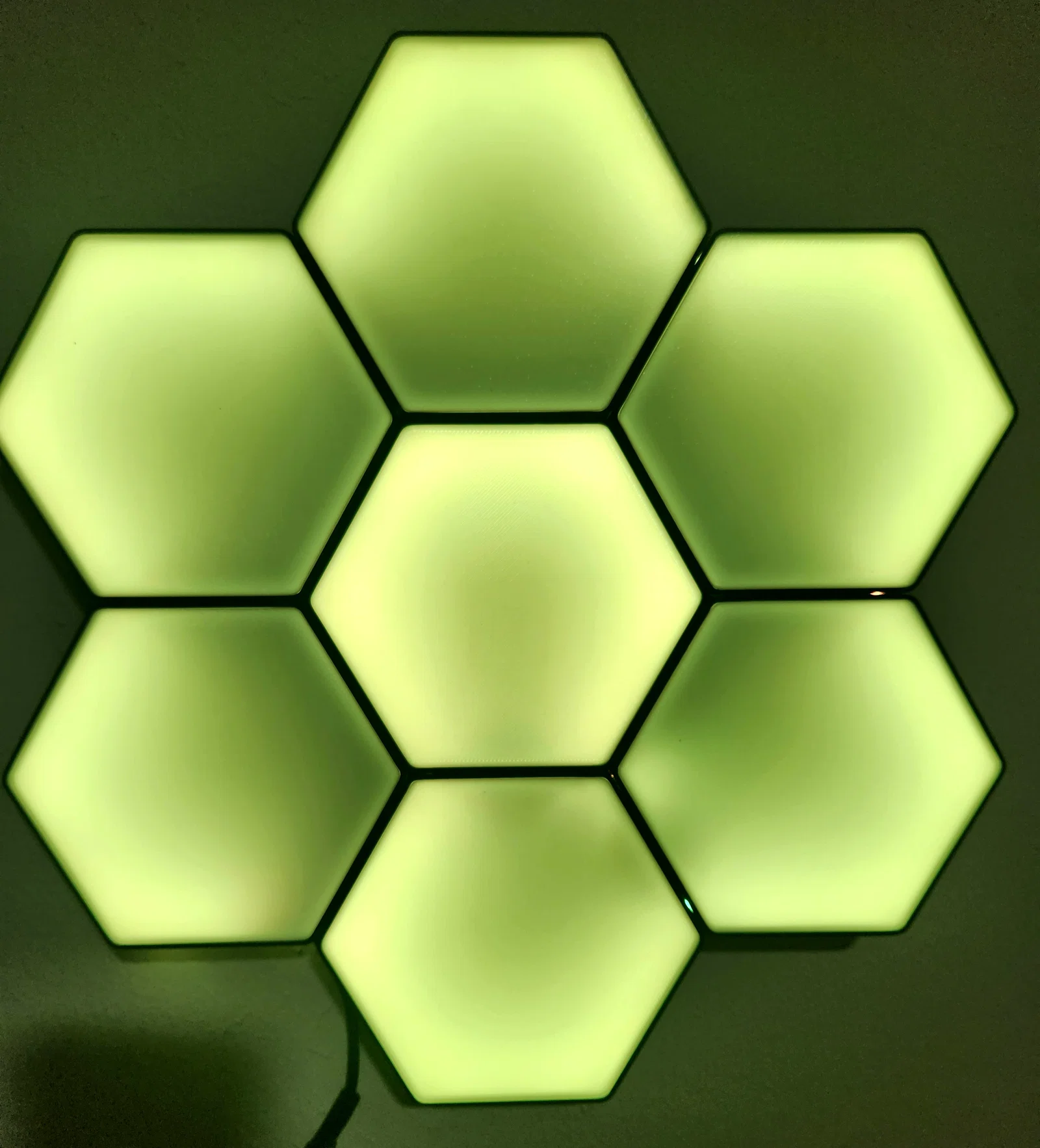

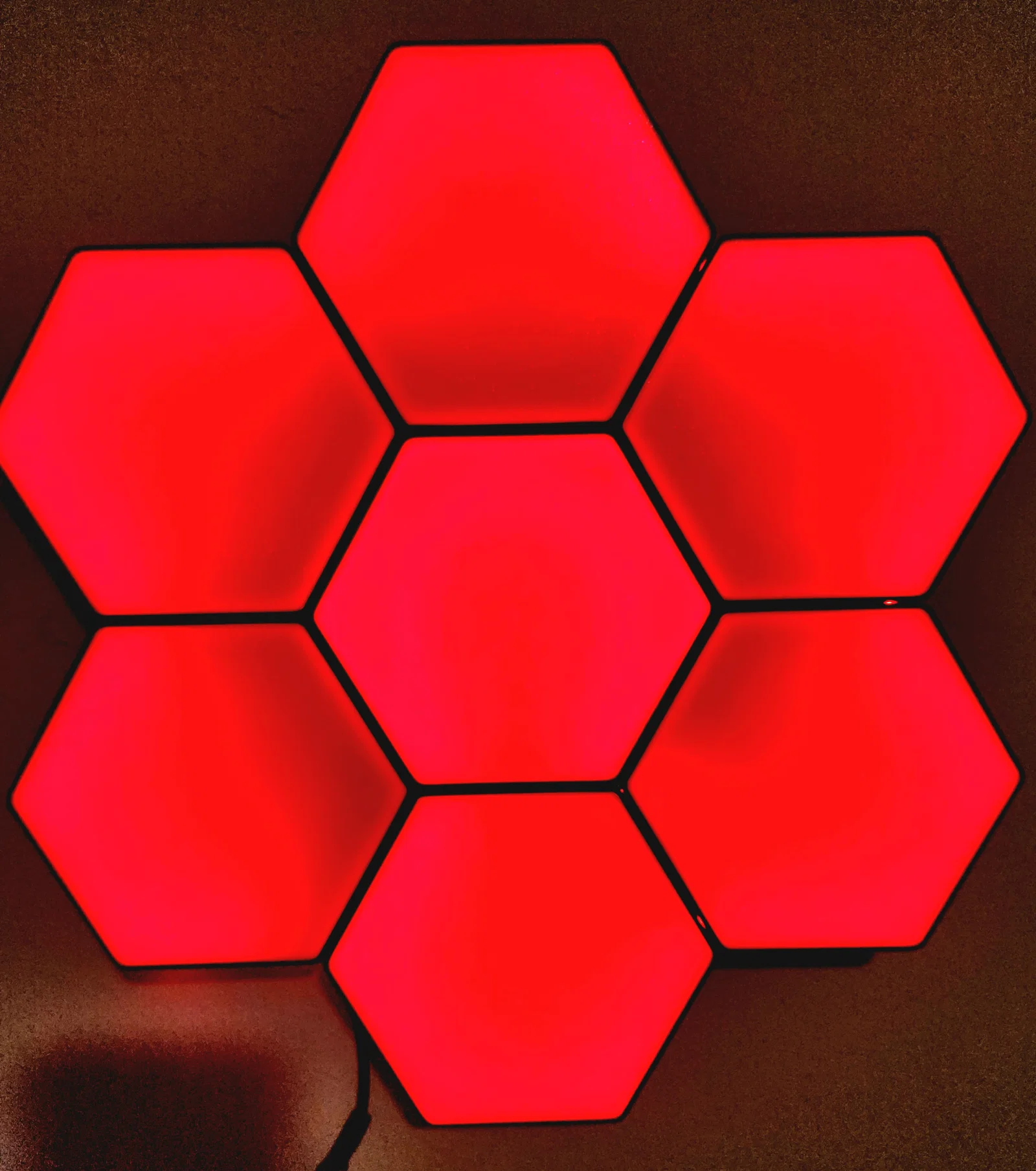
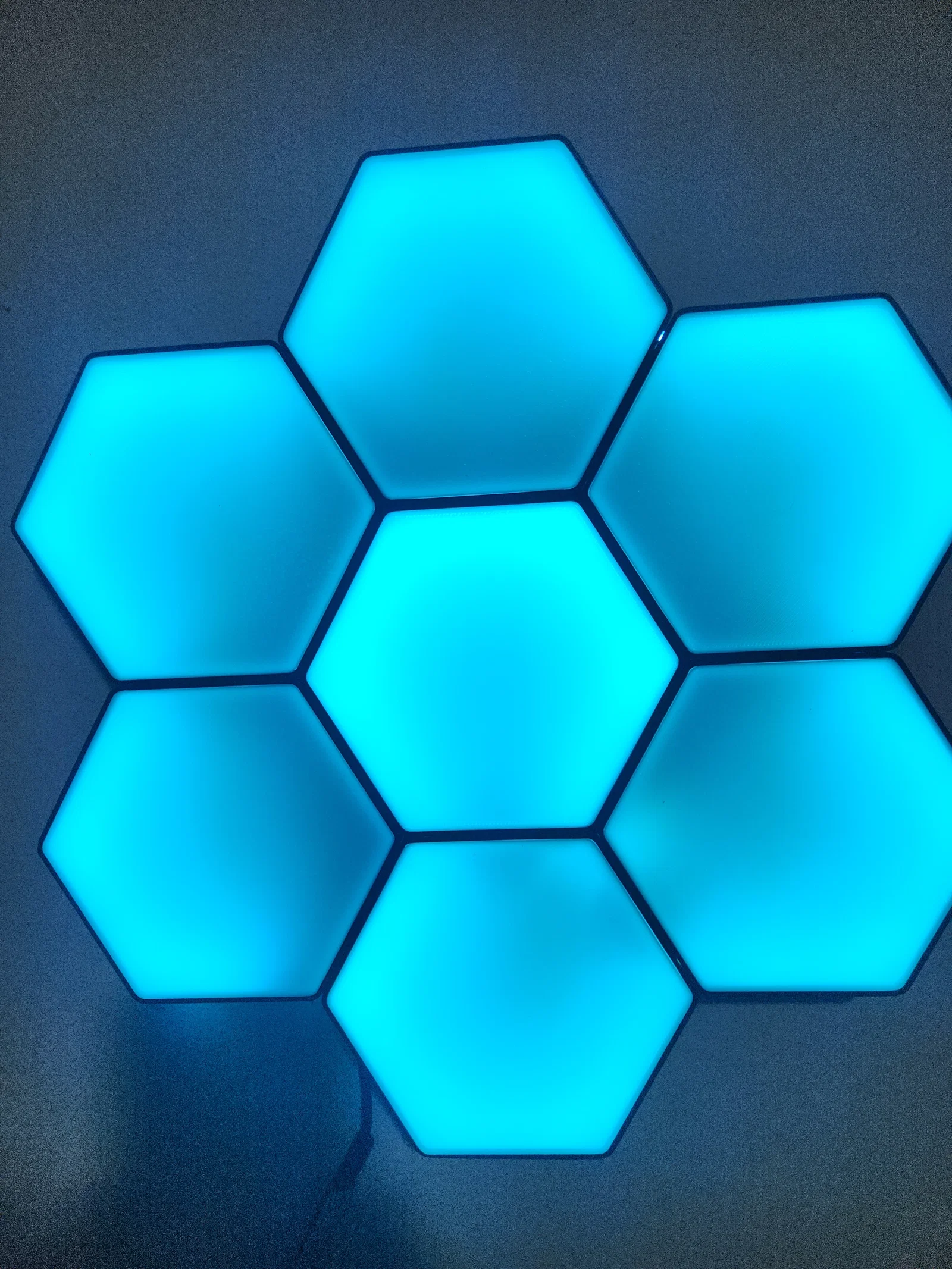
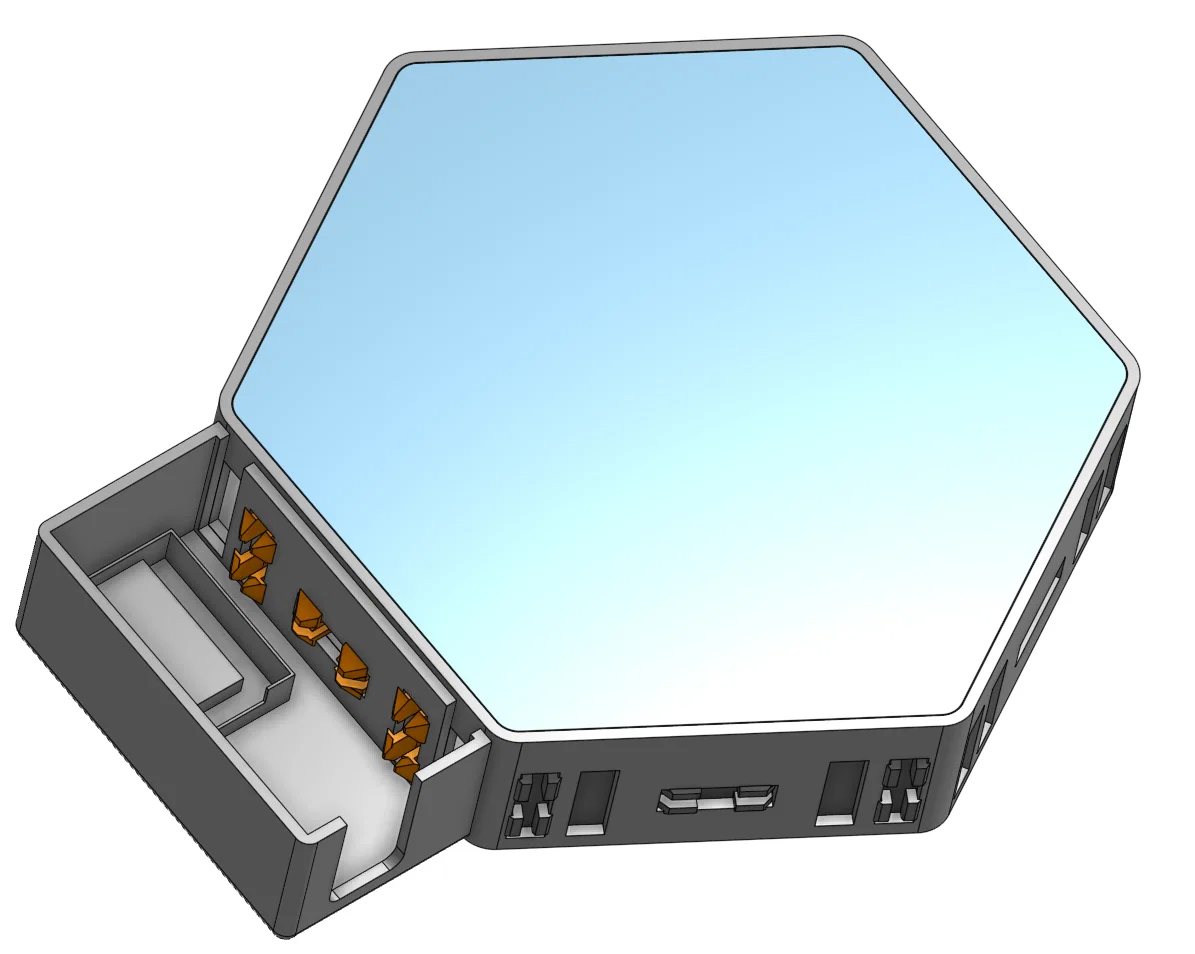
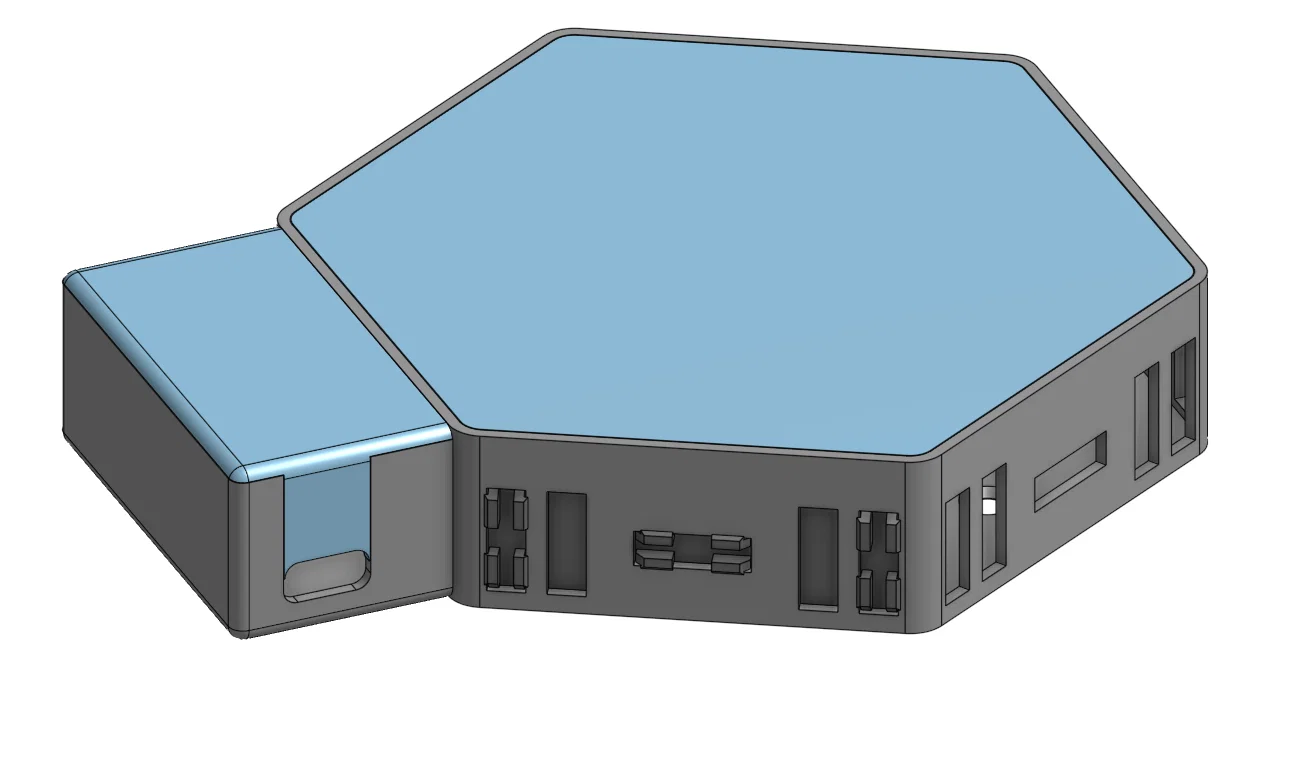
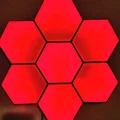
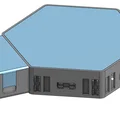
Mẫu Nanoleaf lục giác dùng LED/Neopixel (WS2812B), có 2 rãnh LED và nhiều lỗ gắn để tuỳ biến dễ. In các miếng lục giác + connector, luồn LED strip, gắn tường, lắp lens rồi cấp nguồn là chạy.


Mô tả
LED hoặc Neopixel có thể dán theo chiều ngang hoặc chiều dọc đều được. Mình làm sẵn 2 rãnh đặt LED và rất nhiều lỗ bắt/định vị để lắp ráp với tuỳ biến cho dễ. Mình dùng Neopixel, một Attiny85, cáp micro USB và một nút nhấn. Code mình dùng để nạp cho ATTINY85 nằm ở phía dưới.
Neopixels https://www.amazon.com/
Push button https://www.amazon.com/
Micro USB Cable https://www.amazon.com/
Attiny85 https://www.amazon.com/
Ngoài ra bạn có thể mua một bộ điều khiển WS2812B (CHỈ DÙNG NGUỒN ĐÚNG CHUẨN MÀ ĐÈN CỦA BẠN YÊU CẦU!!!)
WS2812B controller https://www.amazon.com/
5V 2Amp Power supply https://www.amazon.com/
Chỉ cần in mấy miếng lục giác và vài cái connector. Ghép theo hình bạn muốn rồi dùng nắp hông (side cover) che các rãnh dư. Luồn LED strip qua, bắt lên tường bằng vít hoặc keo dán, gắn lens vào, cắm nguồn là xong!
Code mình dùng là ArduinoIDE và thư viện Adafruit https://www.adafruit.com/
#include <Adafruit_NeoPixel.h>
#ifdef __AVR__
#include <avr/power.h> // Required for 16 MHz Adafruit Trinket
#endif
#define LED_PIN 3
// How many NeoPixels are attached to the Arduino?
#define LED_COUNT 49
Adafruit_NeoPixel strip(LED_COUNT, LED_PIN, NEO_GRB + NEO_KHZ800);
void setup() {
#if defined(__AVR_ATtiny85__) && (F_CPU == 16000000)
clock_prescale_set(clock_div_1);
#endif
strip.begin();
strip.show(); // Initialize all pixels to 'off'
strip.setBrightness(50); // Set BRIGHTNESS to about 1/5 (max = 255)
}
void loop()
{
colorWipe(strip.Color(255, 0, 0), 20); // Red
colorWipe(strip.Color(255, 127, 0), 20); // Orange
colorWipe(strip.Color(255, 255, 0), 20); // Yellow
colorWipe(strip.Color(0, 255, 0), 20); // Green
colorWipe(strip.Color(0, 0, 255), 20); // Blue
colorWipe(strip.Color(75, 0, 130), 20); // Indigo
colorWipe(strip.Color(148, 0, 211), 20); // Violet
rainbow(5);
rainbow2(5);
rainbow3(5);
rainbow4(5);
colorWipe(strip.Color(148, 0, 211), 20); // Violet
colorWipe(strip.Color(75, 0, 130), 20); // Indigo
colorWipe(strip.Color(0, 0, 255), 20); // Blue
colorWipe(strip.Color(0, 255, 0), 20); // Green
colorWipe(strip.Color(255, 255, 0), 20); // Yellow
colorWipe(strip.Color(255, 127, 0), 20); // Orange
colorWipe(strip.Color(255, 0, 0), 20); // Red
}
// Fill the dots one after the other with a color
void colorWipe(uint32_t c, uint8_t wait) {
for(uint16_t i=0; i<strip.numPixels(); i++) {
strip.setPixelColor(i, c);
strip.show();
delay(wait);
}
}
void rainbow(int wait) {
for(long firstPixelHue = 0; firstPixelHue < 5*65536; firstPixelHue += 256) {
// strip.rainbow() can take a single argument (first pixel hue) or
// optionally a few extras: number of rainbow repetitions (default 1),
// saturation and value (brightness) (both 0-255, similar to the
// ColorHSV() function, default 255), and a true/false flag for whether
// to apply gamma correction to provide 'truer' colors (default true).
strip.rainbow(firstPixelHue, 1/2);
// Above line is equivalent to:
// strip.rainbow(firstPixelHue, 1, 255, 255, true);
strip.show(); // Update strip with new contents
delay(wait); // Pause for a moment
}
}
void rainbow2(int wait) {
for(long firstPixelHue = 0; firstPixelHue < 5*65536; firstPixelHue += 256) {
// strip.rainbow() can take a single argument (first pixel hue) or
// optionally a few extras: number of rainbow repetitions (default 1),
// saturation and value (brightness) (both 0-255, similar to the
// ColorHSV() function, default 255), and a true/false flag for whether
// to apply gamma correction to provide 'truer' colors (default true).
strip.rainbow(firstPixelHue);
// Above line is equivalent to:
// strip.rainbow(firstPixelHue, 1, 255, 255, true);
strip.show(); // Update strip with new contents
delay(wait); // Pause for a moment
}
}
void rainbow3(int wait) {
for(long firstPixelHue = 0; firstPixelHue < 5*65536; firstPixelHue += 256) {
// strip.rainbow() can take a single argument (first pixel hue) or
// optionally a few extras: number of rainbow repetitions (default 1),
// saturation and value (brightness) (both 0-255, similar to the
// ColorHSV() function, default 255), and a true/false flag for whether
// to apply gamma correction to provide 'truer' colors (default true).
strip.rainbow(firstPixelHue, 3);
// Above line is equivalent to:
// strip.rainbow(firstPixelHue, 1, 255, 255, true);
strip.show(); // Update strip with new contents
delay(wait); // Pause for a moment
}
}
void rainbow4(int wait) {
for(long firstPixelHue = 0; firstPixelHue < 5*65536; firstPixelHue += 256) {
// strip.rainbow() can take a single argument (first pixel hue) or
// optionally a few extras: number of rainbow repetitions (default 1),
// saturation and value (brightness) (both 0-255, similar to the
// ColorHSV() function, default 255), and a true/false flag for whether
// to apply gamma correction to provide 'truer' colors (default true).
strip.rainbow(firstPixelHue, 6);
// Above line is equivalent to:
// strip.rainbow(firstPixelHue, 1, 255, 255, true);
strip.show(); // Update strip with new contents
delay(wait); // Pause for a moment
}
}
Giấy phép

File mô hình


Chưa có bản in nào được khoe. Hãy là người đầu tiên!


Chưa có bình luận nào. Hãy là người đầu tiên!