




Mỹ Thuật
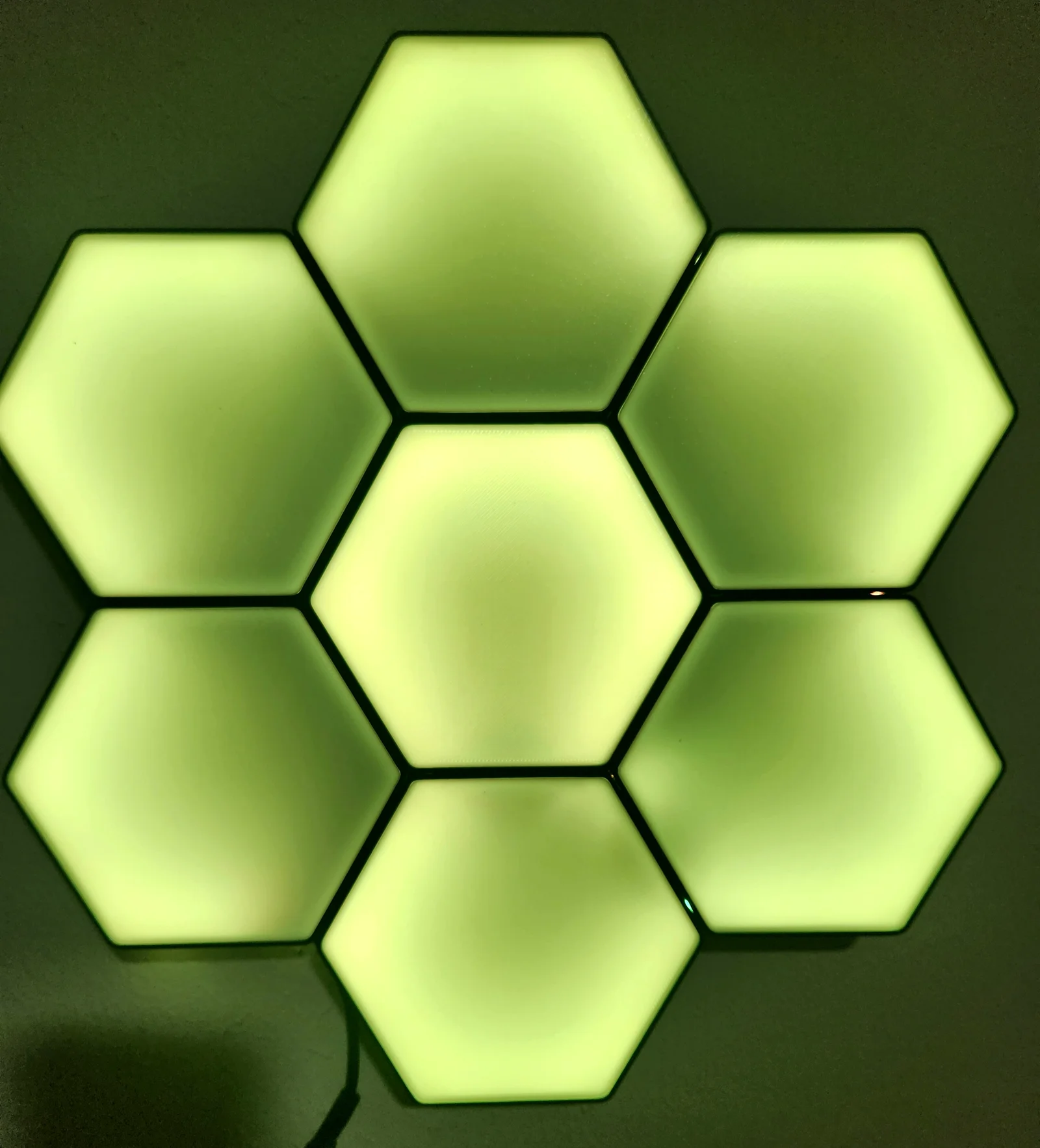
Nanoleaf Lục Giác Neopixel/LED (Không Cần Vít Hay Support!)
- Downloads
- 179
- Likes
- 34
- Views
- 1,713
- Remixes
- 0
- Comments
- 0
Files 8 1.4 MB
- Nanoleaf_Hexagon_1777402033.stlSTL · 492.9 KB
- Nanoleaf_Hexagon_Lens_1777402034.stlSTL · 59.1 KB
- NanoLeaf_-_Nanoleaf_Midsize_Hexagon_Connector_1777402035.stlSTL · 27 KB
- NanoLeaf_-_Nanoleaf_Midsize_Hexagon_Side_Cover_1777402036.stlSTL · 23.3 KB
Make a variant with AI
Build another version of this model.
Details
- Model ID
- #349415
- Category
- Mỹ Thuật
- Published
Description
LEDs or Neopixels can be glued in either horizontally or vertically. I put 2 LED slots and tons of mounting holes for easy assembly and customization. I used Neopixels, an Attiny85, a micro USB cable, and a push button. The code I used to program the ATTINY85 is at the bottom.
Neopixels https://www.amazon.com/
Push button https://www.amazon.com/
Micro USB Cable https://www.amazon.com/
Attiny85 https://www.amazon.com/
Alternatively you can purchase a WS2812B controller (ONLY USE A POWER SUPPLY YOUR LIGHTS ARE RATED FOR!!!)
WS2812B controller https://www.amazon.com/
5V 2Amp Power supply https://www.amazon.com/
Simply print out your hexagons and some connectors. Assemble into desired shape then cover the extra slots with the side cover. String through your LED strip, mount it to the wall with screws or adhesive, add your lens, plug in the power and done!
The code I use is ArduinoIDE and the Adafruit libraries https://www.adafruit.com/
#include <Adafruit_NeoPixel.h>
#ifdef __AVR__
#include <avr/power.h> // Required for 16 MHz Adafruit Trinket
#endif
#define LED_PIN 3
// How many NeoPixels are attached to the Arduino?
#define LED_COUNT 49
Adafruit_NeoPixel strip(LED_COUNT, LED_PIN, NEO_GRB + NEO_KHZ800);
void setup() {
#if defined(__AVR_ATtiny85__) && (F_CPU == 16000000)
clock_prescale_set(clock_div_1);
#endif
strip.begin();
strip.show(); // Initialize all pixels to 'off'
strip.setBrightness(50); // Set BRIGHTNESS to about 1/5 (max = 255)
}
void loop()
{
colorWipe(strip.Color(255, 0, 0), 20); // Red
colorWipe(strip.Color(255, 127, 0), 20); // Orange
colorWipe(strip.Color(255, 255, 0), 20); // Yellow
colorWipe(strip.Color(0, 255, 0), 20); // Green
colorWipe(strip.Color(0, 0, 255), 20); // Blue
colorWipe(strip.Color(75, 0, 130), 20); // Indigo
colorWipe(strip.Color(148, 0, 211), 20); // Violet
rainbow(5);
rainbow2(5);
rainbow3(5);
rainbow4(5);
colorWipe(strip.Color(148, 0, 211), 20); // Violet
colorWipe(strip.Color(75, 0, 130), 20); // Indigo
colorWipe(strip.Color(0, 0, 255), 20); // Blue
colorWipe(strip.Color(0, 255, 0), 20); // Green
colorWipe(strip.Color(255, 255, 0), 20); // Yellow
colorWipe(strip.Color(255, 127, 0), 20); // Orange
colorWipe(strip.Color(255, 0, 0), 20); // Red
}
// Fill the dots one after the other with a color
void colorWipe(uint32_t c, uint8_t wait) {
for(uint16_t i=0; i<strip.numPixels(); i++) {
strip.setPixelColor(i, c);
strip.show();
delay(wait);
}
}
void rainbow(int wait) {
for(long firstPixelHue = 0; firstPixelHue < 5*65536; firstPixelHue += 256) {
// strip.rainbow() can take a single argument (first pixel hue) or
// optionally a few extras: number of rainbow repetitions (default 1),
// saturation and value (brightness) (both 0-255, similar to the
// ColorHSV() function, default 255), and a true/false flag for whether
// to apply gamma correction to provide 'truer' colors (default true).
strip.rainbow(firstPixelHue, 1/2);
// Above line is equivalent to:
// strip.rainbow(firstPixelHue, 1, 255, 255, true);
strip.show(); // Update strip with new contents
delay(wait); // Pause for a moment
}
}
void rainbow2(int wait) {
for(long firstPixelHue = 0; firstPixelHue < 5*65536; firstPixelHue += 256) {
// strip.rainbow() can take a single argument (first pixel hue) or
// optionally a few extras: number of rainbow repetitions (default 1),
// saturation and value (brightness) (both 0-255, similar to the
// ColorHSV() function, default 255), and a true/false flag for whether
// to apply gamma correction to provide 'truer' colors (default true).
strip.rainbow(firstPixelHue);
// Above line is equivalent to:
// strip.rainbow(firstPixelHue, 1, 255, 255, true);
strip.show(); // Update strip with new contents
delay(wait); // Pause for a moment
}
}
void rainbow3(int wait) {
for(long firstPixelHue = 0; firstPixelHue < 5*65536; firstPixelHue += 256) {
// strip.rainbow() can take a single argument (first pixel hue) or
// optionally a few extras: number of rainbow repetitions (default 1),
// saturation and value (brightness) (both 0-255, similar to the
// ColorHSV() function, default 255), and a true/false flag for whether
// to apply gamma correction to provide 'truer' colors (default true).
strip.rainbow(firstPixelHue, 3);
// Above line is equivalent to:
// strip.rainbow(firstPixelHue, 1, 255, 255, true);
strip.show(); // Update strip with new contents
delay(wait); // Pause for a moment
}
}
void rainbow4(int wait) {
for(long firstPixelHue = 0; firstPixelHue < 5*65536; firstPixelHue += 256) {
// strip.rainbow() can take a single argument (first pixel hue) or
// optionally a few extras: number of rainbow repetitions (default 1),
// saturation and value (brightness) (both 0-255, similar to the
// ColorHSV() function, default 255), and a true/false flag for whether
// to apply gamma correction to provide 'truer' colors (default true).
strip.rainbow(firstPixelHue, 6);
// Above line is equivalent to:
// strip.rainbow(firstPixelHue, 1, 255, 255, true);
strip.show(); // Update strip with new contents
delay(wait); // Pause for a moment
}
}
Print spec
- Formats
- stl
- Model files
- 8
- Total size
- 1.4 MB
- Largest file
- 492.9 KB
0 comments
You may also like 12 models
See all-
-
Oni Demon Mask – Japanese Mythology Wall Decor
 ByshoheiyLikes0Downloads221
-

Mẫu tranh treo tường nghệ thuật phong cảnh thiên nhiên Nature Decor
 ByCodyMeyer_2545340Likes163Downloads732
-
Vải In 3D Cấu Trúc Hình Bát Giác (Octagon Fabric)
 ByDrewmundLikes833Downloads4.6K
-
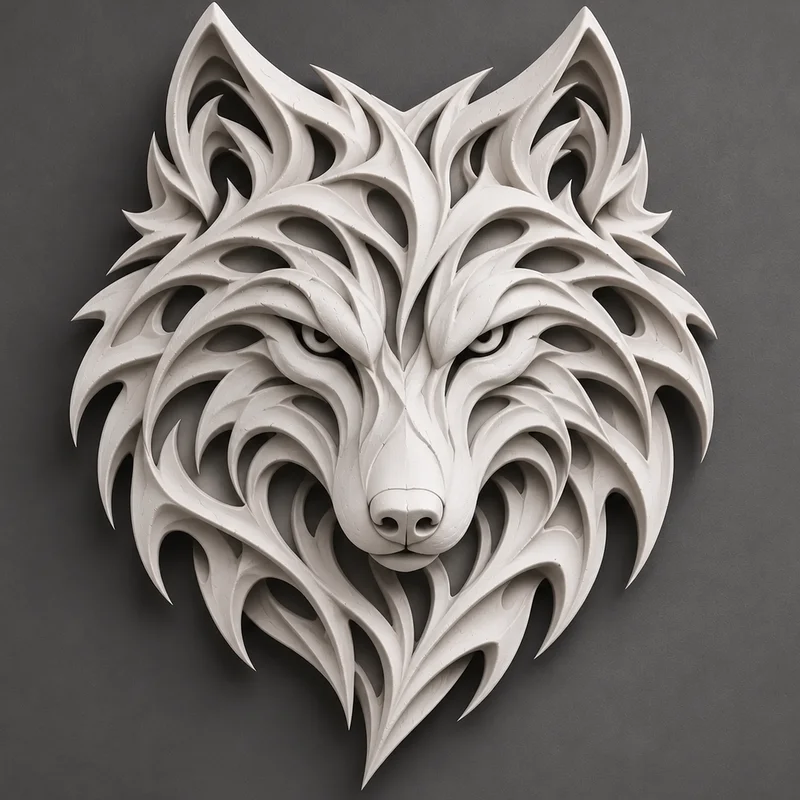
Wolf Wall Decor
 BySuegLikes0Downloads117
-
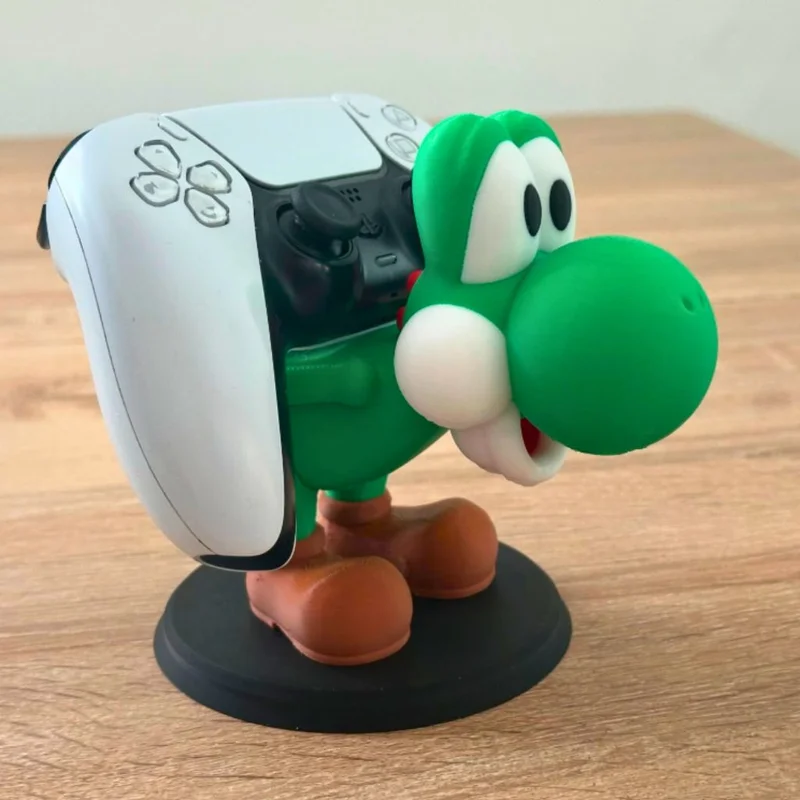
Giá Đỡ Tay Cầm Yoshi
 ByFastRaccoon_718321Likes461Downloads1.5K
-

Mô hình trang trí tường 3D chim và hoa (Birds Decor) nghệ thuật
 Bykallekubinsk_3569049Likes37Downloads192
-
 New
Beautiful Kneeling Woman
 By3dcraftLikes0Downloads292
-
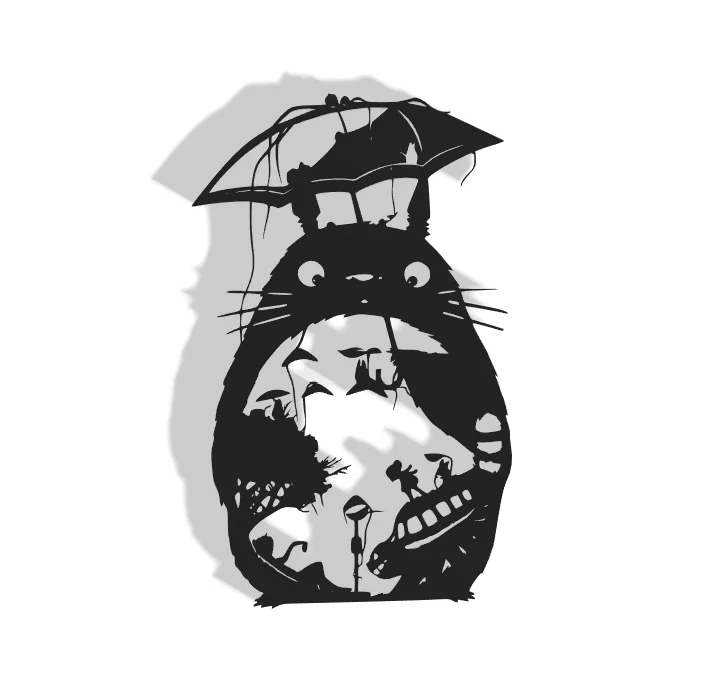
Mô hình treo tường trang trí Totoro - Ghibli Art 3D độc đáo
 ByMrCoolGaming_2947996Likes47Downloads181
-
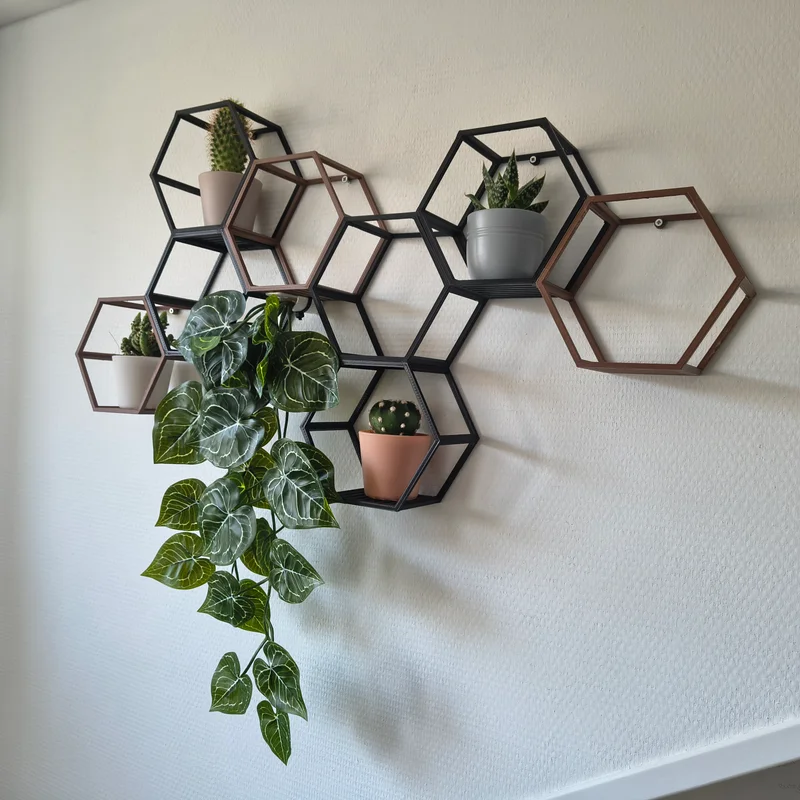
Hexagon Wall-art: Kệ Lục Giác Treo Tường Sáng Tạo
 Byr_squared_1123188Likes89Downloads201
-

Bảng hiệu Meme "Nếu mua không có nghĩa là sở hữu..."
 Bybychr1s_568275Likes243Downloads193
-

Mô hình trang trí tường hình cánh bướm và hoa (Butterfly Decor)
 ByCederbLikes32Downloads190


