



CORE One/+ INDX printed parts
 Byprusa-researchLikes0Downloads2.7K
Build another version of this model.
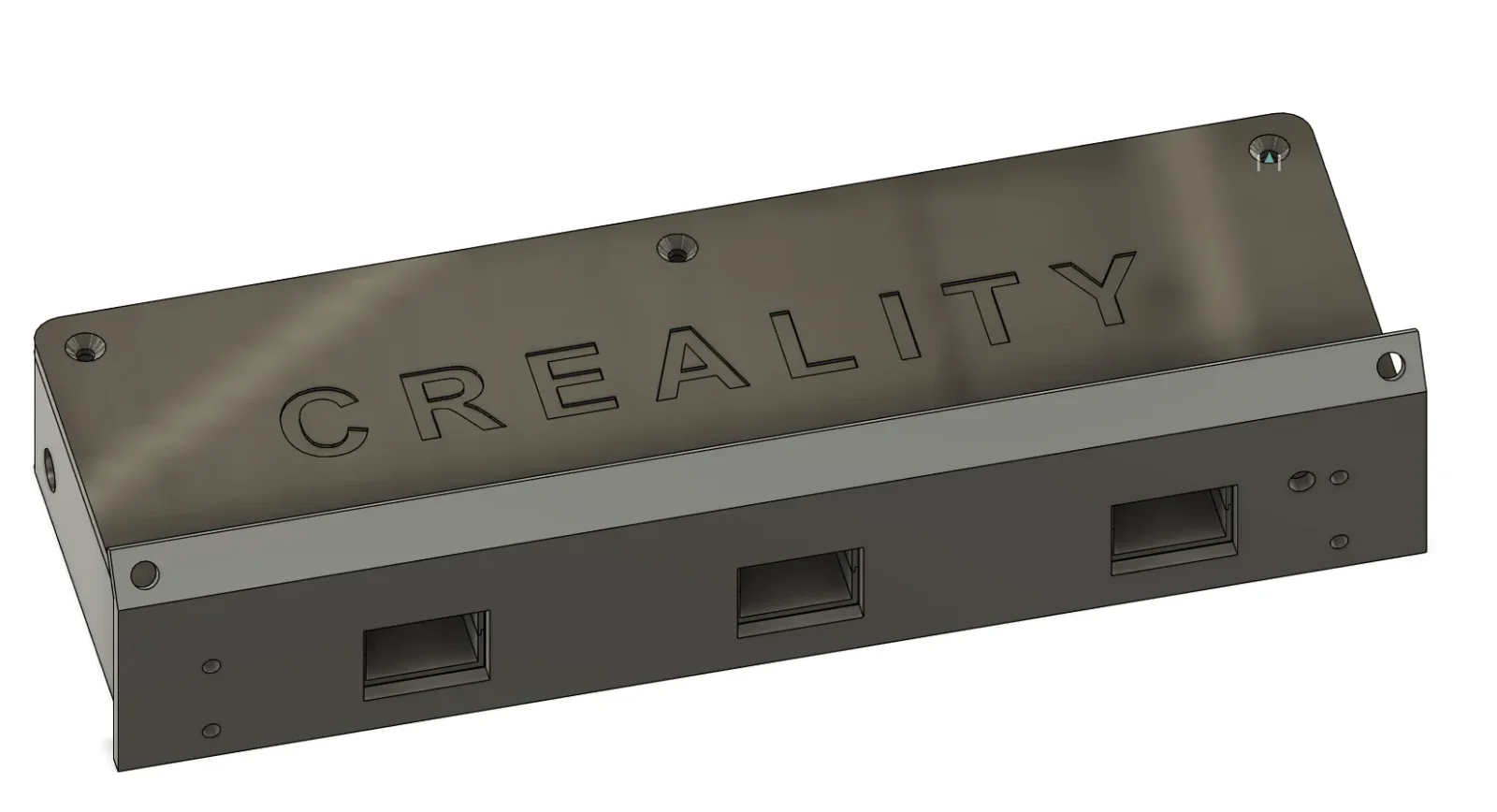
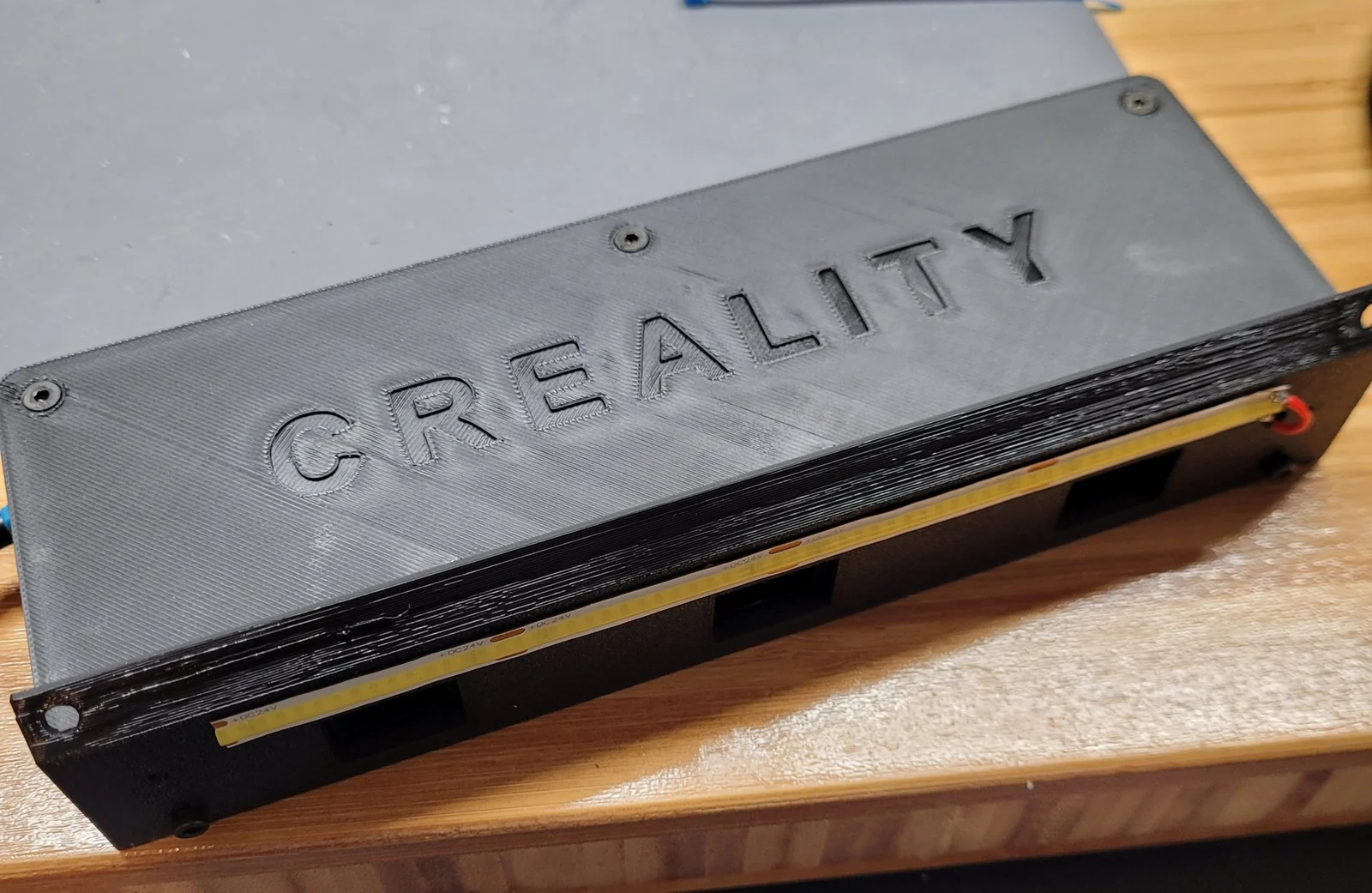
This is version 2 of my DIY auxiliary cooling fan for PLA use. Helps support better bridging, overhangs, and fast printing. Does require some m3 assorted screws and some soldering, but works great!
Tip 1: Print off the mounting bracket first and make sure it is going to fit properly on your printer. It should, but it is better to check before you print the bigger stuff.
Tip 2: Wire everything on the inside using a pigtail that sticks out of the left side hole a few inches. This way you can easily detach the electrical side from the printer if you need to.
Tip 3: When it is time to attach the box to the printer (after you've installed the fans and wired everything), I suggest mounting the bracket to the housing first with the Lid off. This will make it a little easier to get to the screws that go into the gantry. You can put the lid on from the front after it's mounted.
Tip 4: Please feel free to comment and provide feedback! I'd love to see your install too!
I control the fans with Klipper using a dual mosfet board from Amazon, which accepts a 5v input from my Orange Pi3 GPIO pin, and regulates the speed of the 24v fans. https://www.amazon.com/dp/B0893MKNB2?psc=1&ref=ppx_yo2ov_dt_b_product_details
Version 1 is here. Take a look at the 35 minute benchy pics before vs after using the fan.
https://www.printables.com/model/488615-ender-3-s1-aux-cooling-triple-5015s-v1
Byprusa-researchLikes0Downloads2.7K

 Bydet-manLikes0Downloads178

 Bytinx_1344834Likes1.2KDownloads6K

 Bychris-barwickLikes0Downloads134


 Bynamida-verascheLikes0Downloads155

 BydarienLikes0Downloads1K

 Byds-printsLikes0Downloads357

 Bycrawler-2289470Likes0Downloads145

 BynozeLikes0Downloads138

 Byla-cave-au-chatLikes0Downloads973

 ByvertigomakesLikes0Downloads565