



Ốp lưng cho Samsung S22 Ultra
 ByckthLikes148Downloads2.4K
Build another version of this model.
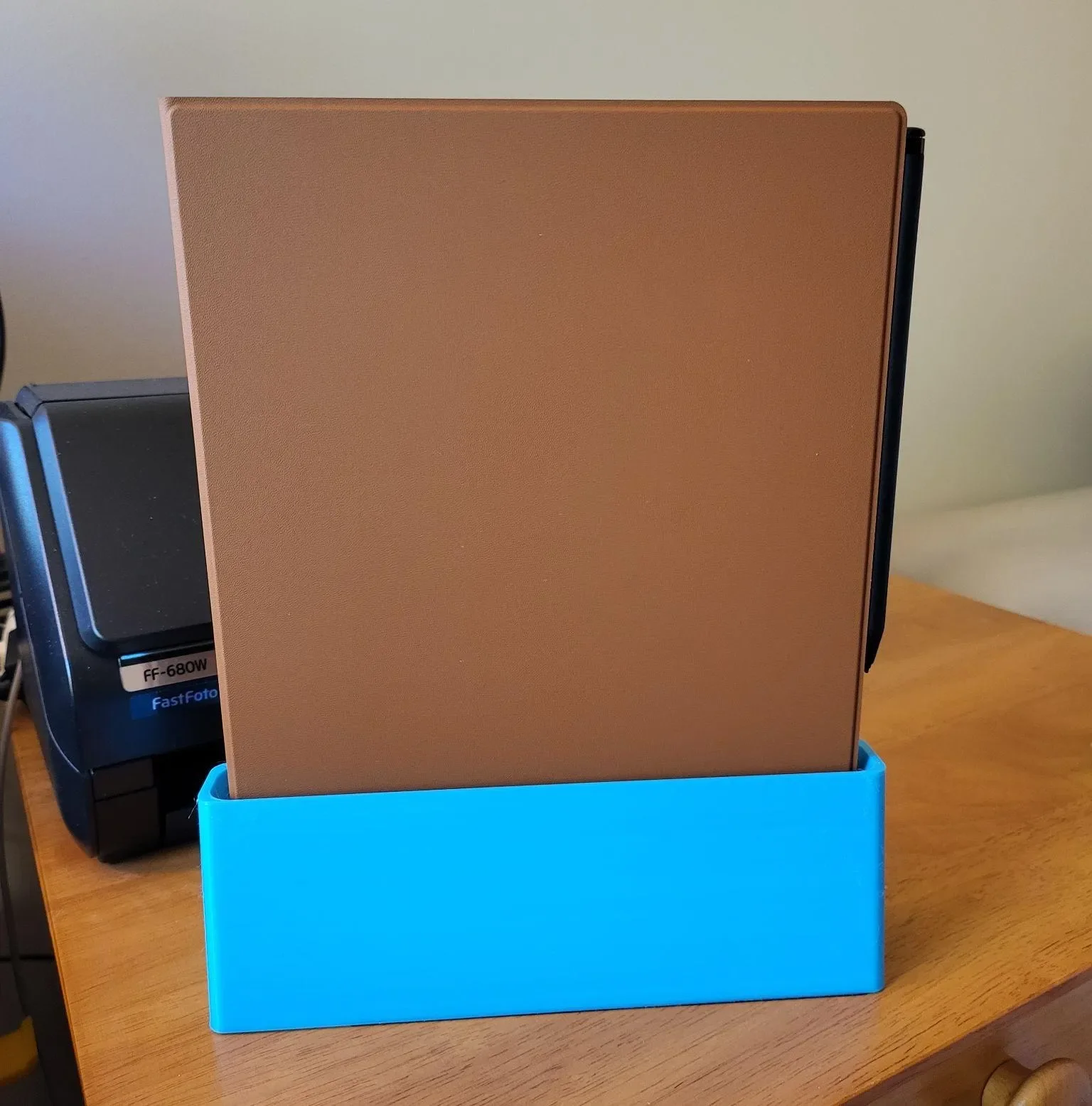
This dock is a remix/redraw of Grummie's original reMarkable 2 dock linked below. It is compatible with the Type Folio. I want to thank and acknowledge them for publishing the STLs. (You can see what I did to their models in the “Differences” section.)
The original listing suggests printing with a brim to discourage warping.
This was printed and tested with eSun PLA+.
Printed with 6 walls, 10% infill, 20 base layers.
You will need:
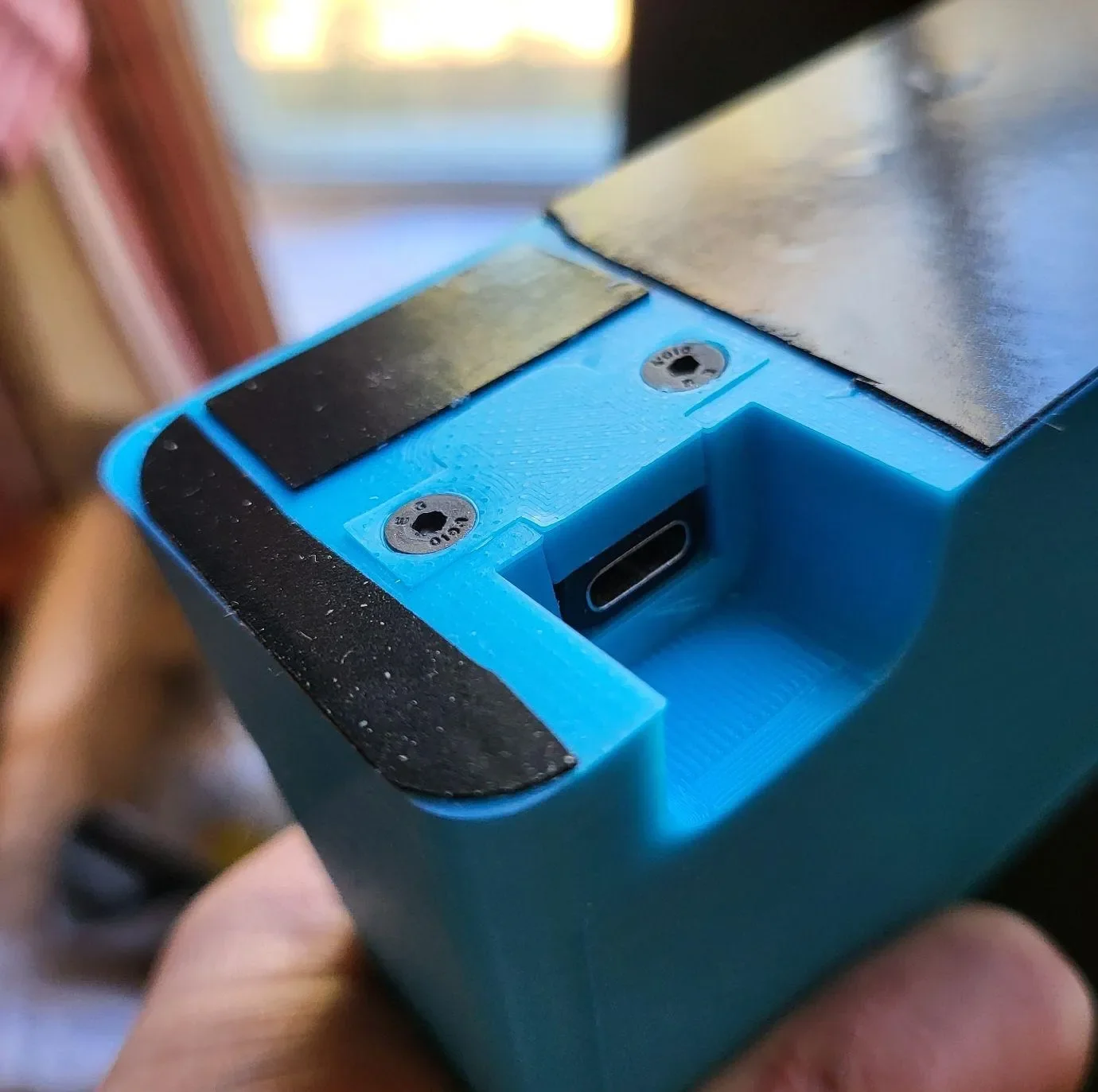
Optionally, if you wish for your printed dock to stay in place where you set it on the desk, you can trim and paste some micro-suction tape below the dock:
ByckthLikes148Downloads2.4K

 BynasikLikes0Downloads277

 Bylarp3dLikes0Downloads1.4K

 By3dwakeLikes0Downloads363

 BylclabLikes0Downloads293

 ByftoerringLikes79Downloads194

 ByDiscotehkLikes35Downloads159


 ByjoranLikes0Downloads217

 ByJaronLikes310Downloads1K

 Byw3rN42Likes127Downloads938

 ByfryseeLikes0Downloads147