



Pát PCI Full Height cho card HBA LSI 9211-8i
 ByBroBuilds3D_4455044Likes32Downloads458
Build another version of this model.
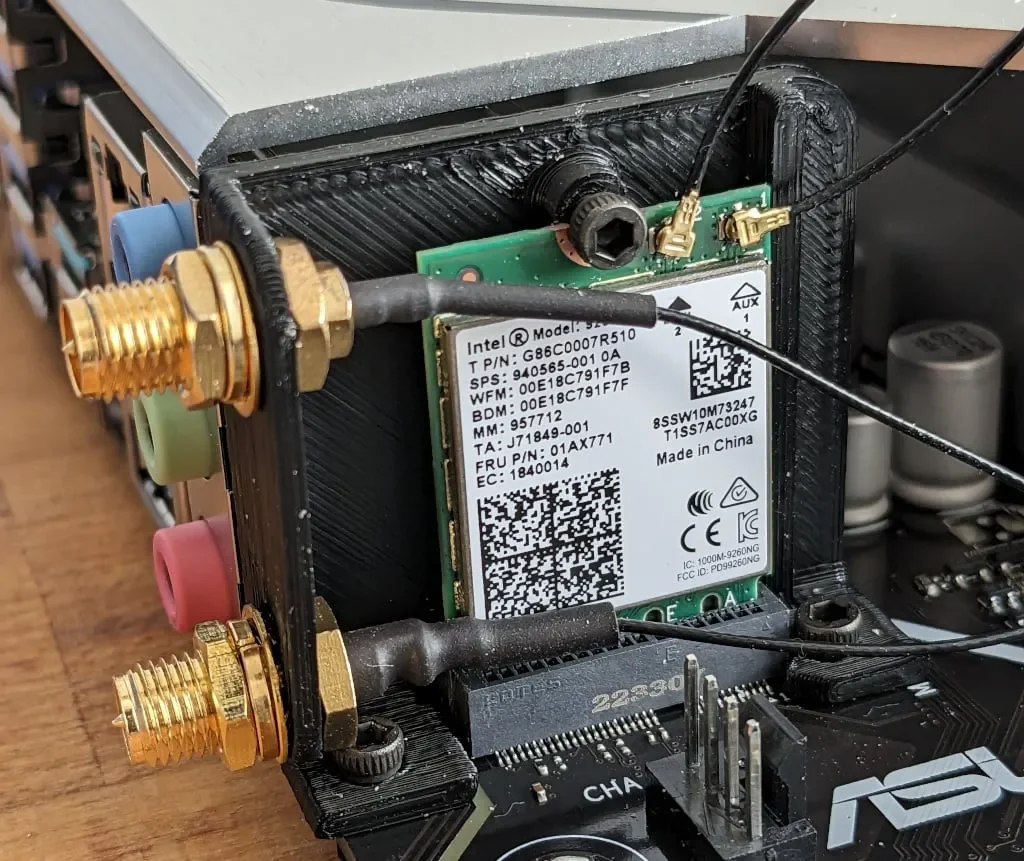
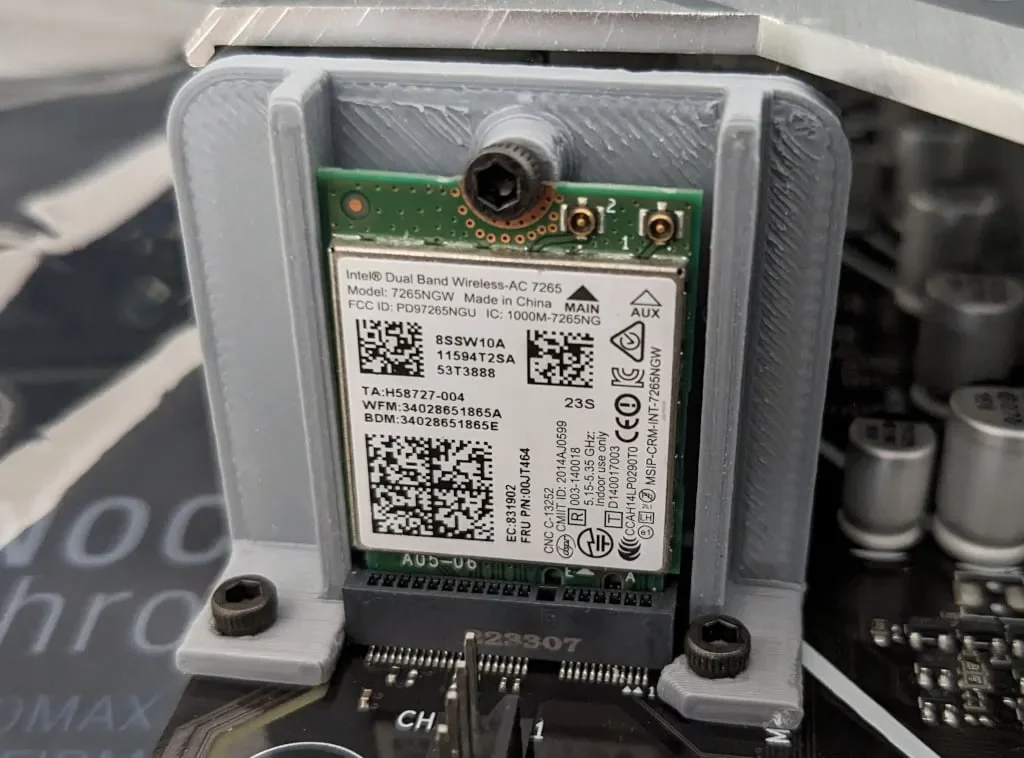
The Asus PRIME X670-P requires a special mounting bracket to vertically mount a WiFi card. While the manual states "The M.2 Wi-Fi module and vertical M.2 Key E bracket set are purchased separately.", it can (currently) not be purchased.
To mount a Intel AX210 (without an additional PCIe adapter card), a simple bracket was designed. It requires:
The easiest way to install the card is to perform following steps while the mainboard is not yet installed in a case:
There is also a version without (RP-)SMA mounting sidewall - which was not used at the end but might still be useful for some persons.
Printer:
QIDI X-Max
Rafts:
No
Supports:
Doesn't Matter
Resolution:
0.2
Infill:
15%
Filament:
black
Category: Computer
ByBroBuilds3D_4455044Likes32Downloads458

 ByBrokentooth_designsLikes30Downloads227

 ByTomDDLikes89Downloads579

 ByJwidessLikes34Downloads377

 By3dwakeLikes0Downloads363

 Bylarp3dLikes0Downloads1.4K

 ByJKMCZLikes11Downloads180

 ByJaronLikes310Downloads1K

 Byw3rN42Likes127Downloads938

 BynasikLikes0Downloads277

 ByckthLikes148Downloads2.4K

 Bynexgen-3d-printingLikes0Downloads395