



CORE One/+ INDX printed parts
 Byprusa-researchLikes0Downloads2.7K
Build another version of this model.
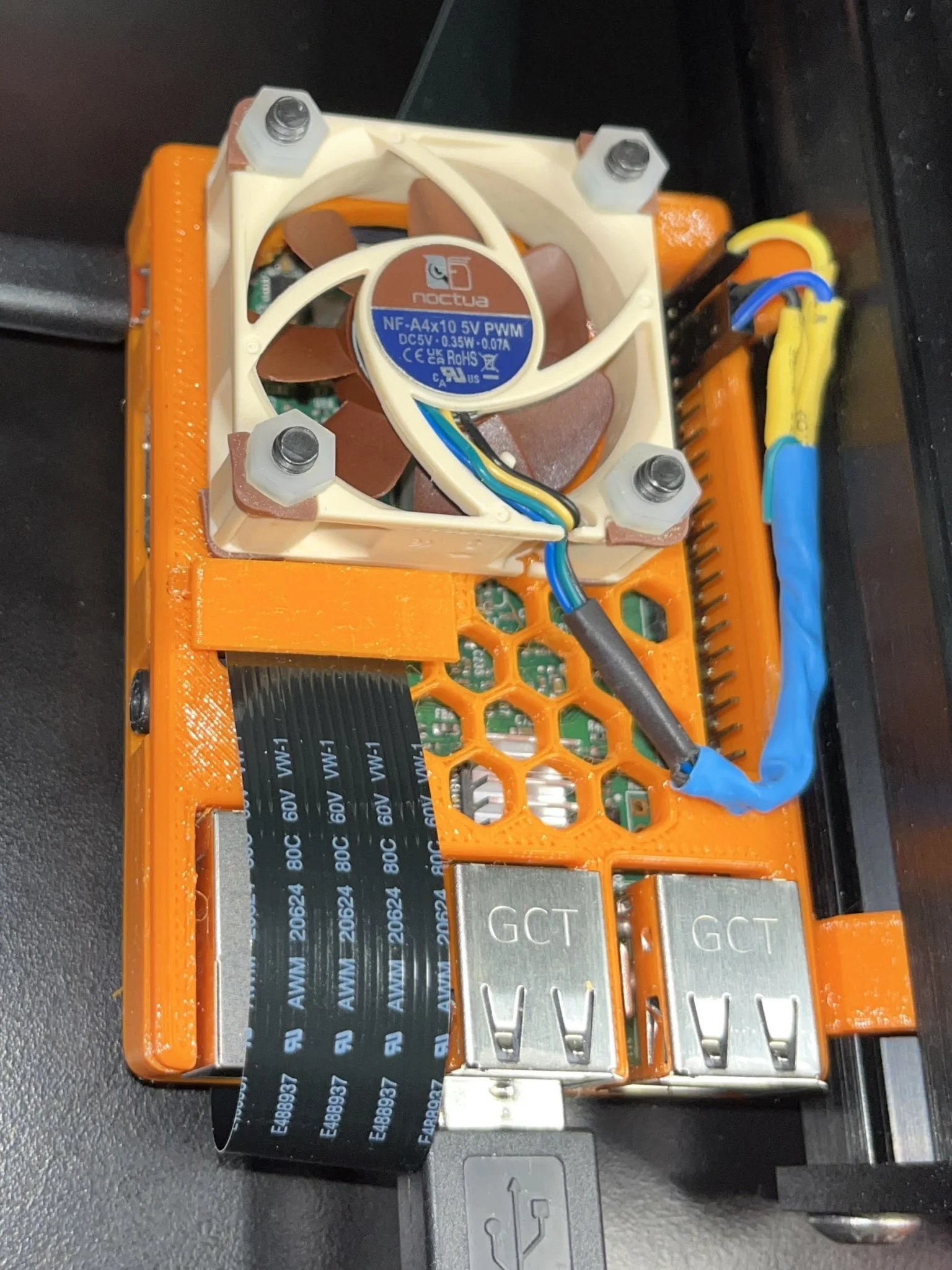
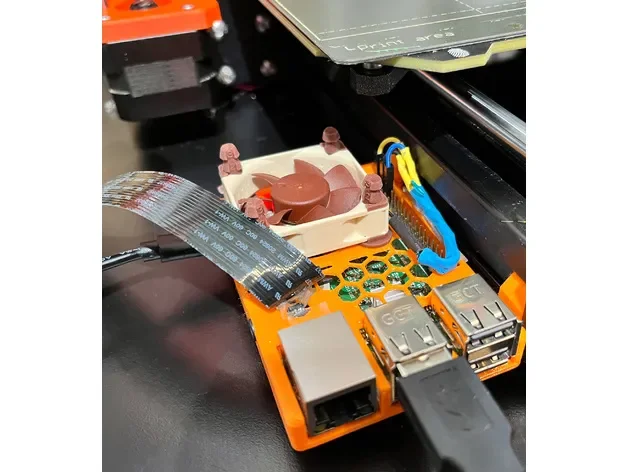
This is a remix of https://www.thingiverse.com/thing:4406306. This permits mounting a Noctua PWM 5v fan (NF-A4x10).
I use it with Octoprint on a Prusa MK3S+. You simply once run sudo raspi-config->performance->Fan Enable,
set the GPIO port (I use 14) and the temperature (I set for for 60 cen). See attached illustration for wiring.
Update October 21st, 2023 - New Pieces have V2 at the end of their names before the extension.
I remixed the top again, made it sturdier I also added beveled holes for M4x16 Hex Flat Head bolts and corresponding nuts. I also added a couple nibs to the top piece so it would snap into the bottom piece and hold together a little better.
The bottom piece was remixed to ride a little lower and have detents for the nibs on the upper piece.
To set the screws put a drop of ethyl cyanoacrylate in the beveled screw holes from the inside of the case top, make sure they sit flush, you can put the nuts on to temporarily hold them flush while the glue set.
Make sure you don't get any glue on the threads. Once the glue sets remove the nuts,
mount the fan and screw the nuts back on.
Byprusa-researchLikes0Downloads2.7K

 Bydet-manLikes0Downloads181

 Bytinx_1344834Likes1.2KDownloads6K

 Bychris-barwickLikes0Downloads138


 BydarienLikes0Downloads1K

 Byla-cave-au-chatLikes0Downloads974

 ByvertigomakesLikes0Downloads567

 By3DPrintDemonLikes0Downloads337

 ByRyanLikes0Downloads230

 Bychris-hillLikes0Downloads272

 Bypeter-van-der-waalLikes0Downloads261