



New
Diet Fork - Gag Gift Prank
 Bypotato-coLikes0Downloads169
Build another version of this model.
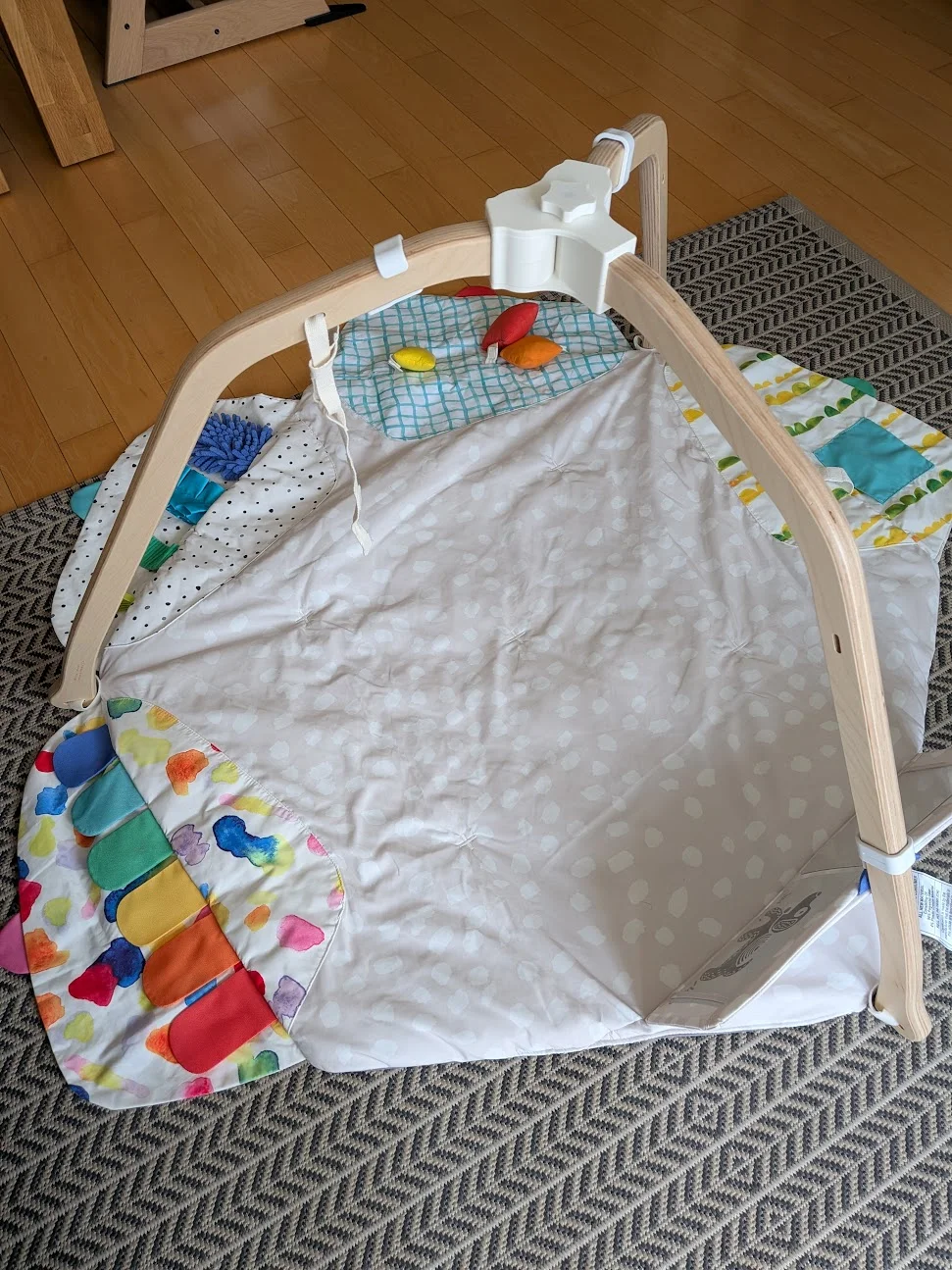
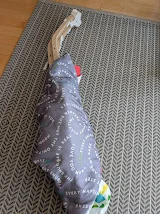
Improved connector for the lovevery play gym that lets you fold your play gym for easier storage. Ensure the mat is securly attached to all legs while in use.
Print Settings
Print in PETG or PLA
3-4 Perimeters for additional strength
30% Infill
Ensure to add a pause to the print to insert the nut into the Nob.
Parts to Print
1 x Lovevery_Folding_Bracket_v2-Main_Top
1 x Lovevery_Folding_Bracket_v2-Main_Bottom
1 x Lovevery_Folding_Bracket-Nob
2 x Lovevery_Folding_Bracket_v2-Rotating_Top
2 x Lovevery_Folding_Bracket_v2-Rotating_Bottom
15 x Lovevery_Folding_Bracket_v2-Connector
Other Parts
1 Bolt (1/4") 2"
1 Hex Nut (1/4")
Assembly
Take all the "bottom" pieces and add connectors to all the corresponding holes. Only do this for the bottom pieces! Make sure they are fully seated and no more than 10mm is sticking out.

Insert the lets into the rotating bottom pieces.

Add the corresponding top piece. Make sure all the connectors are aligned.

Fully close the two sides. Repeat for the second leg.

Insert the bolt into the bottom center piece. Ensure the head is aligned with the hole.

Insert the 3rd leg into the bottom center piece.

Add the top center piece. Do not fully close yet.

Insert the two rotating legs and fully close the centerpiece. Ensure it is closed all around and there are no gaps.

Add the knob to secure everything in place.

You can now fold up the play gym. Just attach the mat and you are done.

Bypotato-coLikes0Downloads169

 Bycreative-designsLikes0Downloads105

 Byfilament-frenzyLikes0Downloads455

 Byjeremy-sappLikes0Downloads306

 ByKOGI3DLikes0Downloads254

 ByflexiozzLikes0Downloads949

 Bycustom-3d-partsLikes0Downloads198


 Byelizabeth3dLikes0Downloads241

 Byjeremy-reederLikes0Downloads177

 ByPrint3DLikes0Downloads221

 Bymp3d-artLikes0Downloads318