

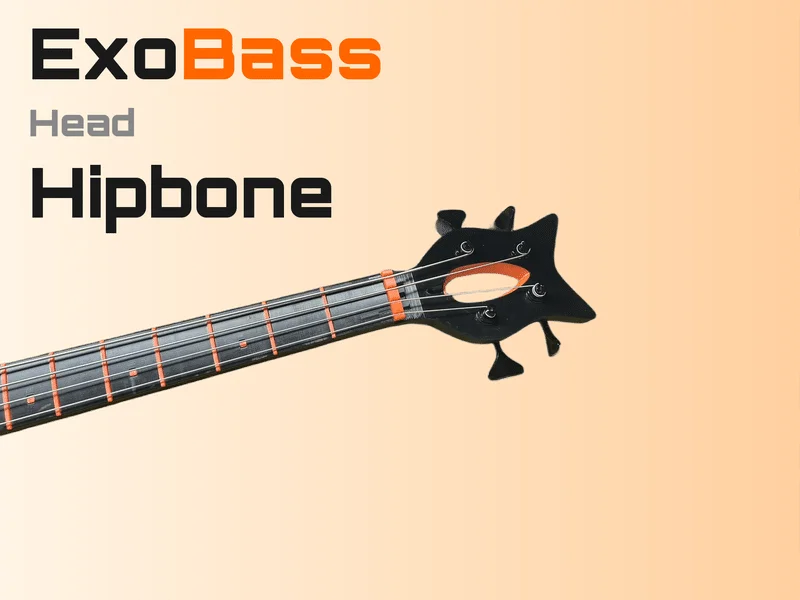
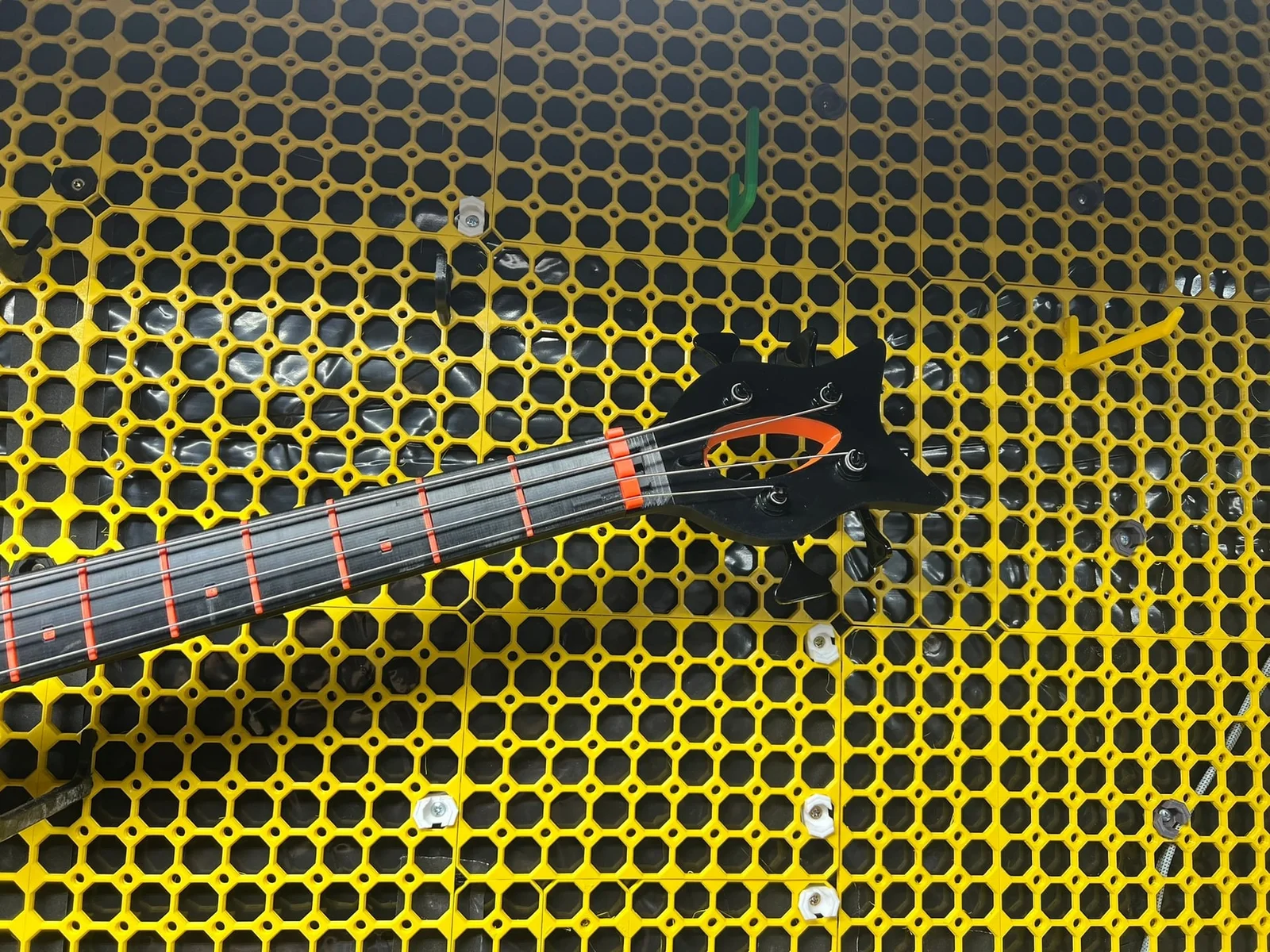

ExoBass - Bộ phận cánh - Hipbone
 ByspikeonLikes1Downloads8
Build another version of this model.
Part of the ExoBass project — full catalog, build planner, and assembly guides at https://exobass.com
Plan Your Build & Get Hardware
ExoBass can be confusing! Head over to our build planner to plan your entire build - it'll walk you through every available part and handle compatibility along the way, and it covers all ExoBass parts. It's also the best way to get hardware, since it lets you buy everything for a full build in one go, not just this part.
You can find this specific part, ExoBass - Head - Hipbone, on our site.
Step 1: Insert Splash Color

Using a little glue, install the Splash color
ℹ️ You will need to squeeze the sides in to get it to pop into place.
Step 2: Heat Set Inserts

Step 3: Grub Screws

Step 4: Tuners

Step 5: Attach to 2020 with M6x20

Hardware
DIY Kit
You can order a DIY kit for your entire build from our build planner, the estimate for this part's kit is $11.97 plus shipping.
Self Source
If you want to order the parts yourself, here's a list. Estimated cost: $49.91.
ByspikeonLikes1Downloads8

 ByBasementLABLikes888Downloads1.5K

 ByZED4EverLikes313Downloads5.2K

 ByfifindrLikes500Downloads4K

 ByVC_DesignLikes679Downloads3.6K

 ByDan Schwartz SchwartzLikes744Downloads3.4K

 Byvc-designLikes0Downloads3.2K

 Bylab-96Likes0Downloads104

 ByUpcrid3D_1585693Likes808Downloads2.1K

 ByWilko_SLOLikes935Downloads2K

 Bychubbs8697_2027893Likes585Downloads1.7K

 Byquibeck_3353173Likes965Downloads1.9K