



New
Fortnite Pirate Shop Token
 Bylarp3dLikes0Downloads1.4K
Build another version of this model.
I love playing shooters with stick extenders — the extra height gives noticeably better precision. But existing caps that fit the SC2 have two problems: they kill the capacitive touch function of the sticks (which matters a lot on this controller — gyro activation, touch bindings in Steam Input), and their diameter is slightly too large, so at full tilt they rub against the controller housing.
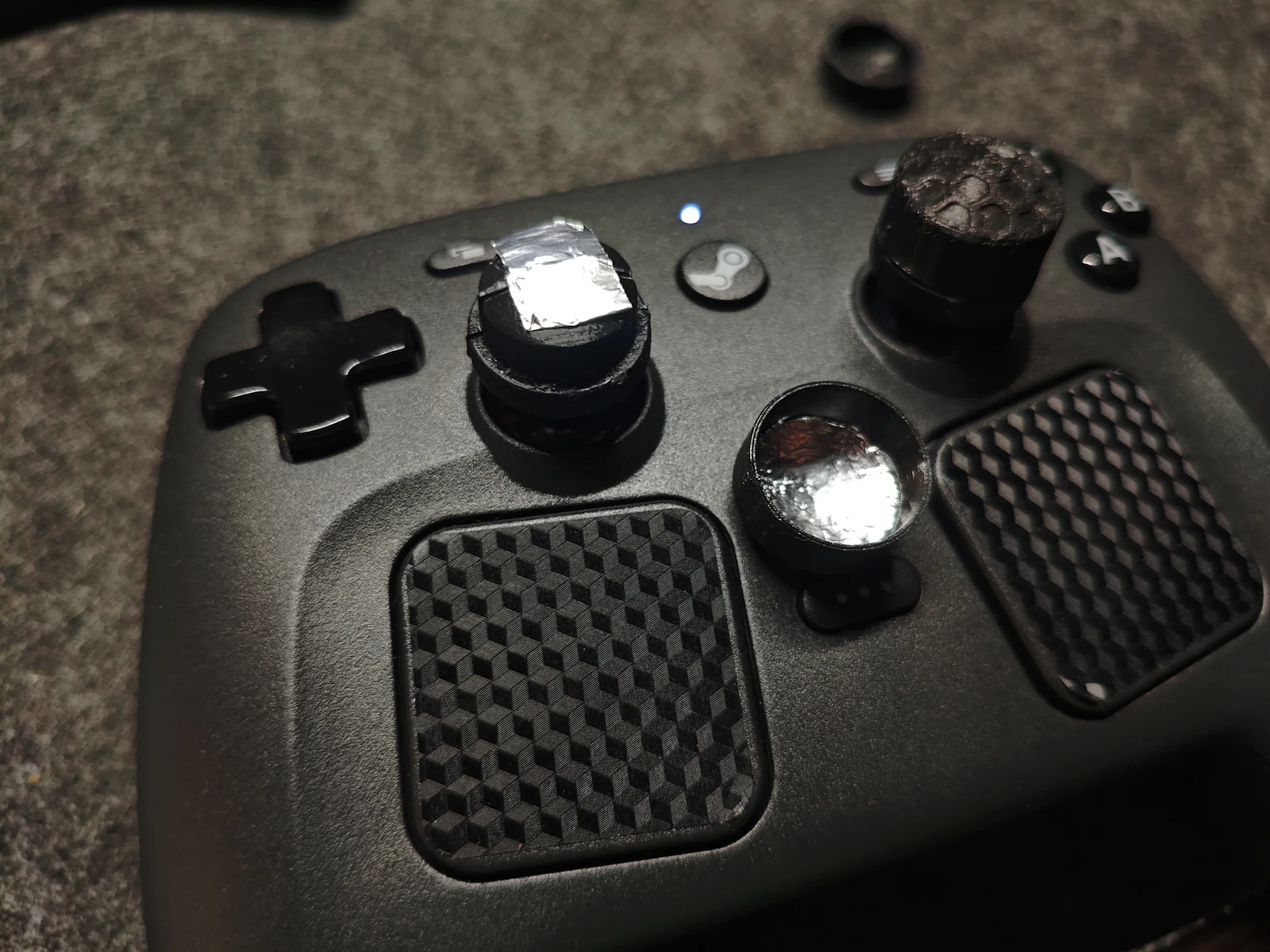
So I designed my own:
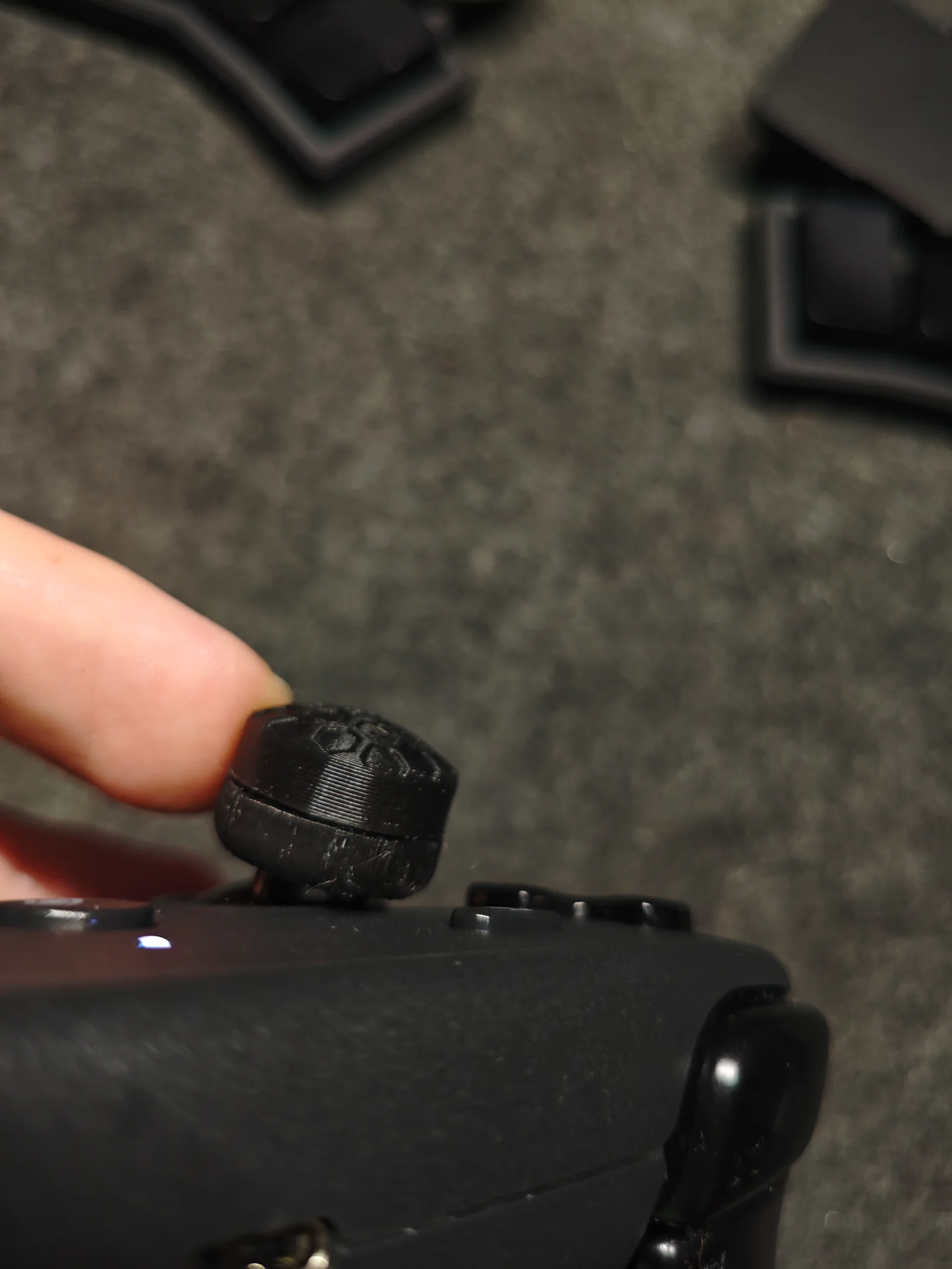
Capacitive touch works exactly like stock. There's an internal channel for a strip of regular aluminum foil tape (kitchen foil + glue works too). The top wall above the foil is deliberately very thin, so the sensor picks up your thumb right through the plastic — no exposed metal, no ugly conductive patches on the surface. A ridge on the bottom presses the foil firmly against the stick's conductive surface, completing the capacitive path from your thumb to the sensor.
No rubbing. The diameter is sized so the cap clears the housing at full deflection.
Two versions: 13mm and 16mm total cap height. The shorter one is a good starting point if you're new to extenders; the taller one gives maximum precision if you're used to tall sticks.
Printing:
Material: regular PLA
Supports: standard supports
Important: use variable / adaptive layer height with the slider at maximum quality — the top wall is very thin and needs fine layers to print cleanly and stay reliable for touch sensing
Both versions print the same way; the foil assembly is identical
Assembly:
Cut a strip of aluminum foil tape.
Lay it inside the cap: from under the top surface, down the inner wall, over the bottom ridge. Keep the strip continuous — no gaps.
Press the cap onto the stick. The ridge clamps the foil against the stick surface.
Test touch response in Steam Input settings.
If touch feels weak, check that the foil strip is continuous and makes solid contact with the stick's top surface.
Bylarp3dLikes0Downloads1.4K

 ByjoranLikes0Downloads218

 ByVikingptty_1943738Likes50Downloads236


 ByckthLikes148Downloads2.4K

 Bybob-wulffLikes0Downloads205

 ByJac2307_889487Likes36Downloads259

 By3dwakeLikes0Downloads365

 ByUpcrid3D_1585693Likes48Downloads215

 ByvladtheinhalerLikes64Downloads258

 BylclabLikes0Downloads293

 BynasikLikes0Downloads278