

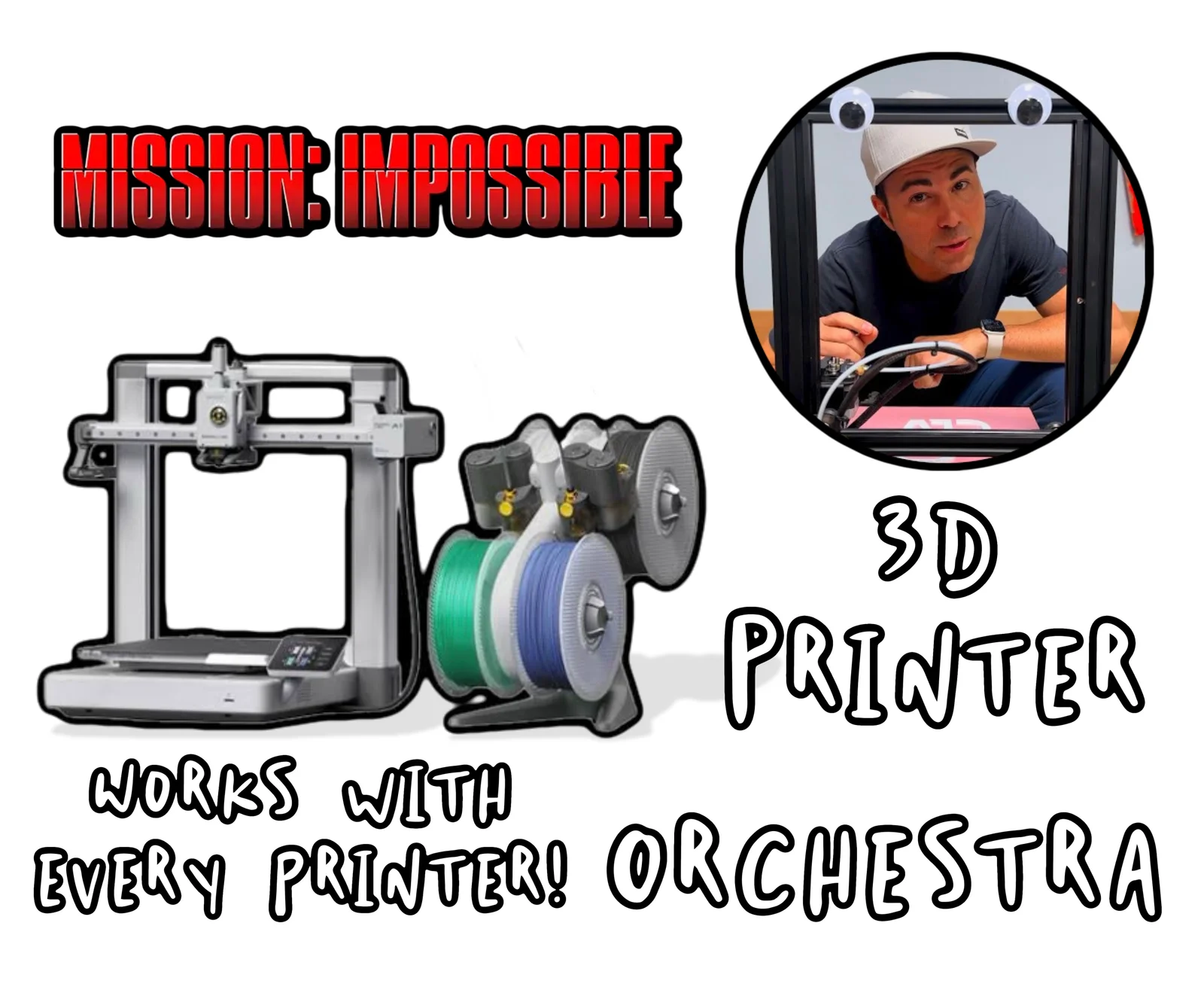


3D Printer Test – Bridging, Overhang, Tolerance & Accuracy Benchmark
 ByteteomatLikes0Downloads138
Build another version of this model.
Important: Printables does not allow uploading .gcode files directly to MakerWorld. Because of that, the G-code file is provided here: https://www.thingiverse.com/thing:7363868/files
The correct file is the one that is named Final_Mission_Impossible_Theme.gcode.
Instructions
Download the .gcode file.
Copy the file to a USB drive or SD card (depending on your printer).
Insert the USB drive or SD card into your printer.
Wait a few seconds for the printer to detect the storage device.
On your printer's screen, open the USB or SD Card menu.
Select Mission Impossible.gcode.
Start the print.
The printer will begin moving and playing the Mission Impossible theme through its stepper motors.
Notes
I used midi to gcode for making this model.
No filament is required.
The printer is used as a musical instrument, not for printing.
Keep clear of moving parts while the file is running.
It is compatible with most fdm 3d printers, but compatibility may vary depending on printer firmware and hardware.
This works just like the musical printer demonstrated by Mark Rober in this video:
ByteteomatLikes0Downloads138

 Byduo3dprintLikes0Downloads155

 Bynadir-cn3dLikes0Downloads114

 BytimLikes0Downloads529

 Bytinx_1344834Likes1.2KDownloads6K

 ByFonnPrintsLikes4Downloads24

 BynozeLikes0Downloads135

 Byprusa-researchLikes0Downloads783

 Bygafyx3dLikes0Downloads122

 BylaserbaconLikes0Downloads173

 Byarhi_585078Likes64Downloads545

 Bypanda-studioLikes0Downloads255