



Kẹp giữ sợi Filament
 Bytinx_1344834Likes1.2KDownloads6K
Build another version of this model.
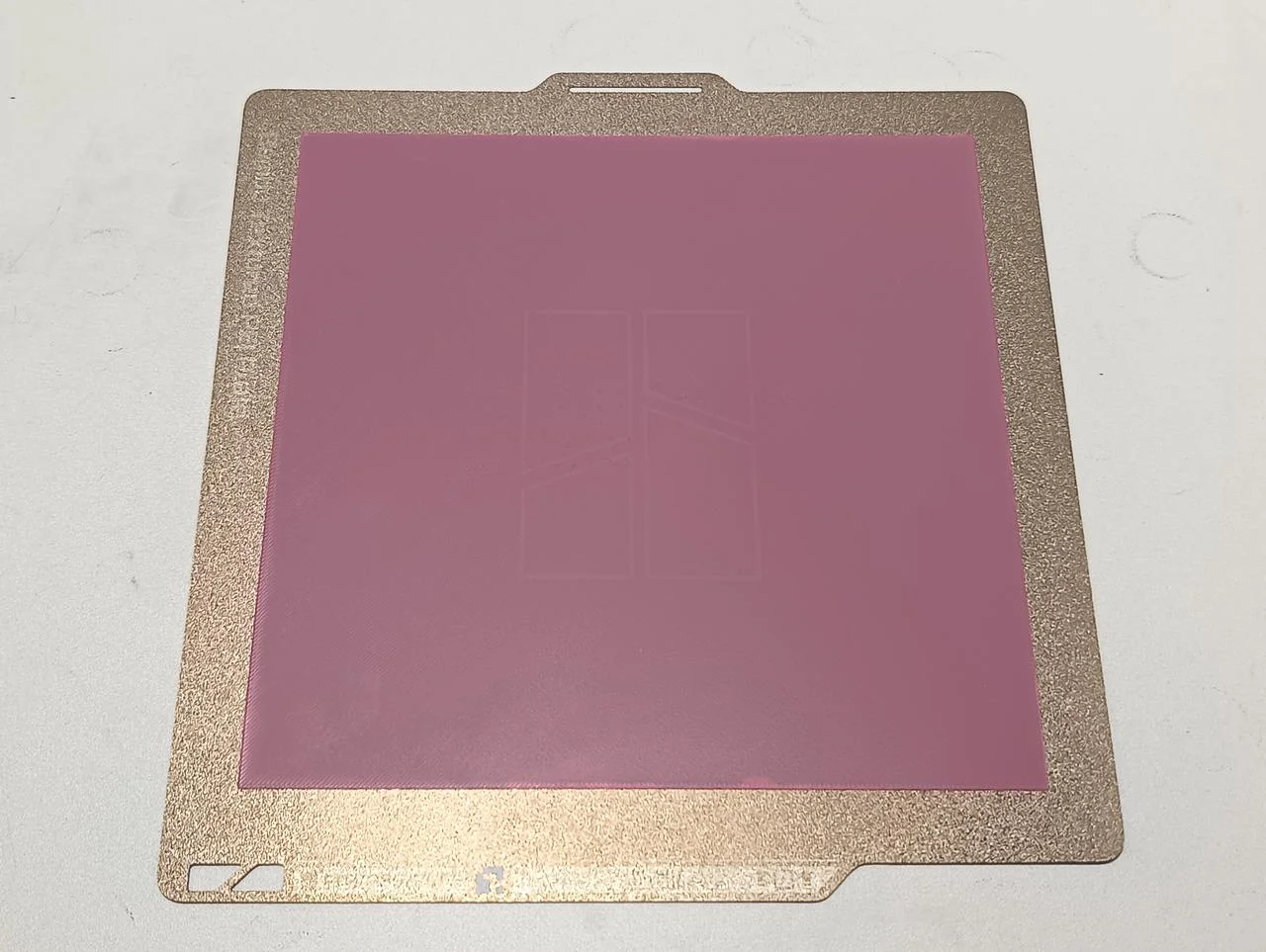
How to Use This Test on the Flashforge AD5X
Start with a clean build plate. Wash the plate with Dawn dish soap and hot water, then dry thoroughly.
Run the printer's automatic calibration routine before printing this test. This ensures the printer has the best possible bed mesh and Z-offset.
Slice the model using your normal first-layer settings for the filament being tested.
Start the print and observe the first layer as it is being laid down.
After the print is complete, inspect the entire bed surface:
Smooth, consistent lines across the entire plate indicate good calibration.
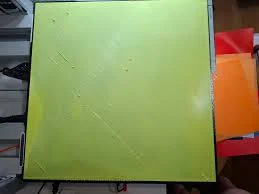
Gaps between lines may indicate the nozzle is too far from the bed.
Rough or overly squished lines may indicate the nozzle is too close to the bed.
Areas that lift or fail to stick may indicate a dirty build plate or insufficient first-layer adhesion.
If issues are found:
Clean the build plate again.
Re-run the printer's calibration routine.
Adjust your first-layer settings, such as temperature, speed, layer height, or extrusion width.
Repeat the test until consistent results are achieved across the entire build area.
Bytinx_1344834Likes1.2KDownloads6K

 Bygafyx3dLikes0Downloads116

 ByreddLikes216Downloads2.2K

 ByJasonOlliff_519145Likes241Downloads2K

 Bytopronix_2170418Likes41Downloads294

 ByKRYS_3DLikes8Downloads43

 ByMahko Blackburn BlackburnLikes28Downloads168

 Byarhi_585078Likes64Downloads537

 ByFonnPrintsLikes4Downloads17

 ByHanzo3dLikes155Downloads411

 ByGeek5DLikes147Downloads482

 ByBrokentooth_designsLikes23Downloads403