



Bộ sưu tập 11 nhân vật mô hình Mecca Chameleon in 3D vui nhộn
 ByZED4EverLikes313Downloads5.2K
Build another version of this model.
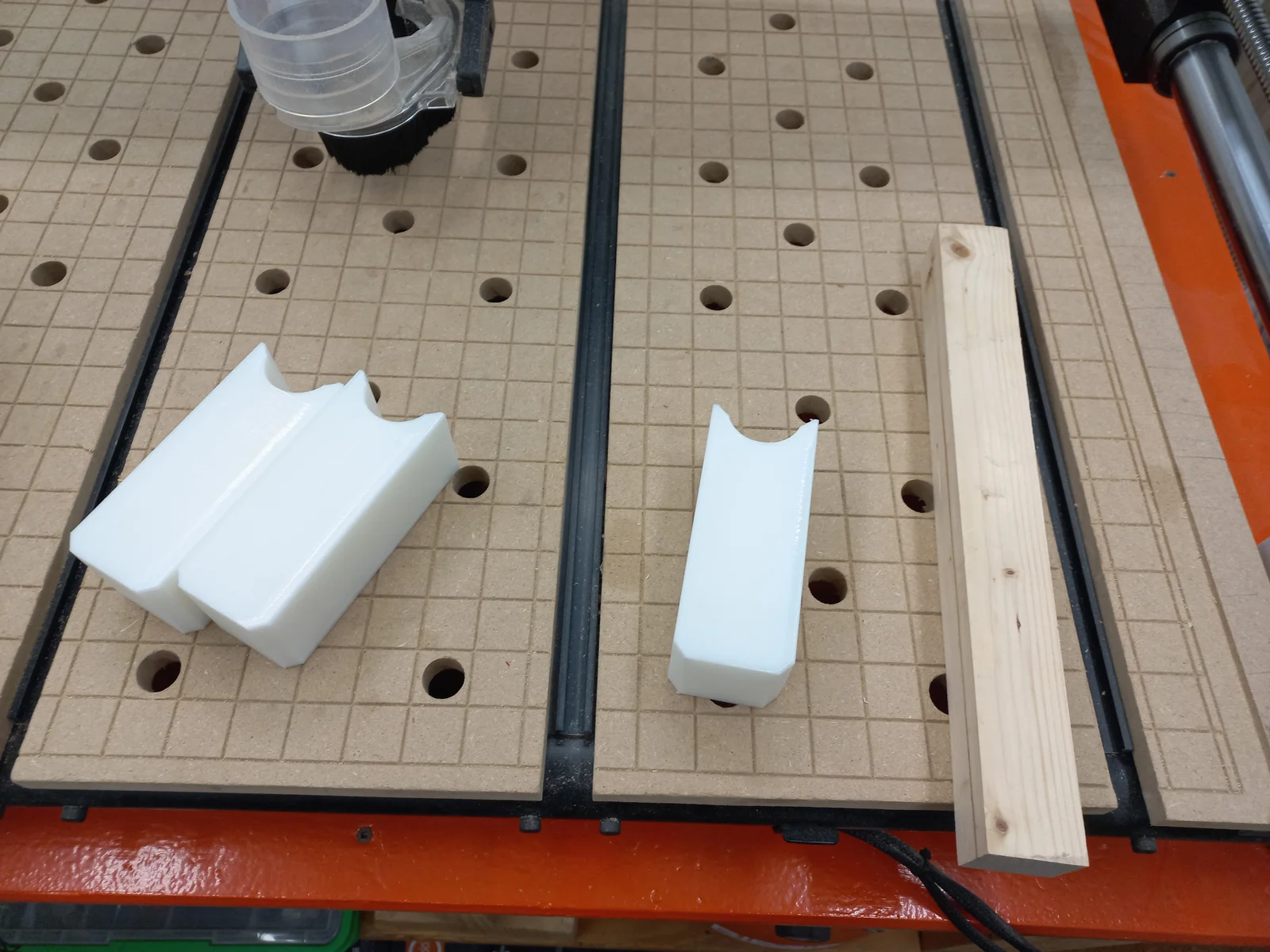
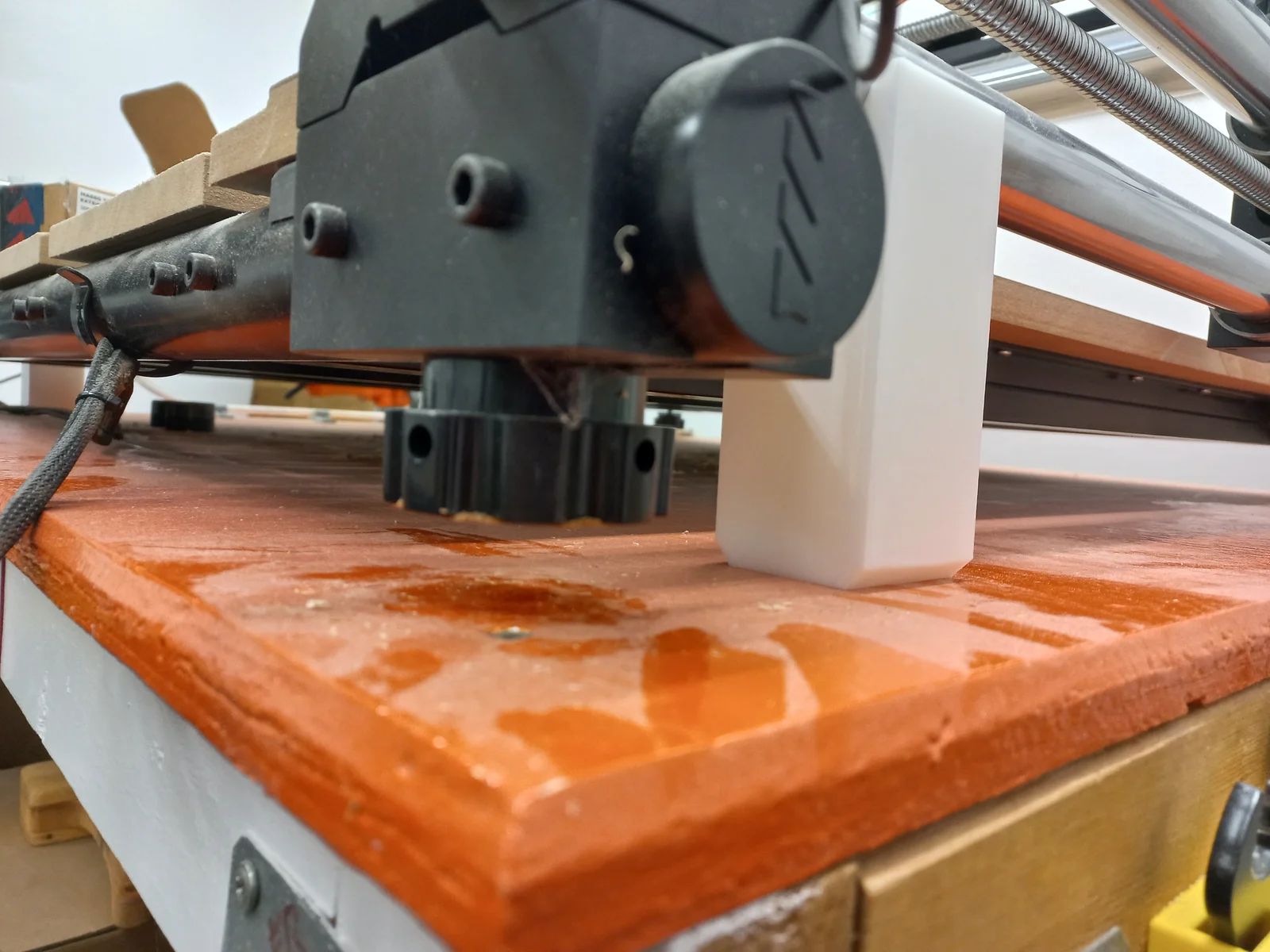
This simple project will appeal to users of Onefinity machines that are also using the QCW. This is a riser block to be placed under each Y rail to raise the machine in order to remove the qcw frame. A note of caution: During this process you don't want to bump the machine or do anything that may compromise the alignment. It is assumed that you have access to both sides of your machines Y axis rails. The process is as follows...
You will need a minimum of 4 blocks. Better to have 6 (2x3). The block is used to raise the entire machine from the SIDES, NOT the back. Move the gantry to the center to balance the weight. Using your favorite lever like a 2x2 piece of wood and block, from under a side (Y)rail, slowly raise the machine until you can slide in one of the blocks on either side of the gantry. What you have now is the gantry centered, the machine raised slightly and supported by the two blocks on one Y rail side, The machine is on a slight angle with one side raised off the table. Do the same thing to the opposite side. Now you have a fully raised machine, on four+ blocks. Place support under the raised corners of qcw to prevent it from dropping or putting any twisting pressure on the machine frame. You want it to come down slowly and evenly. There are four bolts for each leg of the qcw. You can now unscrew these and the qcw will be free and you can carefully slide the entire qcw frame out from under the machine. It will take a little maneuvering around the riser blocks so use caution. This is where you might want the extra block so you can reposition a block and always have at least two blocks in support. Your machine is now “floating” on these blocks. Be careful not to bump it! Once you’ve changed the waste boards out, simply reverse the process and your done.
ByZED4EverLikes313Downloads5.2K

 ByBasementLABLikes888Downloads1.5K

 Bydan-sabauLikes0Downloads2.6K

 ByleonicLikes0Downloads1.4K

 BymoonyxLikes0Downloads706

 ByVC_DesignLikes679Downloads3.6K

 ByDan Schwartz SchwartzLikes744Downloads3.4K

 Byvc-designLikes0Downloads498

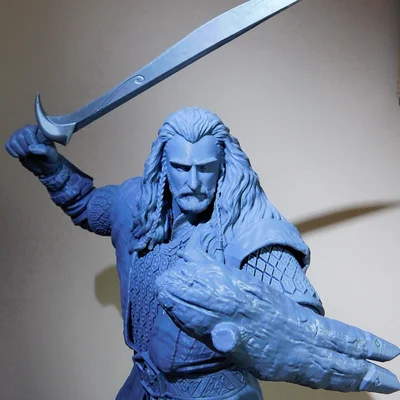 Bythorin-oakenshieldLikes0Downloads539

 Bytorii-creative-studioLikes0Downloads457

 ByshoheiyLikes0Downloads439

 ByWilko_SLOLikes935Downloads2K