

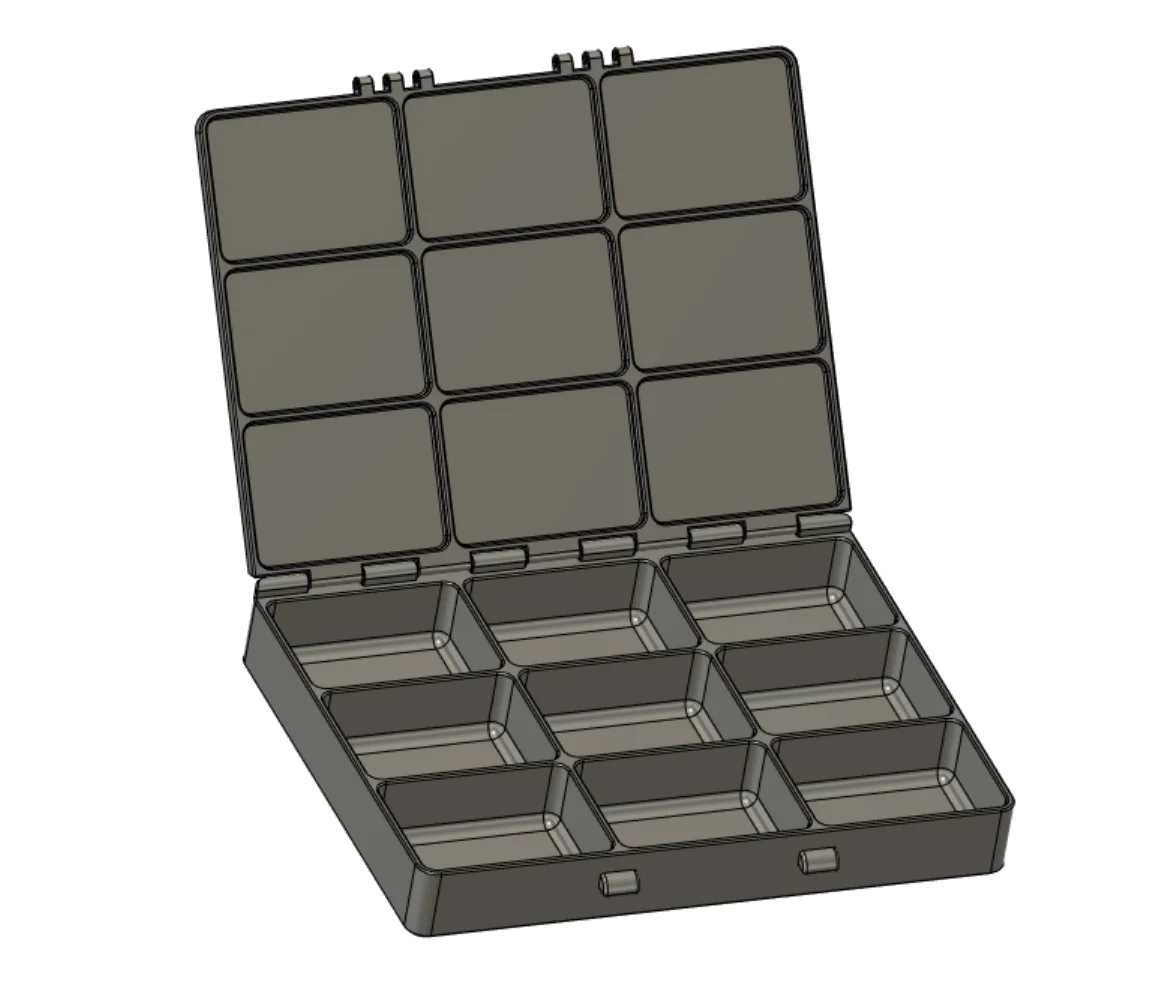


Clean Storage Boxes | 16 Sizes
 BymoonyxLikes0Downloads705
Build another version of this model.
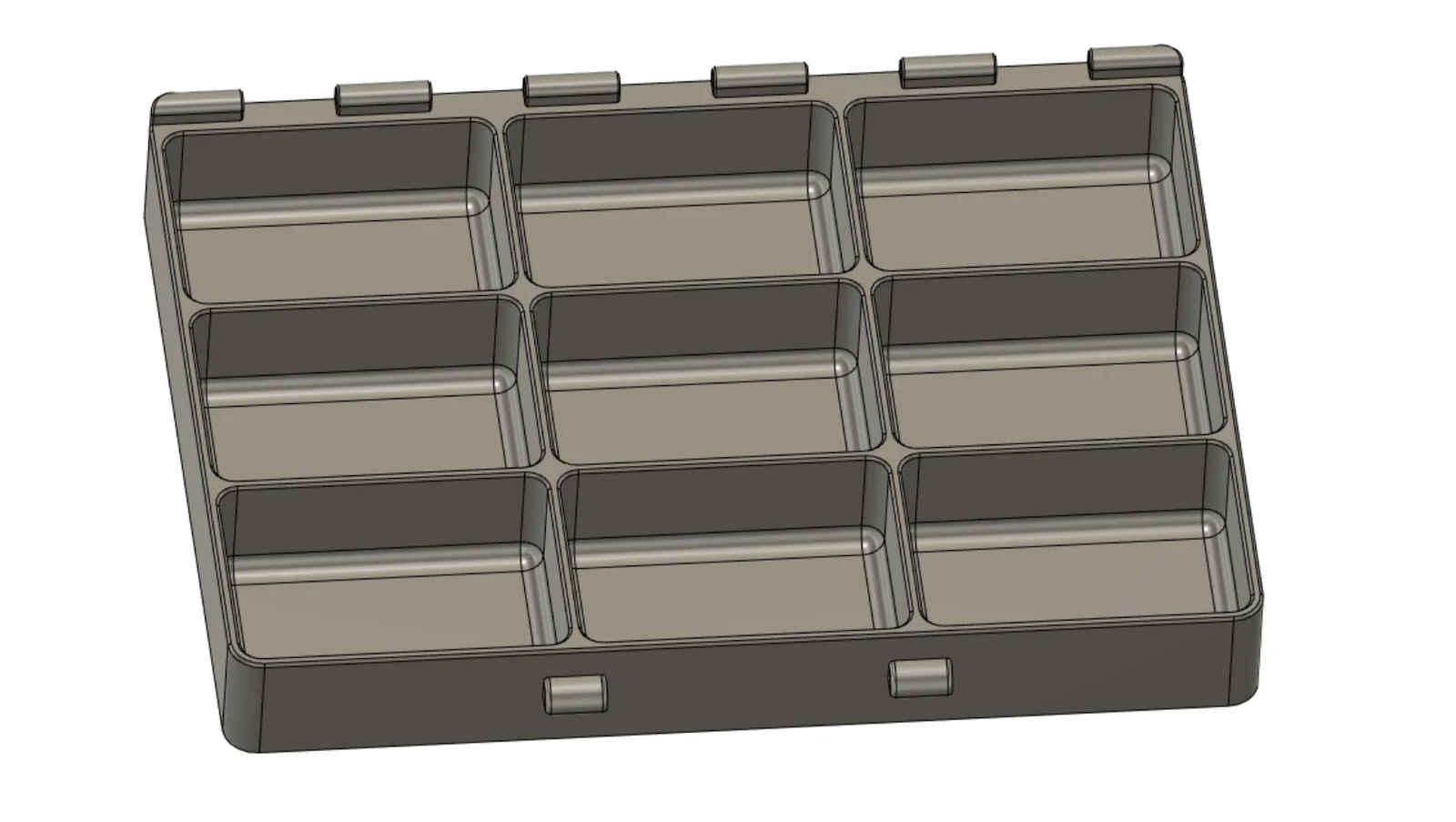
I designed a box where the external dimensions of the box, as well as the number of compartments, can be changed arbitrarily in both directions.
Additionally, design elements such as curves and chamfers can be customized.
Depending on the size of the box, the number of snap hooks and hinge elements can also be modified as desired.
Only the preferred parameters should be changed.
The main body of the box requires support material underneath the snap hooks. Here, I used the paint-on supports and smart fill in the PrusaSlicer.
If you need assistance with modifying the file or don't have access to Fusion 360, you can contact me for help.
I have increased the extrusion width of all lines except for the support material to 0.6mm in the settings. This significantly reduces printing time.
For assembly, the parts are inserted into each other, and then a piece of filament is threaded through the hinges. The filament is then cut on both sides and melted firmly using a soldering iron or a heated screwdriver.
BymoonyxLikes0Downloads705

 ByWilko_SLOLikes935Downloads2K

 ByMatthew_GhostLikes350Downloads944

 BymindthelightLikes251Downloads399

 ByTater_364200Likes486Downloads1.6K

 Bywhilex_1739192Likes644Downloads1.1K

 ByVC_DesignLikes721Downloads2.9K

 BykizzardLikes0Downloads106

 ByshoheiyLikes0Downloads438

 ByfifindrLikes709Downloads1.7K

 ByKNIN_CustomLikes112Downloads443

 ByExtrutimLikes0Downloads191