
F3D
Quả châu Noel cá nhân hoá – Template lithophane cho Advent… 1

3 images

Sự Kiện - Lễ Hội

Quả châu Noel cá nhân hoá – Template lithophane cho Advent hoặc chiếu sáng

By ChrisE

Downloads
296
Likes
57
Views
1,945
Remixes
1

Files 6 29 MB

  • SnowBall_Plain_v1.1_1777792480.3mf3MF · 6.8 MB
  • SnowBall_Base_Plate_1777792482.objOBJ · 33.1 KB
  • SnowBall_Base_Dome_1777792482.objOBJ · 74.8 KB
  • SnowBall_Plain_1777792483.objOBJ · 21.8 MB

Make a variant with AI

Build another version of this model.

Open Studio

Remix versions 1

See all 1 remix

Description

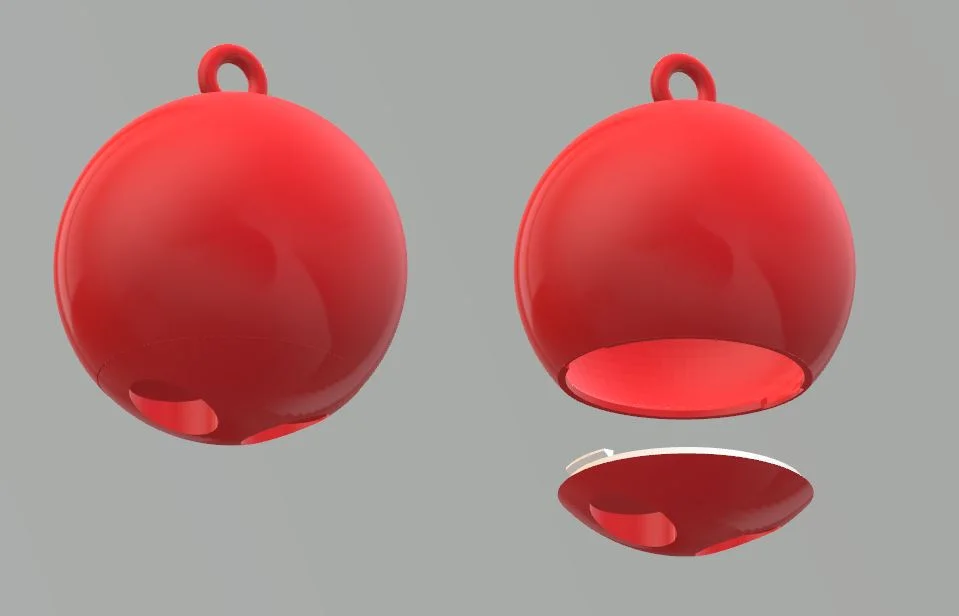
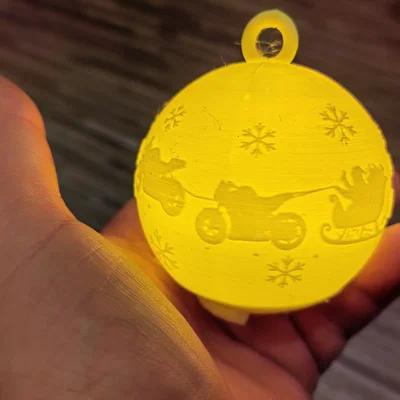
Template to create your own Christmas Bauble - with personalised glowing Image

| Instructions |

1. Download template (Jpeg in Zip Attachments) and make your own design.  

  • Keep the total image dimension unchanged (4740px x 1917px)
  • Remain within the Top and Bottom Markers for best image quality
  • Image must be upside down (rotate if required)

2. Save your new Design as Jpeg

3. Go to the Lithophane Maker Website:
 https://www.lithophanemaker.com/Lithophane%20Sphere.html

4. Apply the following Lithophane Sphere Settings: 

Your Design should end up a 70mm Sphere with 52mm opening at the top

  • Sphere Diameter - 70mm
  • Fit Image to Sphere - Yes
  • Min Thickness - 0.9mm
  • Max Thickness - 2.5mm
  • Cylinder Outer Diameter (mm) : Set to 0 (no cylinder) (UPDATE OCT23)
  • Top Hole - 52mm (prints upside down!)

5. Download the STL & Open the attached 3MF File as Project

  • The easiest way to import the new Sphere is with the “Replace STL” Function in Prusa.
  • Select the existing blank sphere - right click and "replace STL" with the new Lithophane Image.  The new STL should remain central.  Insert 180deg into the X or Y Axes if required.  (Alternatively, the sphere can also be manually imported using the XY coordinates to align the new sphere and delete the blank sphere)

6. Print your Bauble with the following settings:

  • 0.4 Nozzle, Max 0.2mm Layer Height
  • I used the variable layer height feature for the top of the dome w/o support
  • For consistant results reduce Nozzle Temperature 190°C & Print speed 50% to complete the top of the dome.
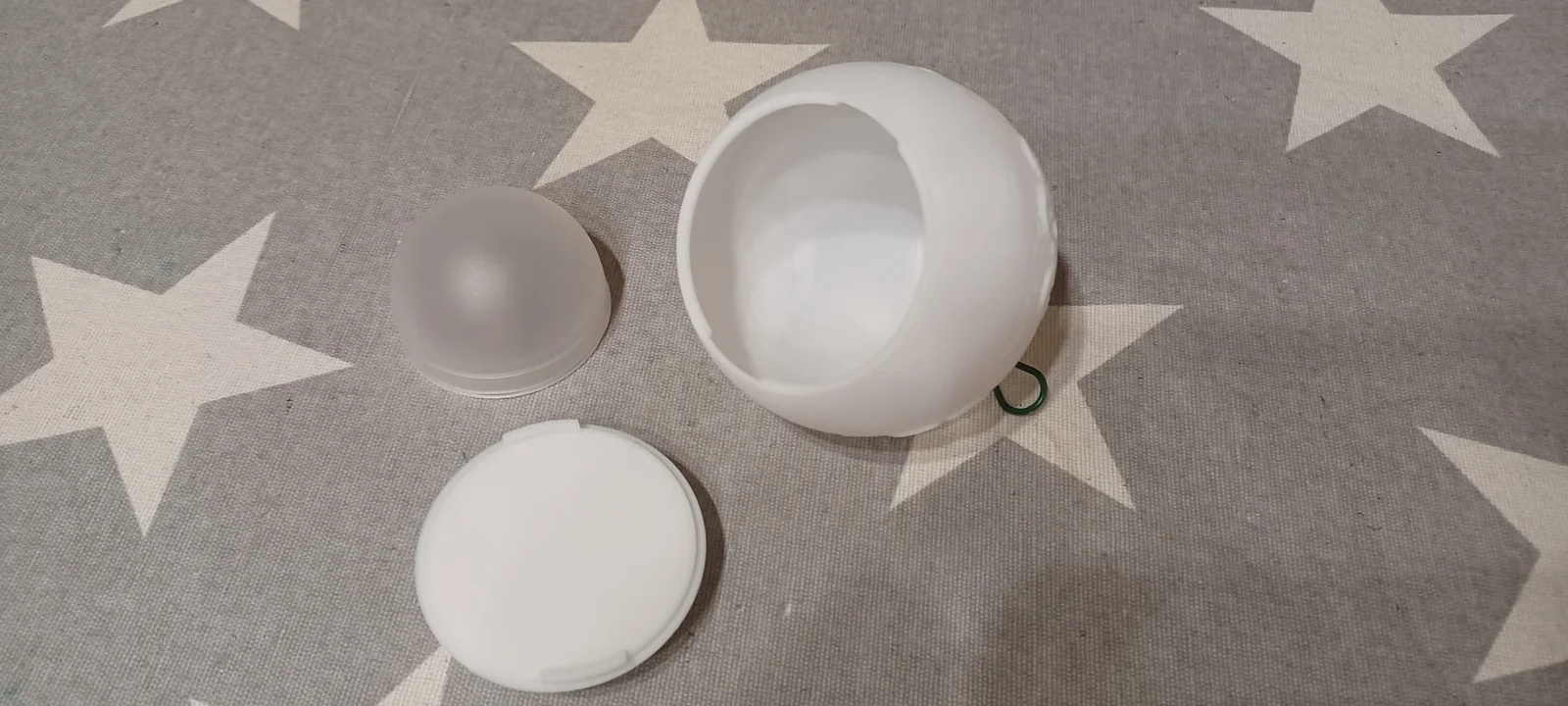
  • Superglue used to stick the 2 pieces of the base together

Enjoy!

Please like and post your makes!

Read more Show less

Print spec

Formats
3mfobjzip
Model files
6
Total size
29 MB
Largest file
21.8 MB

0 comments

See all