



Kẹp giữ sợi Filament
 Bytinx_1344834Likes1.2KDownloads6K
Build another version of this model.
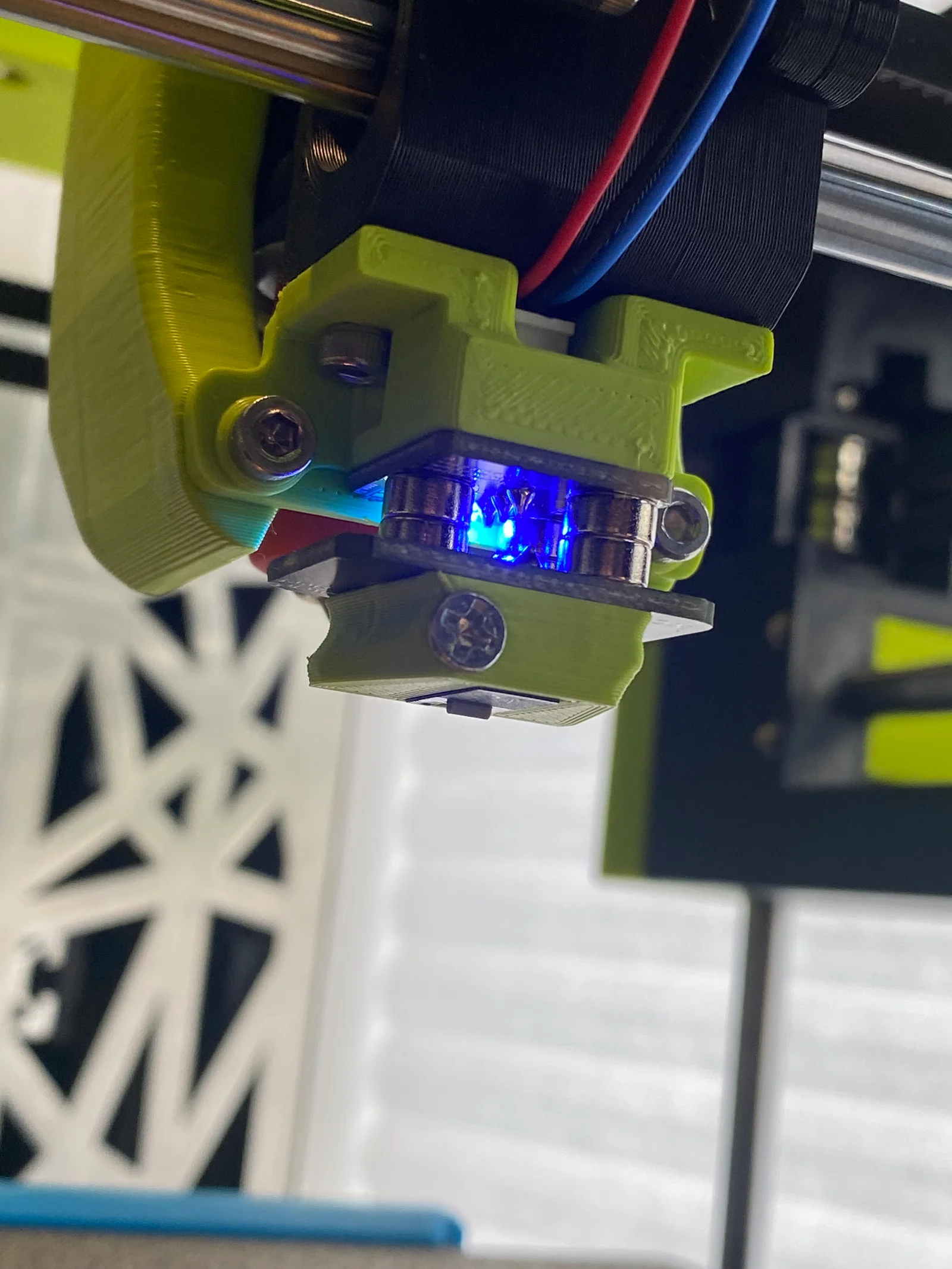
Custom PCB Klicky Mounts for the ‘The100 v1.1’ printer.
Probe Mount
the100_pcb_klicky_connector_plate.stl
Designed to replace stock Connector Plate.stl on the toolhead. Places the PCB klicky probe inline with the nozzle on the x-axis and as close as possible on the y and z axis. Assumes the use of heatset inserts from the pcb klicky kits.
[probe]
x_offset: 0
y_offset: 25.0
#z_offset: 10 #this will be tuned to your printer. Mine is ~7.834
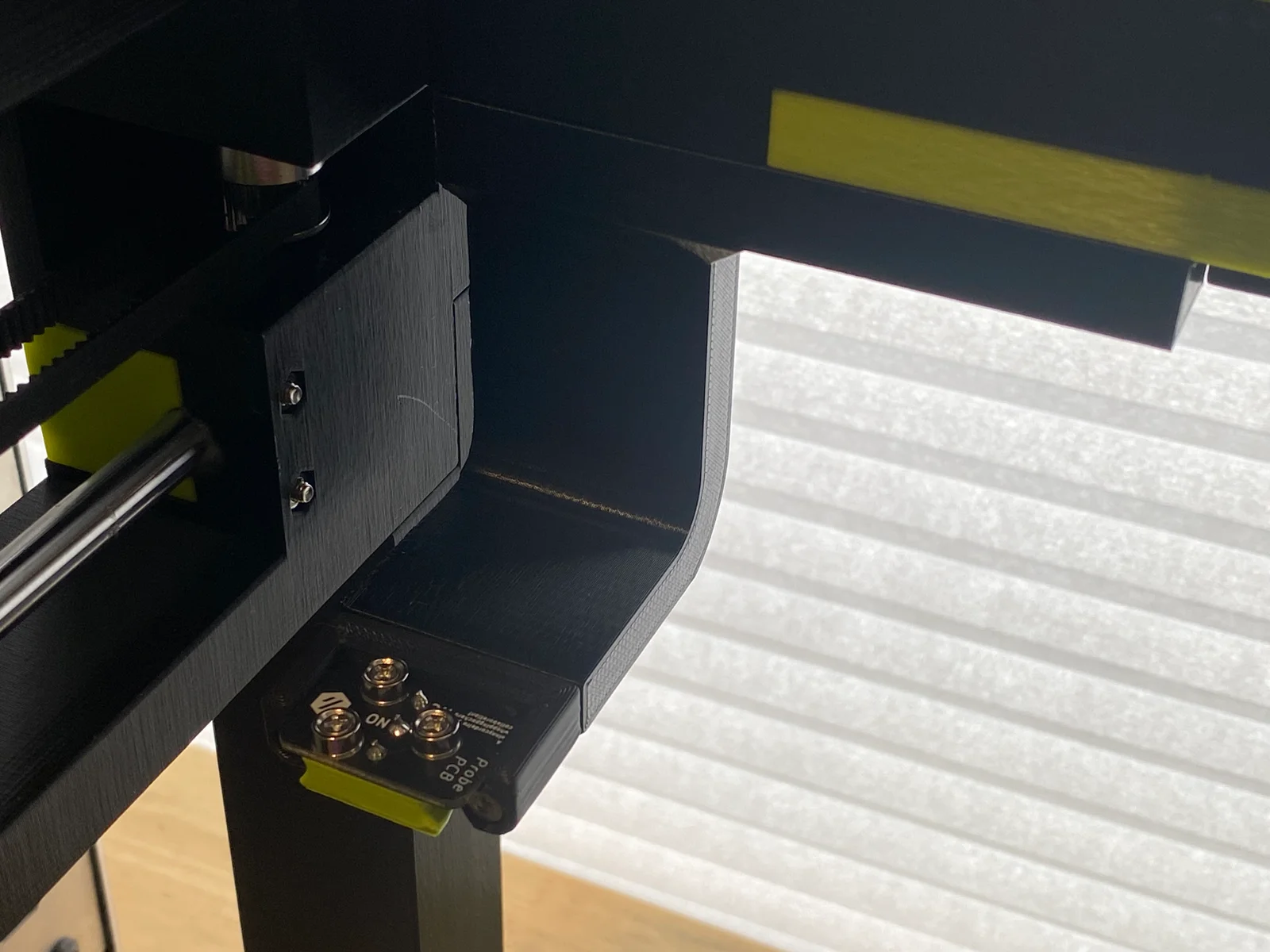
the100_pcb_klicky_dock.stl
Designed to mount on the left rear of the top frame. You will need to remove to existing m3 bolts and replace them with longer m3x20mm bolts.
You'll also need to print the stock pcb klicky dock:
dock-front_insert.stl
Designed to be printed with the recommended The100 v1.1 print settings.
I recommend printing the connector plate in ABS or ASA due to it's proximity to the hotend.
Note
You'll need to swap out the The100 G28 homing routine for one based on the klicky macros. To avoid hitting the dock while homing I changed the x-axis to homing to the maximum instead of minimum.
Bytinx_1344834Likes1.2KDownloads6K

 Byprusa-researchLikes0Downloads2.7K

 ByRyanLikes0Downloads236

 Bychukwufumnanya-arinzechukwuLikes0Downloads190

 Byemmanuel-garciaLikes0Downloads171

 Bycrawler-4460618Likes0Downloads173

 Bydet-manLikes0Downloads185

 Bygummiegecko8477Likes0Downloads178

 Bychris-barwickLikes0Downloads143

 BydalleLikes0Downloads162

 ByBrokentooth_designsLikes17Downloads163
