



Khuôn Vẽ Sơ Đồ Mạch Điện Tử (Kích Thước Thẻ ATM)
 ByBoonby_1059917Likes659Downloads1.2K
Build another version of this model.
Notice!
The printed model is currently out of order. Too much friction in the plastics. It's stiff and doesn't move at higher numbers. I am working on modifications to make the model fully functional.
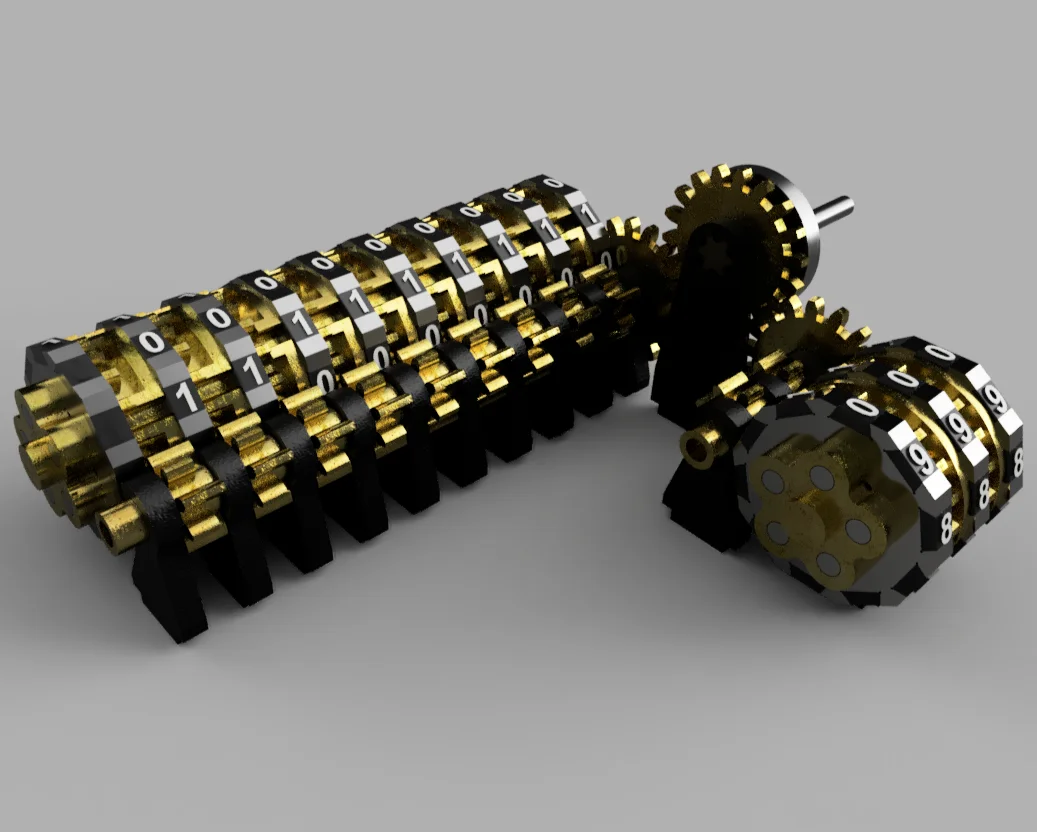
A mechanical counter based on a known principle: https://en.wikipedia.org/wiki/Mechanical_counter
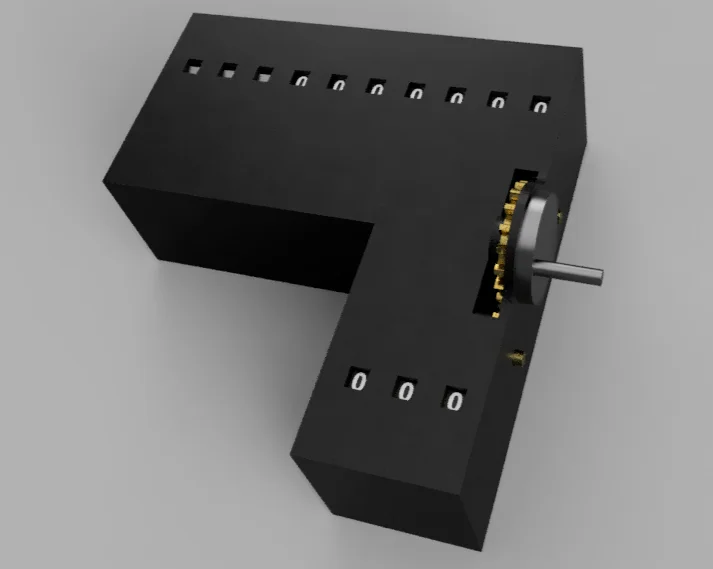
This displays the numbers 0 - 999 in decimal and at the same time displays the corresponding number in binary.
The entire model is created in such a way that there is no need to set supports.
Everything can be printed with a layer height of 0.3, except for numbers, where I recommend 0.1 mm.
No fasteners are required for assembly. All parts can be disassembled.
EDIT: after release, some models were modified for better print tolerances. See version of the models.
assembly instructions:
prepare the mat according to the picture so that the locks are oriented with the narrower side down. then click on the BarelSupport part.
take the two parts GearSupport and ConGear_Support, place them according to the picture. check the orientation of the opening.
ByBoonby_1059917Likes659Downloads1.2K

 ByFabianVeileLikes414Downloads1.5K

 BygillisLikes121Downloads2.1K

 ByMarciLikes87Downloads295

 Bystrifu_4061046Likes151Downloads1.3K

 ByfifindrLikes11Downloads122


 ByzoltanfLikes73Downloads277

 Byleizerdesign_249154Likes62Downloads801

 ByHonzalLikes246Downloads179

 ByactualnameLikes0Downloads380

 BynleinadLikes56Downloads185