



Mô hình đường ray thẳng Lego City Train tự in 3D cực tiện lợi
 ByChristianS_2237751Likes502Downloads3.7K
Build another version of this model.
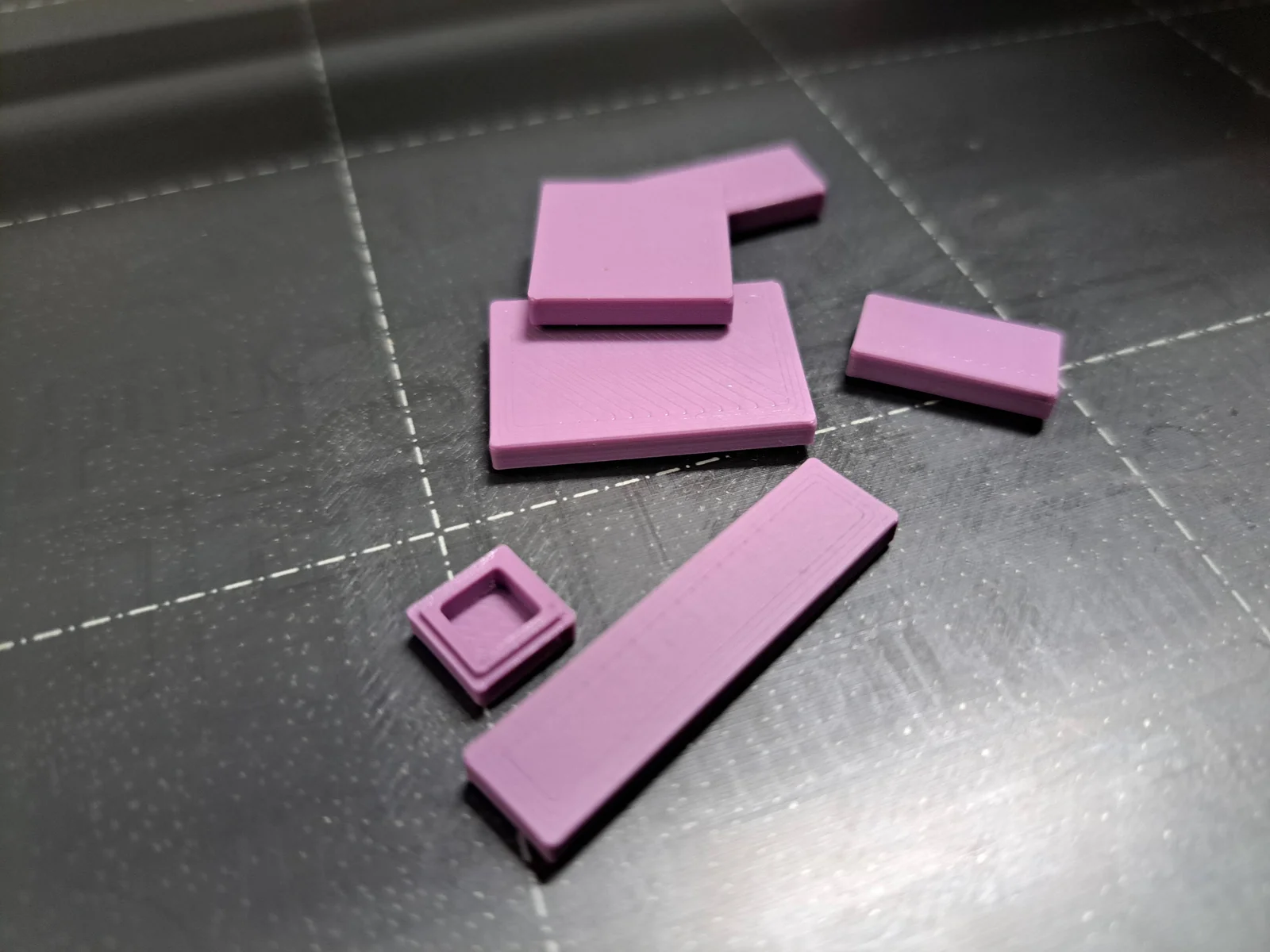
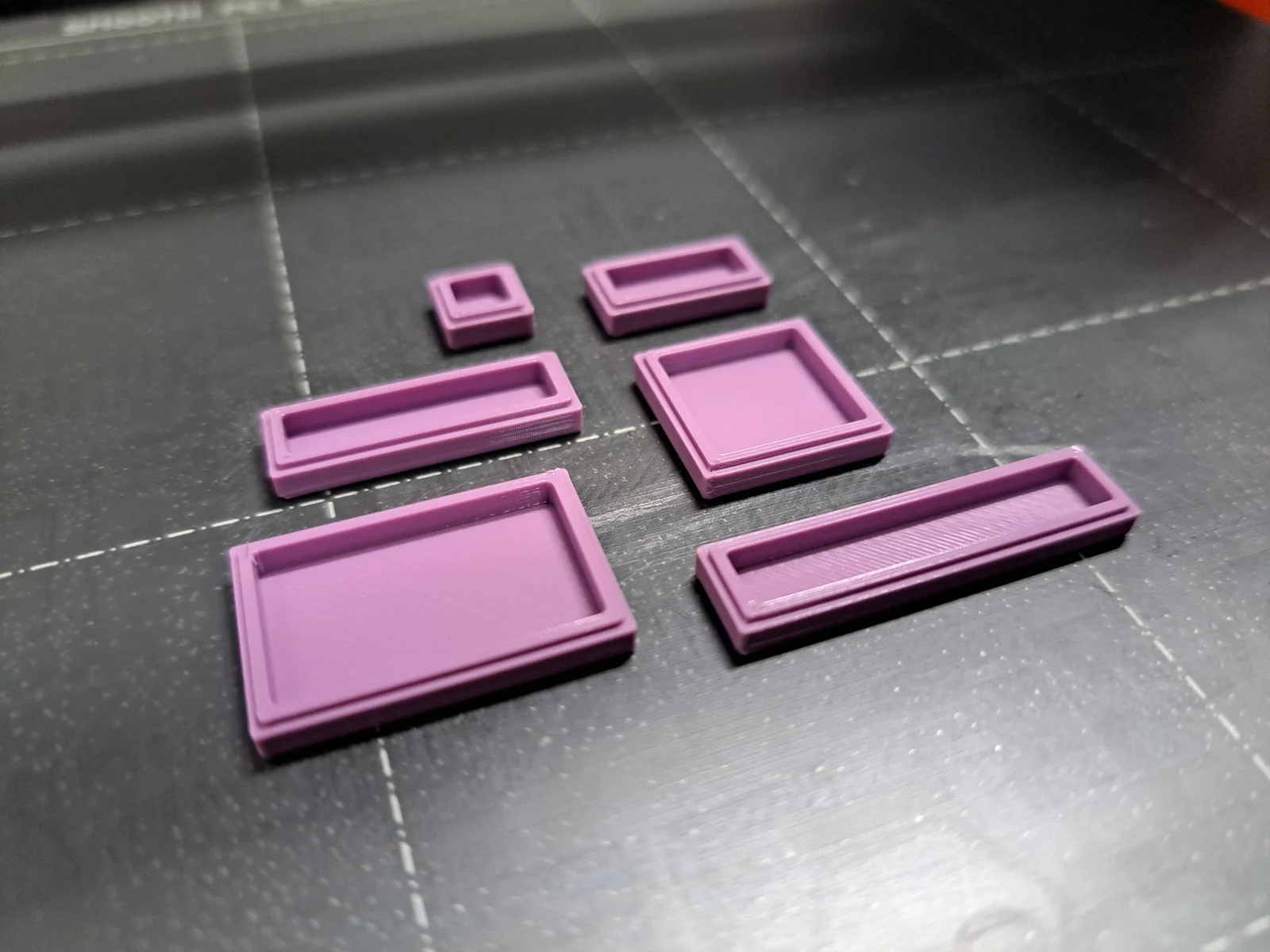
Tiles. There is never enough tiles. I am always short of some bricks when creating LEGO MOCs (My Own Creation), so I am using FreeCAD and my printer to create temporary placeholders when prototyping.
The model was designed specifically for 3D printing with tolerances in mind.
For printing I recommend to start with attached FreeCAD project file and modify properties according to Printing Guide.
Parametric Size
Dimensions can be modified in attached FreeCAD project in Properties sheet.
Attached are exports for common dimensions: 1x1, 1x2, 1x3, 1x4, 2x2 and 2x3.
(how to preserve compatibility with LEGO when printing)
There are several factors influencing compatibility with LEGO or other bricks system. Building capabality is mainly based on:
Friction is maintained by
Spacing is maintained by
With common 3D printer, we are not able to match required precision to create adequate friction, we can only approximate.
Relevant for this model. The model does not have studs, tubes or hollow studs, so it is easier to calibrate.
Parameter
Description
My MK4 (kit)
Your printer?
WallThickMod
Wall thickness modifier
-0,1 mm
?
PlayTolerance
Play tolerance offset
0,2 mm
0,2 mm
Play tolerance offset of 0,2 mm is a LEGO standard, there should not be a need to change that.
Beware: Parameters can also slightly differ with various materials, even different color from the same brand can influence the result.
Share your printing settings and parameters for your printer. I will update the table. Exported files (3MF, STEP, STL) are with parameters for my MK4.
ByChristianS_2237751Likes502Downloads3.7K

 ByLimitSwitch_4355441Likes102Downloads291

 BySnityLikes29Downloads143

 ByJona32u4Likes82Downloads680

 ByLotharCreativeDesignLikes178Downloads494

 ByRedfully_1701430Likes717Downloads3.3K

 ByDennisMLikes189Downloads1.7K

 Byjose-pedroLikes0Downloads133

 ByKevinM_876218Likes500Downloads617

 ByBYU_CMRLikes41Downloads123

 Bymtakashi_164009Likes176Downloads491

 Bythall72Likes30Downloads524