



Kẹp giữ sợi Filament
 Bytinx_1344834Likes1.2KDownloads6K
Build another version of this model.
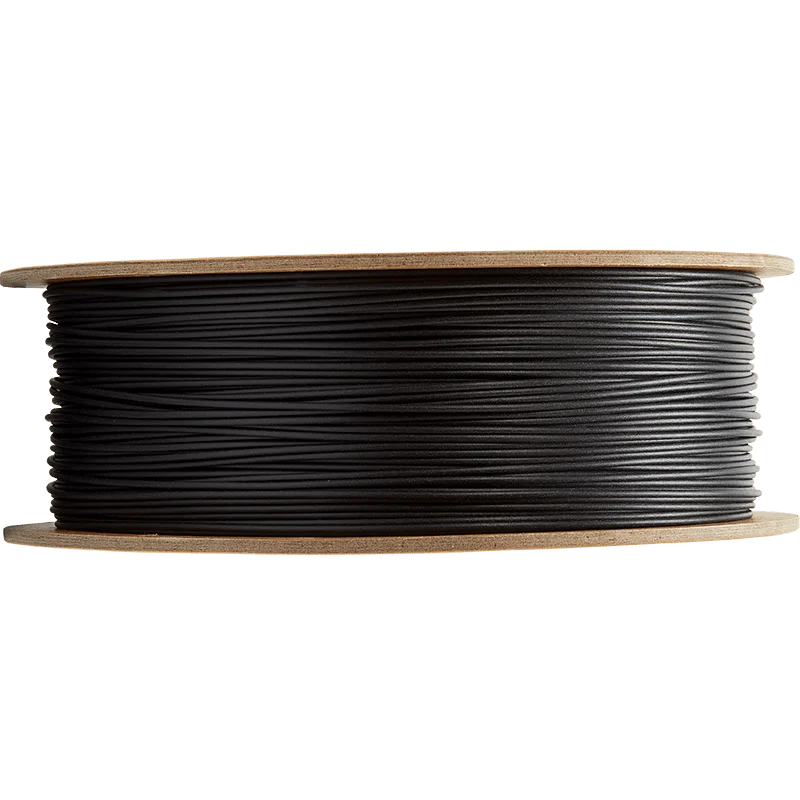
PrusaSlicer filament profiles* for the various lines of filament produced by Polymaker. Because well-tuned material-specific settings outperform generic default settings.
* Or ‘presets’ as the kids are now calling them.
Based on my experience and observations such as these, combined with information published in the Polymaker Material Database, I make and share my print profiles and these handy Polymaker™ filament profiles.
Put the .ini files in the directory where you keep your filament profiles. (There's also a universal cross-platform way, through PrusaSlicer's menus: File->Import->Import Config…)
~/.config/PrusaSlicer/filamentC:\Users\[name]\AppData\Roaming\PrusaSlicer\filament/Users/[name]/Library/Application Support/PrusaSlicer/filamentThen start or restart PrusaSlicer, and select the filament profile that matches your filament.
To make best use of a speed-oriented filament like PolySonic™, pair its filament profile with a Fast Print Profile.
I start with each material's specs as published in the Polymaker Material Database (i.e., color, density, spool weight, temperature recommendations, speed ideals, and proposed purpose). I apply hardware-agnostic linear-advance gcode to produce crisp corners. I print a temperature tower. Analyzing the results at each tier of that tower, I select what seems to be the optimal nozzle temperature and experiment as needed with filament-specific overrides of my usual print settings. After a few benchmark prints, I create with these filaments many useful household items, car parts, tools, and/or sports equipment. I make further adjustments as experience proves necessary. When I have experience with multiple colors of a given filament type, I make a separate tuned profile for each.
Thank you to Tsukimizake for contributions to this project.
Bytinx_1344834Likes1.2KDownloads6K

 ByBrokentooth_designsLikes23Downloads412

 Byarhi_585078Likes64Downloads546

 Byla-cave-au-chatLikes0Downloads972

 Byprusa-researchLikes0Downloads2.7K

 Bydet-manLikes0Downloads176

 Bygummiegecko8477Likes0Downloads168

 ByteteomatLikes0Downloads140

 BydalleLikes0Downloads150

 BynasikLikes0Downloads122

 ByfilamentalistLikes71Downloads111

 BytimLikes0Downloads531