F3D
Module TouchID rời có phím click 1

4 images

Dụng Cụ Tiện Ích

Module TouchID rời có phím click

Remix of Module Touch ID rời cho Mac (Standalone Touch ID Module)! By SnazzyLabs

By Jaime_807795

Downloads
180
Likes
28
Views
1,811

Files 6 2.4 MB

  • lid_1777477391.stlSTL · 51.3 KB
  • button_holder_1777477392.stlSTL · 25.7 KB
  • base_1777477393.stlSTL · 109.4 KB
  • touchid_1777477394.stepSTEP · 326.4 KB

Make a variant with AI

Build another version of this model.

Open Studio

Details

Model ID
#352278
Published

Description

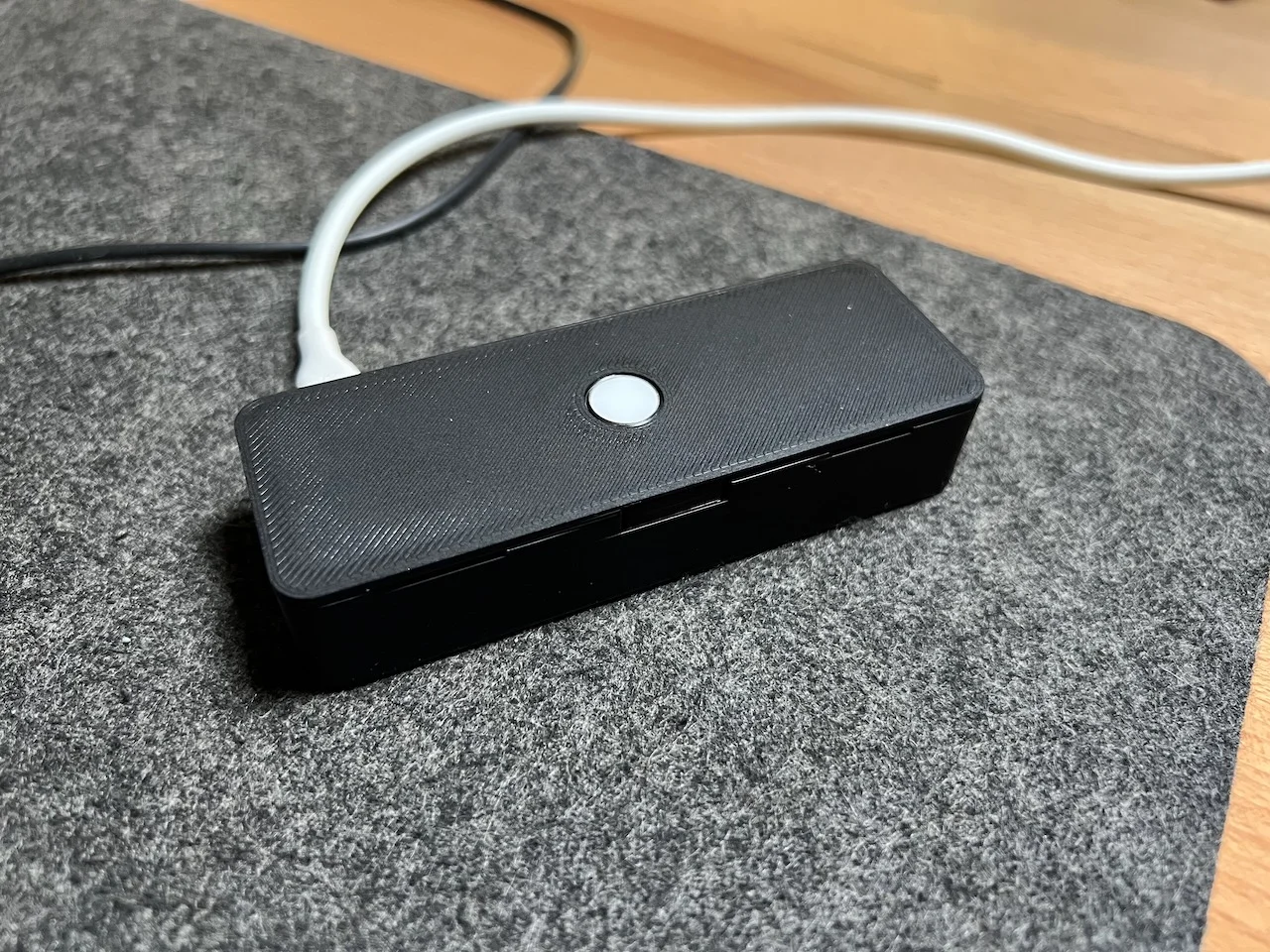
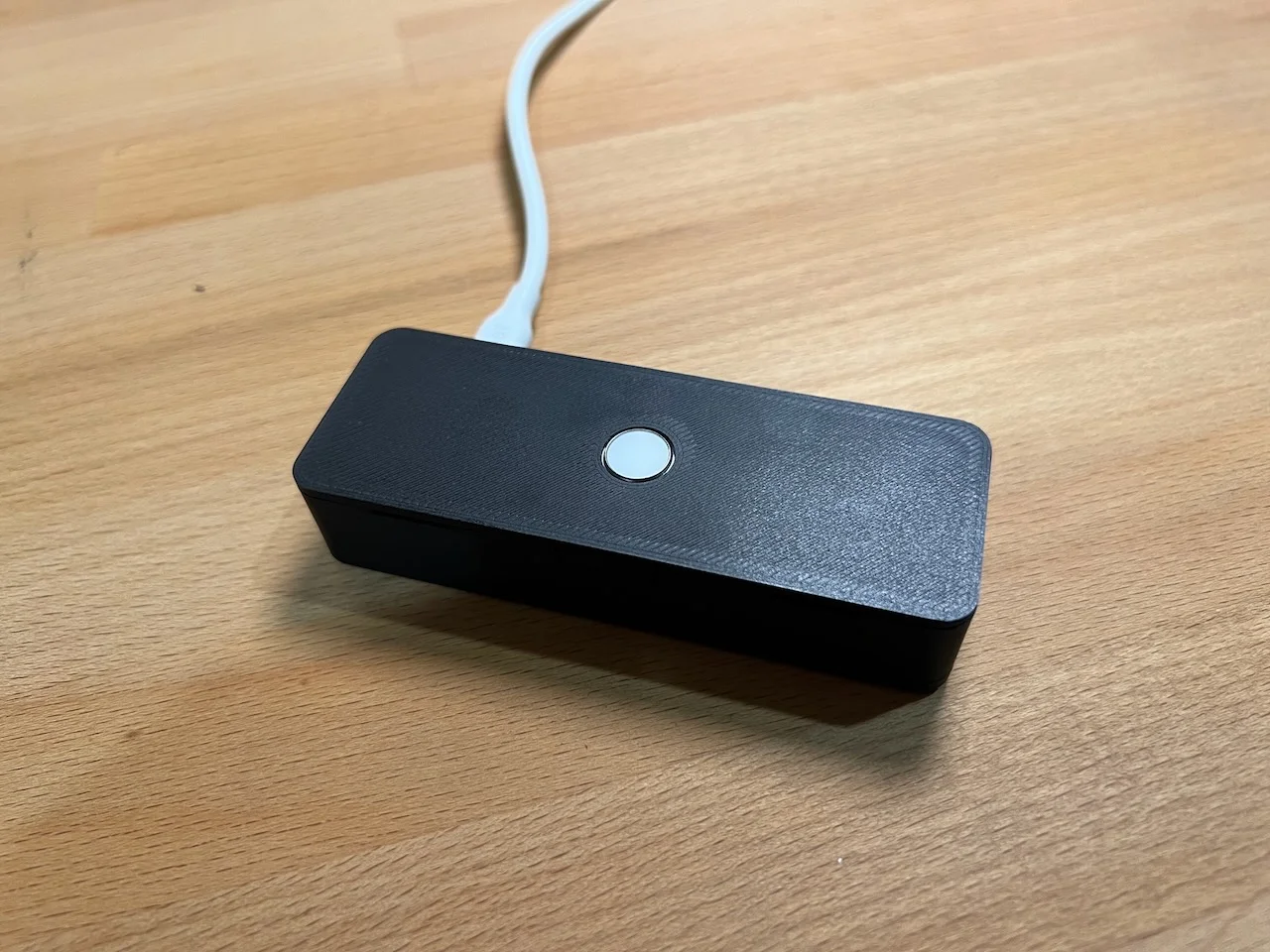
Riffing off SnazzyLabs original idea, I wanted to make my own version with a clickable key. I ended up with a three-piece thing: 

  • The first thing is the base, where the logic board sits. I used two M2 H4 threaded inserts that I slid in with a soldering iron to fix it in place. The same soldering iron was useful to melt the plastic around the lightning connector to plastic-weld it in place. 
  • Second piece is the button holder. I added a fillet so you know how to insert the key. 
  • Third and final piece is the lid. This snaps into place and should come off again if you're careful. 

I printed this in both PLA and PETG with minimal supports (Prusa MK4 bgcode files attached). 

Assembly Instructions

Before you begin, I'm assuming you have everything disassembled.

  1. Place the threaded inserts with a soldering iron
  2. Melt the two studs into the lightning connector to fix it in place
  3. Connect the TouchID key to the logic board
  4. Connect the lightning connector to the logic board
  5. Screw the logic board into place using two M2 (5mm or 6mm should work)
  6. Insert the button in the button holder via the side with no fillet
  7. Put the button holder in its place
  8. Connect everything and make sure it works! 
  9. Place the lid on top and snap into place

Read more Show less

Print spec

Formats
bgcodestepstl
Model files
6
Total size
2.4 MB
Largest file
998.2 KB

0 comments

See all