



Thùng rác in Vase Mode
 BybobmakesLikes2.5KDownloads17.5K
Build another version of this model.
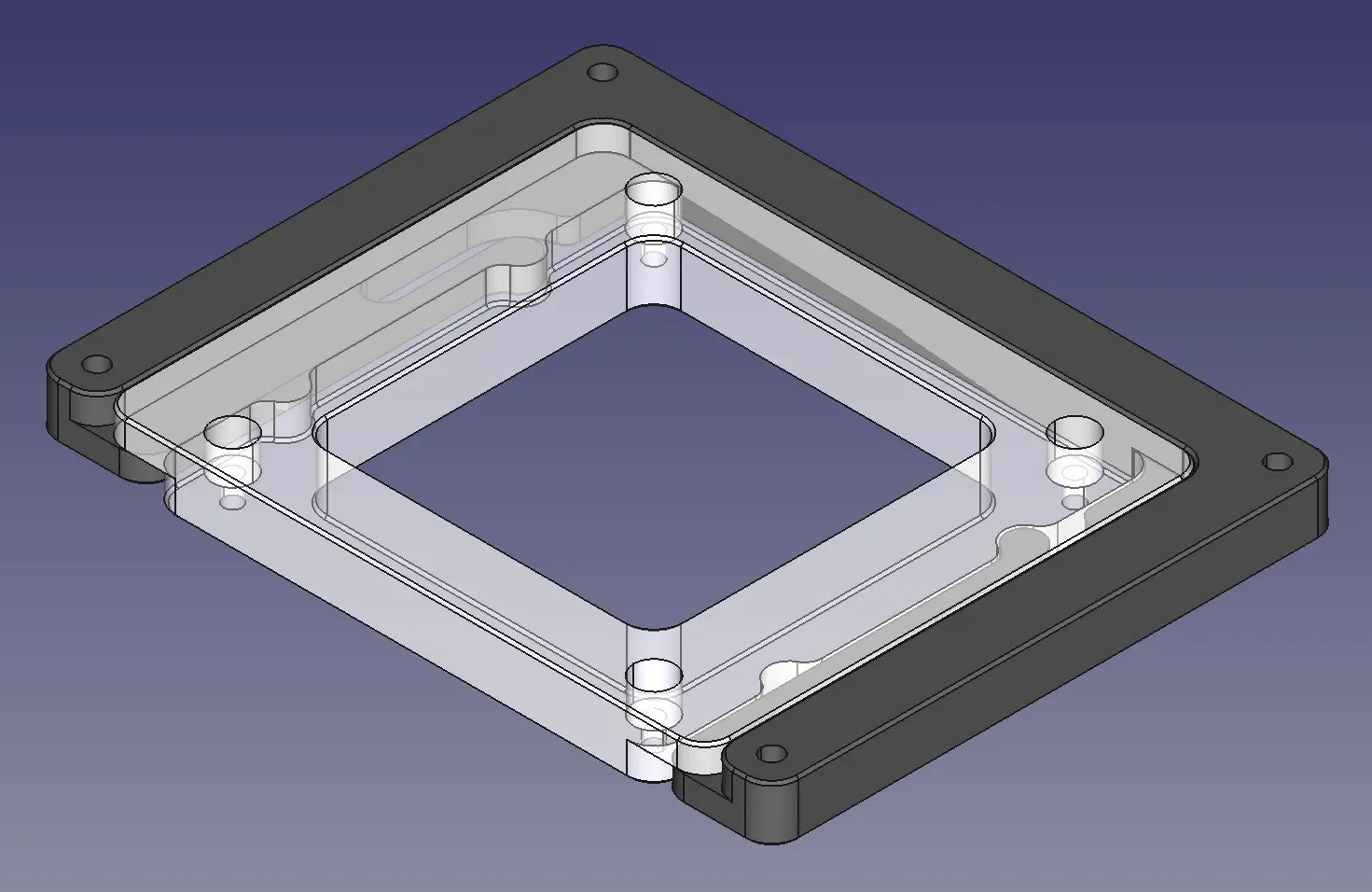
Uses two parts with clips that slide into each other.
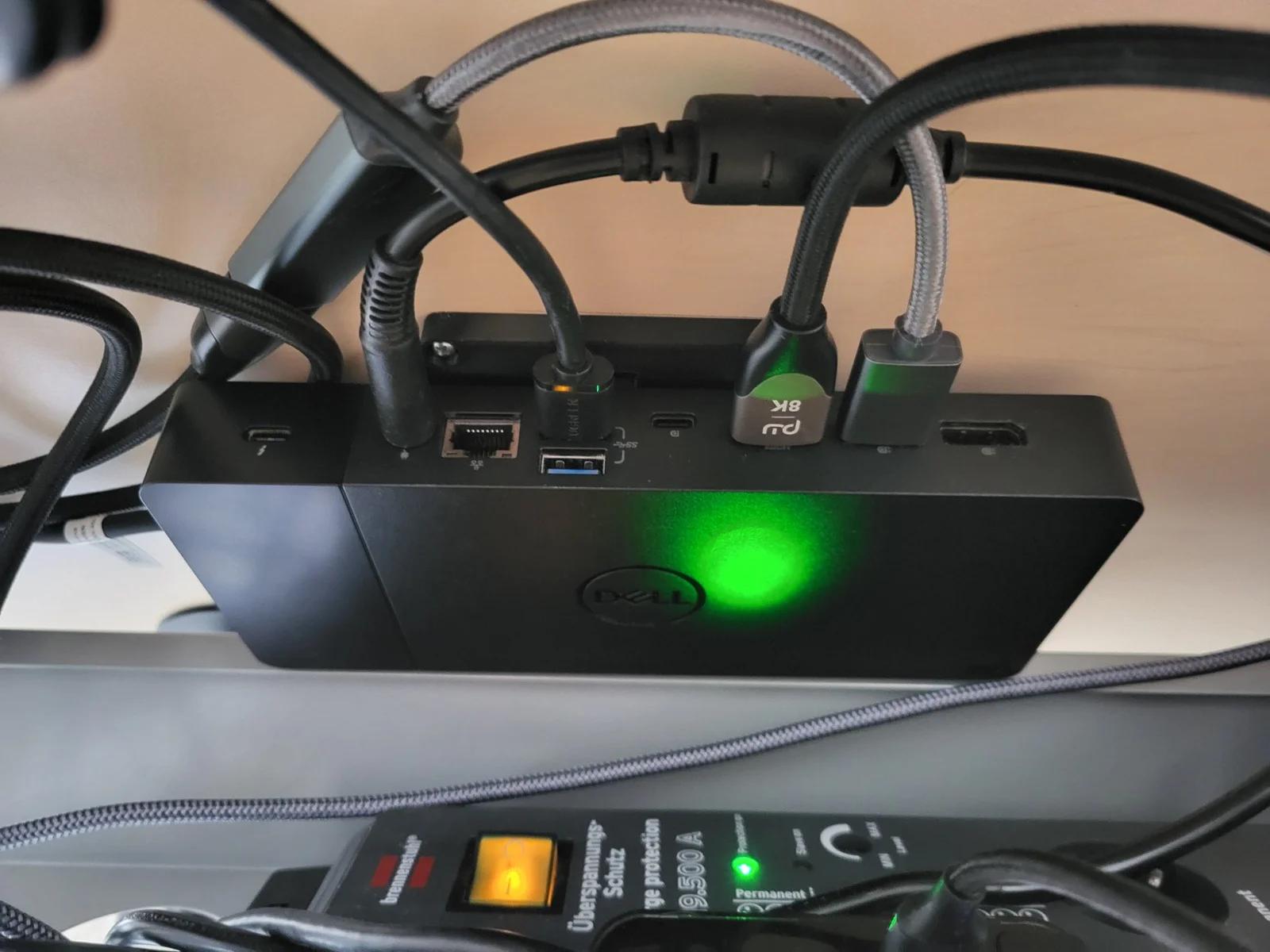
One part goes on the dock and utilizes the two M2.5 mouting holes.
The other part is screwed into the desk and uses any small wood/sheet screw (I use 2.8x13 pan head screws).
Both parts should be printed with the larger section facing the bed.
Alternatively, M2.5x10 cap head screws will very likely work as well for the dock side.
The PCB on the inside of the dock is directly below the screw holes - unprotected!
In this case, please verify the screws will not touch the PCB, as not do damage it.
The part will account for 4mm of thickness. However, you also have to account for squish of the rubber.
The screw counterbores have a solid layer for bridging. You can either remove it with a drill or probably just push the screw through directly.
The dock part can be mounted in any orientation so the dock can either be slid in from the side or the front/back. It is also symmetrical, so it will clip in in either direction.
BybobmakesLikes2.5KDownloads17.5K

 BytsmccLikes0Downloads309

 ByVinors3DLabLikes393Downloads1K

 Bycustom-3d-partsLikes0Downloads209

 ByHydratedMini_1690513Likes173Downloads724

 Byxtruderline-3dLikes0Downloads130

 ByimanorangutanLikes0Downloads676

 Byquibeck_3353173Likes545Downloads3K

 Bym-collectableLikes0Downloads3.9K

 Bylayer-forgeLikes0Downloads598

 ByTommy3DLab_2023125Likes636Downloads2.5K

 Byaxis-prints-3dLikes0Downloads788