



Mô hình boomerang in liền khối cực nhanh
 Byquibeck_3353173Likes1.5KDownloads11.5K
Build another version of this model.
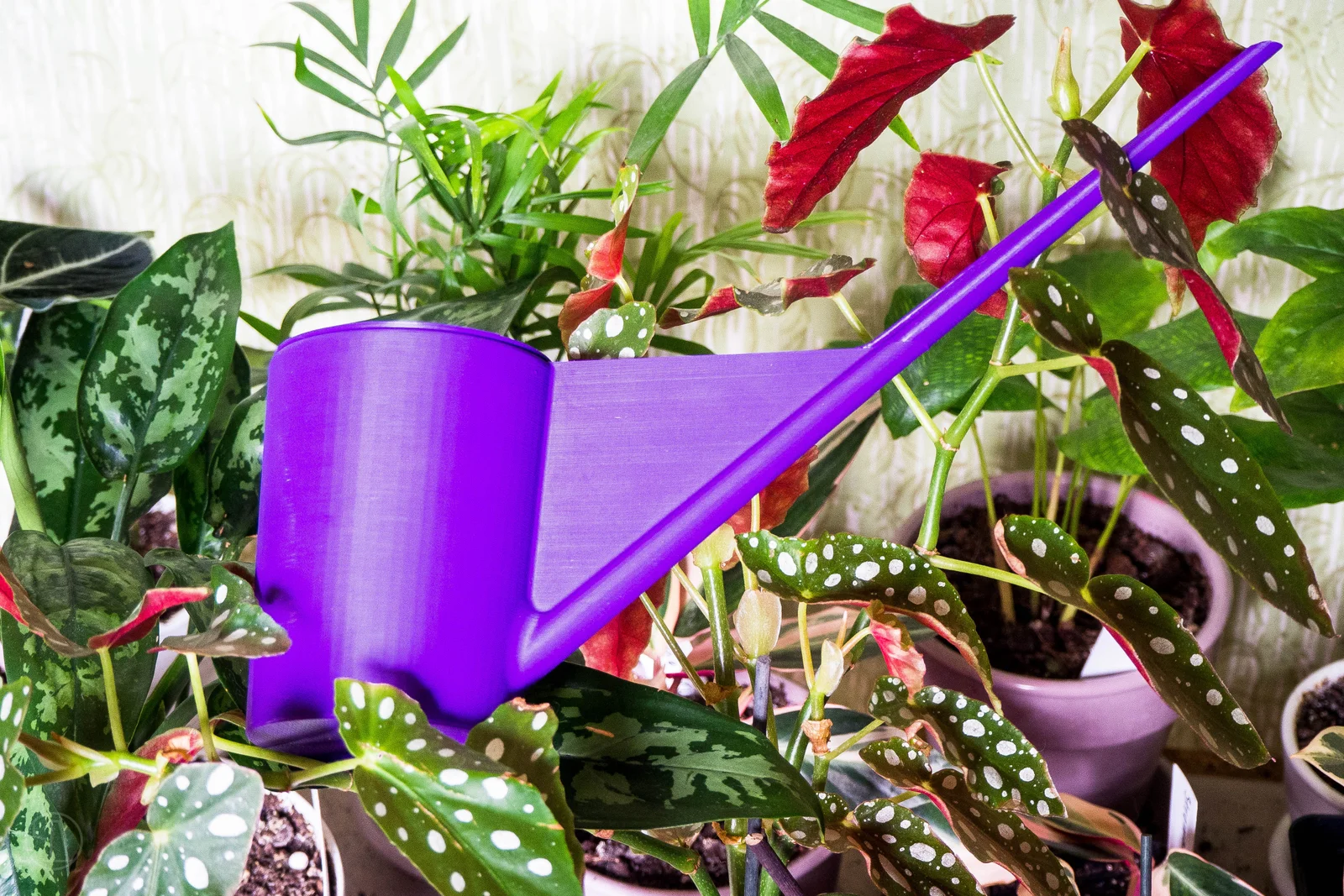
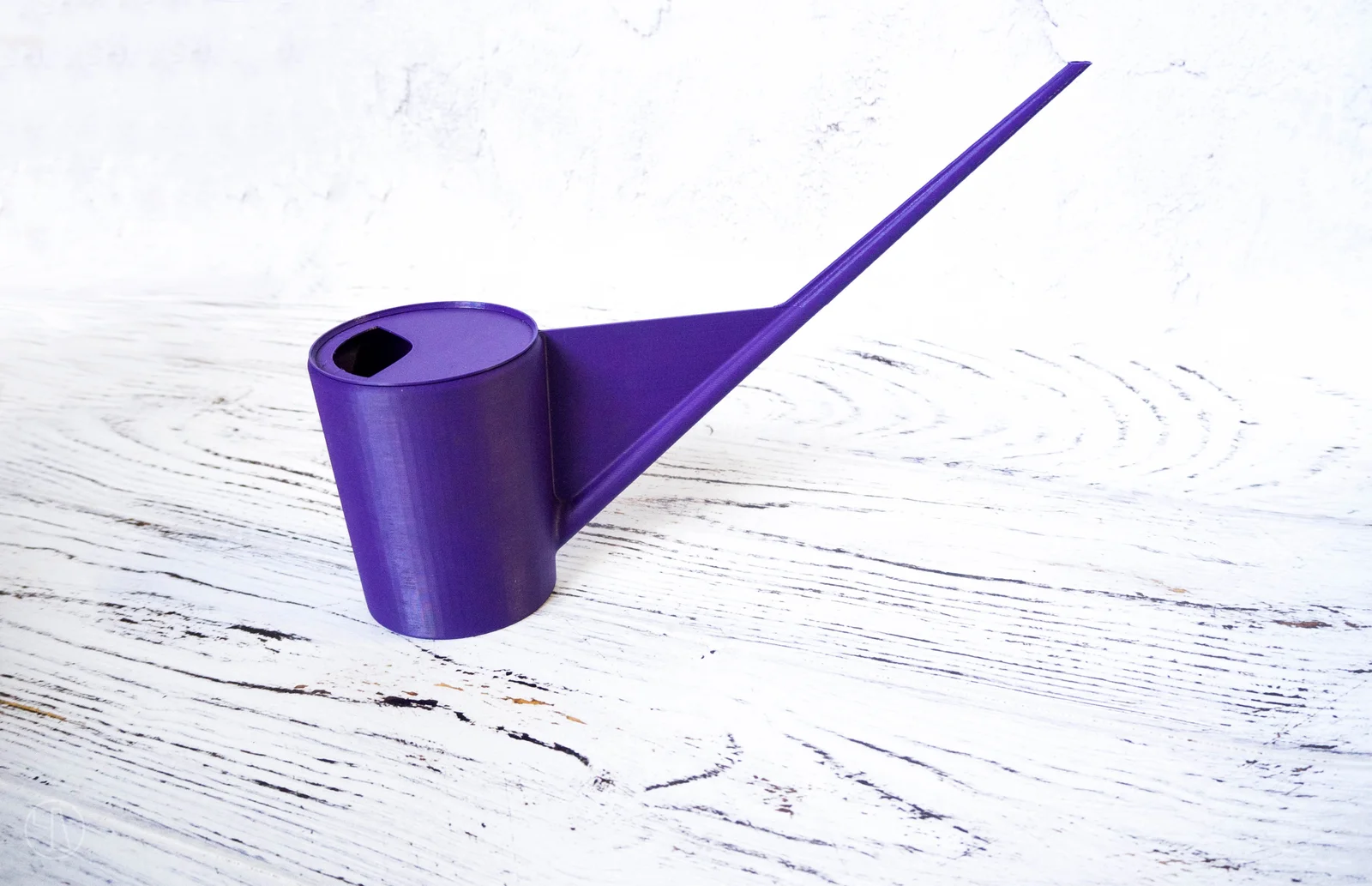
I wanted to print a small watering can for my wife to help her with watering house plants, but could not find model I like. Mostly due to the long printing time.
So I decided to design one myself, drop all non essential features, make watering can minimalistic and take advantage of vase mode.
Can volume: 300ml
Print in vase mode with 0.8mm line width with 0.4mm nozzle or with 0.8mm nozzle directly. I did it with 0.4mm nozzle and 0.8mm line width.
Filament: Monofilament coPET (PETG) Violet.
Starting from normal/standard profile and changed following:
Set layer hight and print speed on your discretion.
Final version is printed in PETG, but prototype in PLA also turned out good. PLA version is more stiff. Print in translucent filament if you have one.
Rotate model slightly if you see loose loop on preview. Idea is to locate model in a such way that seam (layer change) is located on spout. In Cura you can twik this by adjusting “Z seam X/Y”.
If lid turned out too big or too small you can scale it up or down with step 1%. Current lid model size worked for me, at least if watering can printed in PETG.
Byquibeck_3353173Likes1.5KDownloads11.5K

 ByJackLikes145Downloads762

 BybobmakesLikes2.5KDownloads17.5K

 ByfifindrLikes216Downloads606

 ByStuart800_1278696Likes77Downloads231

 ByshoheiyLikes0Downloads294

 By43DPRINTLikes295Downloads660

 ByMichael_1442457Likes230Downloads635

 Bym-collectableLikes0Downloads3.9K

 ByPlaca_1765482Likes42Downloads404

 ByFergyMcFergusonLikes50Downloads421

 ByTommy3DLab_2023125Likes636Downloads2.5K